
Build your shop's website without code
Design every page yourself, without code.
Start from a template that fits your business, choose a theme, then design every page yourself with the page builder. The header, footer and menus are yours to change too.
Edits are kept as drafts with a version history, so you can change your site safely and undo when you need to. Add a blog, a contact page that collects enquiries, and the policy pages customers and payment providers look for.
A new look, and nothing else moves.
A new theme is chosen and applied. The products, orders and pages stay as they are.
Choose a theme
- 1. Theme
- 2. Colours
- 3. Fonts
- 4. Review
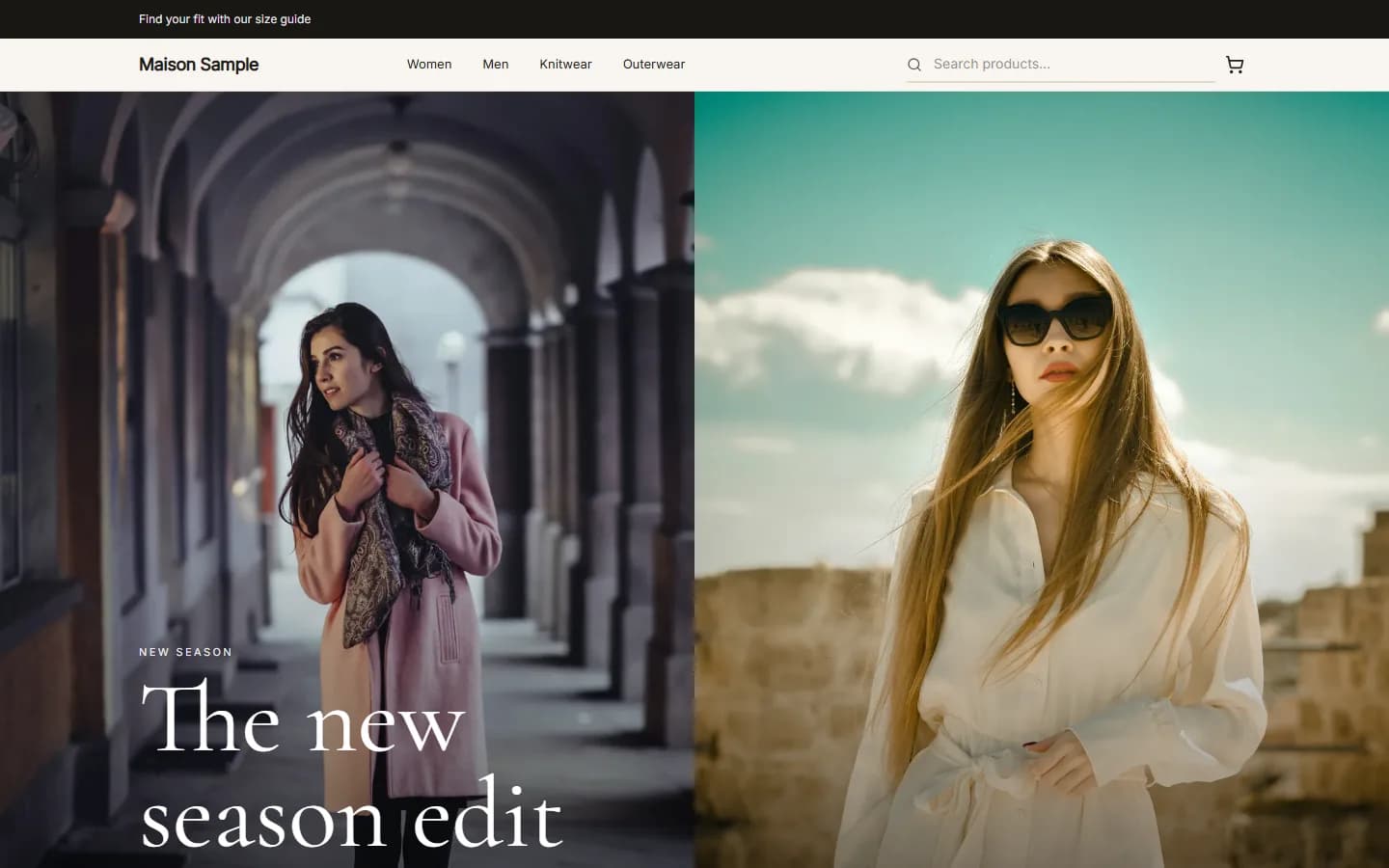
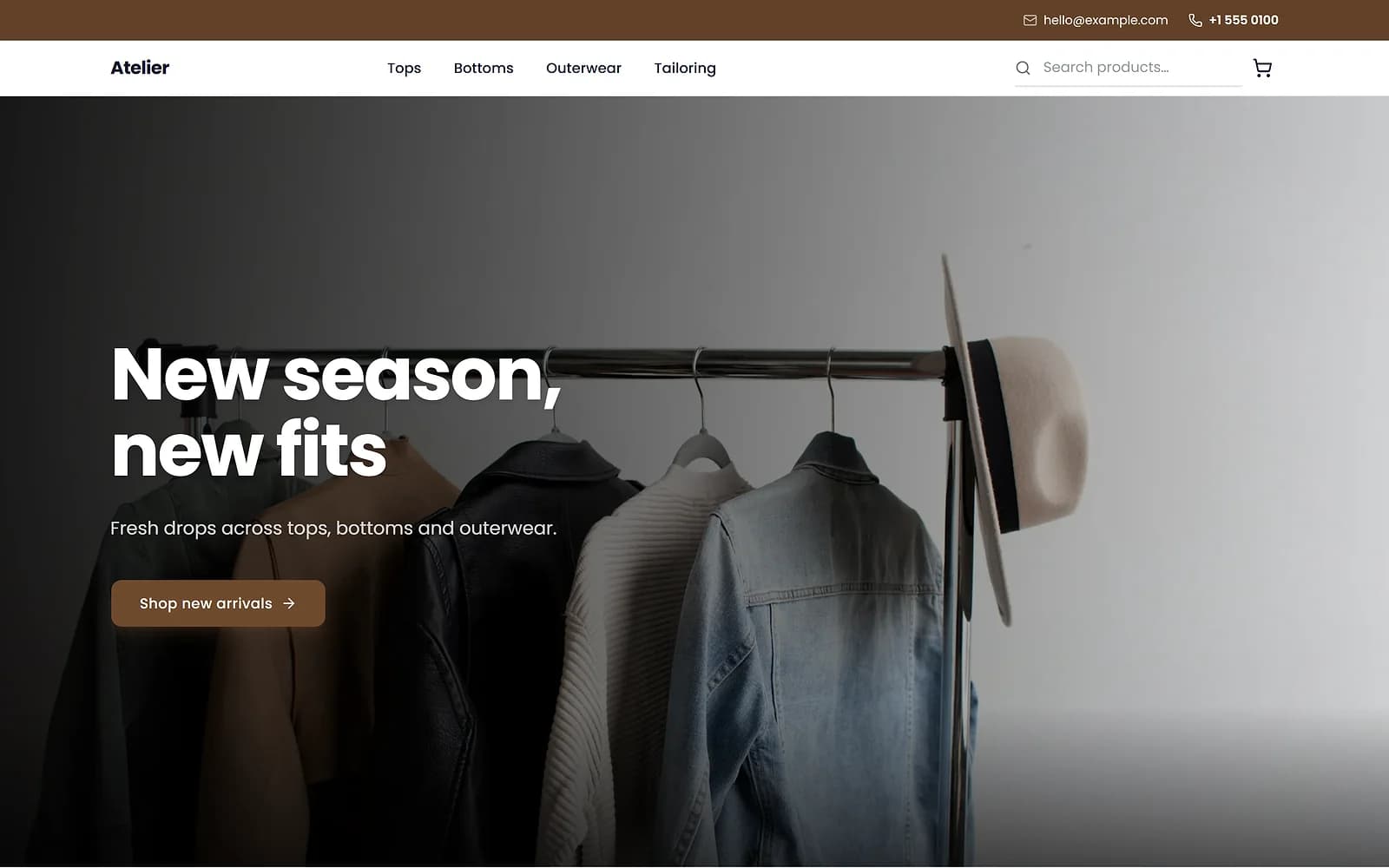
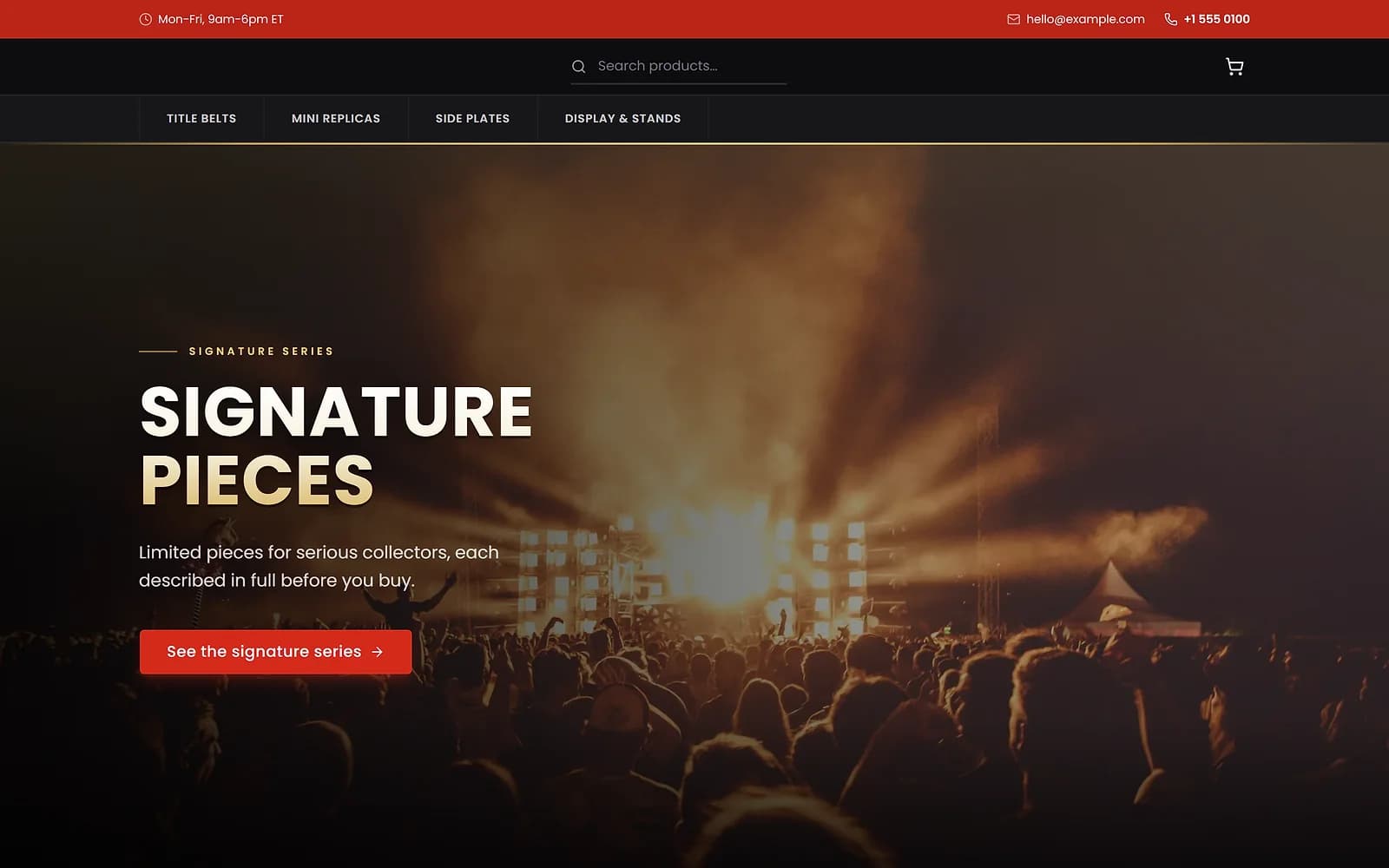
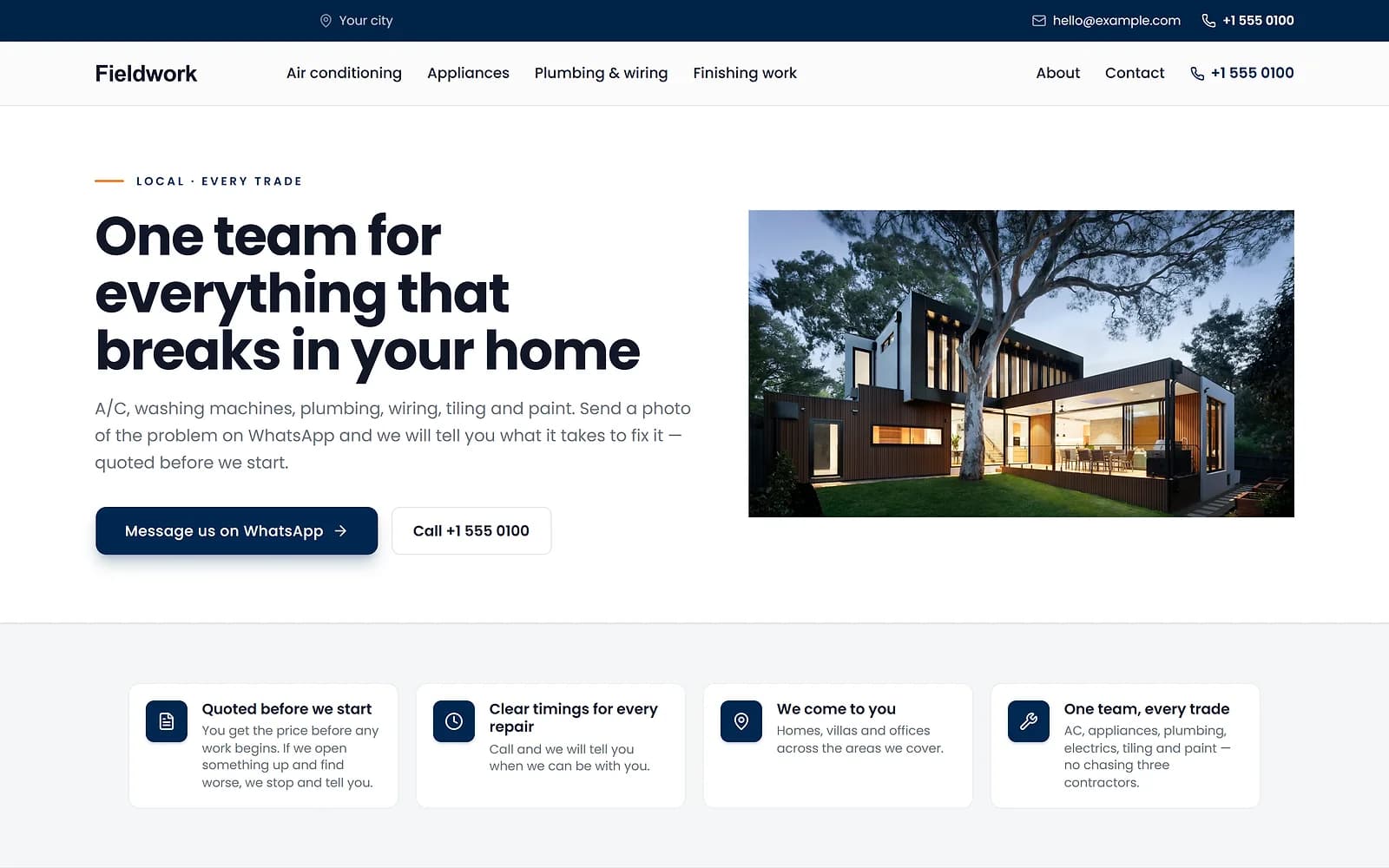
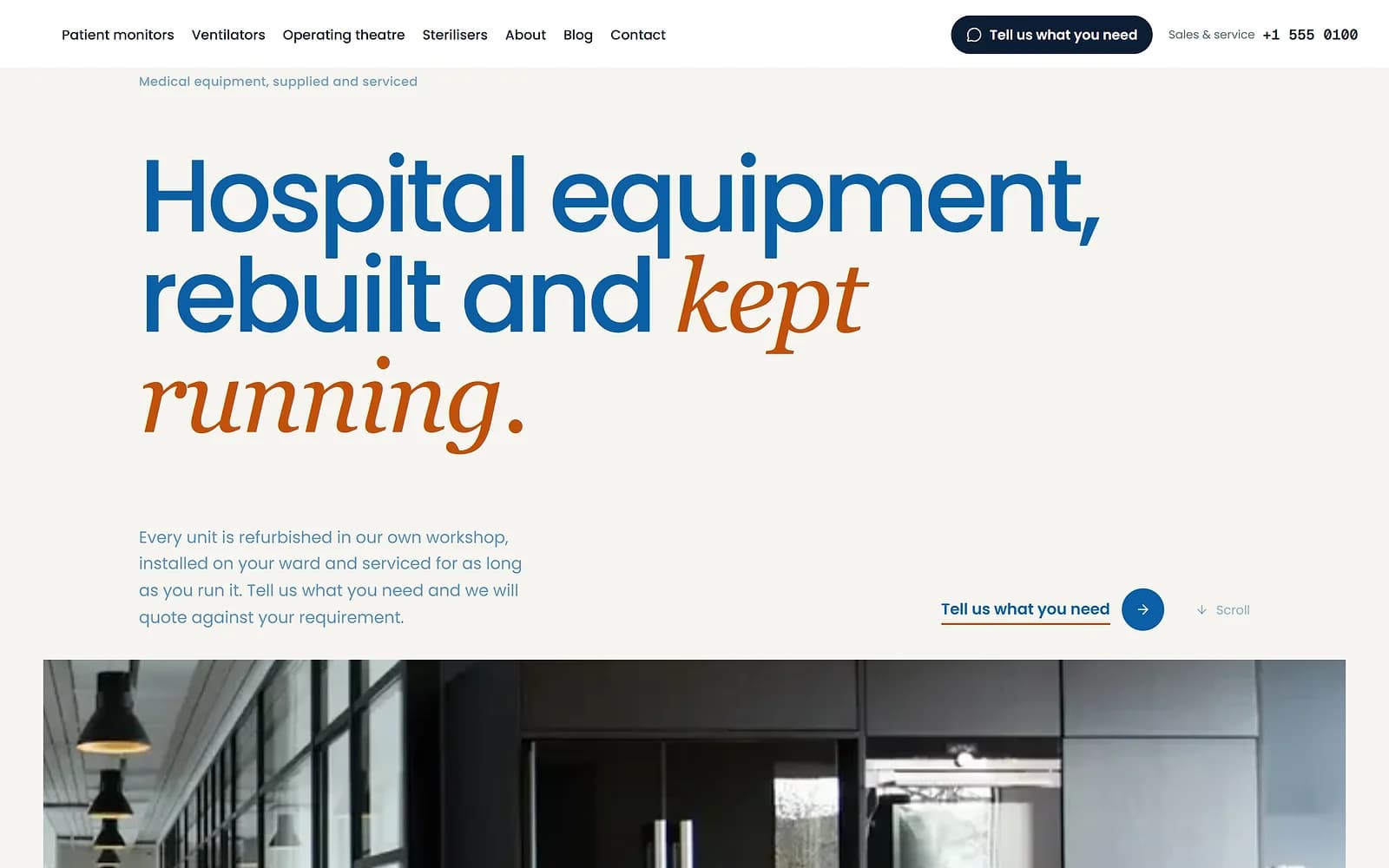
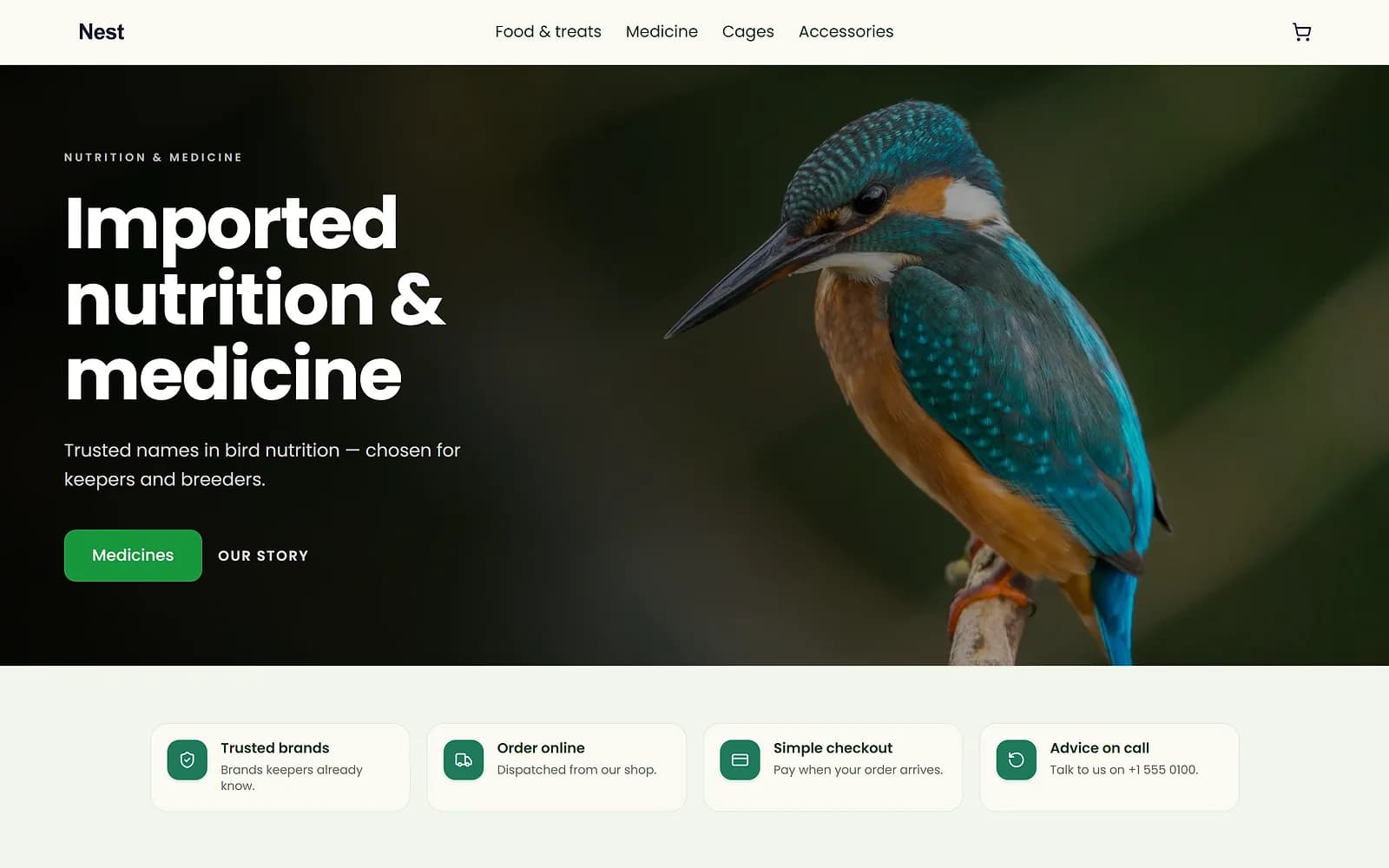
A new theme is chosen and applied. The products, orders and pages stay as they are.
Everything in Build your website
Page builder
Design your pages without a designerThemes
Give your shop a look that matches your brandTemplates
Start from a site that already fits your businessHeader, footer and menus
Control what visitors see at the top and bottom of every pageDrafts and version history
Change your site safely, and undo when you need toMedia library
Upload a photo once and use it everywherePhoto editor
Get clean product photos without another appVideo editor and captions
Make a ready-to-post video from your own clipsBlog
Publish guides and news that bring visitors to your shopContact page and enquiries
Never miss a customer messagePolicy pages
Publish the policies customers and payment providers look forHolding page
Take your shop offline for a while without losing anythingYour own domain
Run your shop on your own web addressOn Starter, Pro and EnterpriseRemove Biizay branding
Show only your own brand to customersOn Pro and EnterpriseCustom HTML and code
Embed something the standard blocks do not coverOn Pro and Enterprise
Go further with Build your website
Step-by-step guides
- Write and publish a blog postShare guides and news on your shop's blog, with your name on them.
- Set up your store: the first hourThe handful of settings that turn a new Biizay account into a shop customers can trust.
- Connect your own domainUse your own web address, like yourshop.pk, instead of a biizay.com one.
- Edit your pages with the page builderChange the words, photos and layout of any page, and choose when visitors see it.
- Launch checklist: ready to open your shopGo through these before you share your shop link with customers.
- Add products with sizes, colours and packsAdd a product, then give it sizes, colours, your own options and pack sizes, each with its own stock.
Apps that work with it
- Blog app: publish posts on your storeThe tool that adds a blog to your store.
- Store emails app: sender, emails and sent logSettings for your customer emails: sender, which emails, and a sent log.
- BiiMail app: mailboxes on your domainEmail on your own domain, managed from Mailboxes.
- Custom head code app: add code to every pageAdd your own code to the head of every page.
- Google Tag Manager app: add your containerOne field for your Tag Manager container ID.
- Social app: Facebook and Instagram postingPost and schedule to Facebook and Instagram, with a planner, templates and post figures.
Who uses it
- Booking website for repair and service businessesService pages, bookings, quotes and jobs in one place for trades and repair businesses.
- Online store for clothing and retail shopsOne stock, one portal for a clothing or retail shop selling online, on social media and at the counter.
- Website and counter sales for cafés and restaurantsA menu website, delivery orders and counter sales in one list, for a café or small restaurant.
Build your website: common questions
Can I embed a YouTube video?
Yes. Video embeds work in the editor. Scripts are blocked for safety.
Who appears as the author?
The account that wrote the post, unless you pick another author.
Can I turn the blog off?
Yes. Switch the Blog tool off in Apps; your posts are kept.
Where do enquiries go?
To Inquiries in your portal.
Can customers get a reply automatically?
Yes, with the Store emails app on and the enquiry reply switched on.
Can I show a map?
Yes. Add a map block to your contact page in the page builder.
Do I buy the domain from Biizay?
No. Buy it from any registrar, then connect it here.
Do I need to set up HTTPS?
No. A certificate is issued for you once the domain is verified.
See it working on your own store.
14-day Pro trial, no card. Everything is in the same account.