

A drag-and-drop editor for every page of your site, with a live preview at three screen sizes.
What it does
- More than a hundred blocks: headings, images, sliders, product grids, forms, maps, FAQs and more
- Edit on a live canvas and switch between desktop, tablet and phone views
- Product widgets can fill themselves: newest, best-selling, on sale or related products, so the list stays current
- Also edits your product, category, search and cart page layouts around the parts that must not break
How it works
- Open a pageGo to Website, then Pages, and open the builder.
- Drag blocks inAdd blocks from the panel, then change text, images and styles in place.
- PublishYour edits stay a draft until you press Publish.
A new look, and nothing else moves.
A new theme is chosen and applied. The products, orders and pages stay as they are.
Choose a theme
- 1. Theme
- 2. Colours
- 3. Fonts
- 4. Review
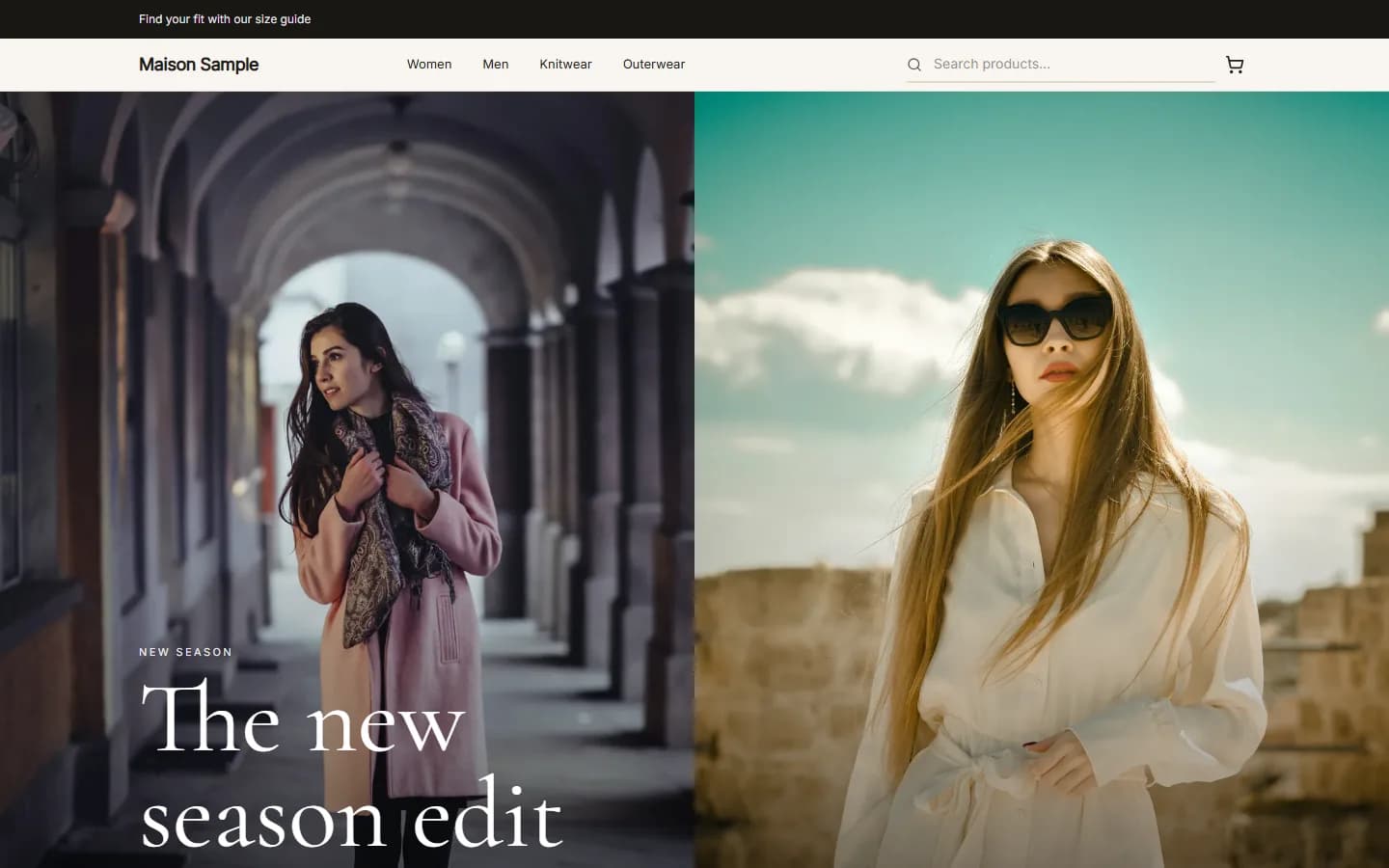
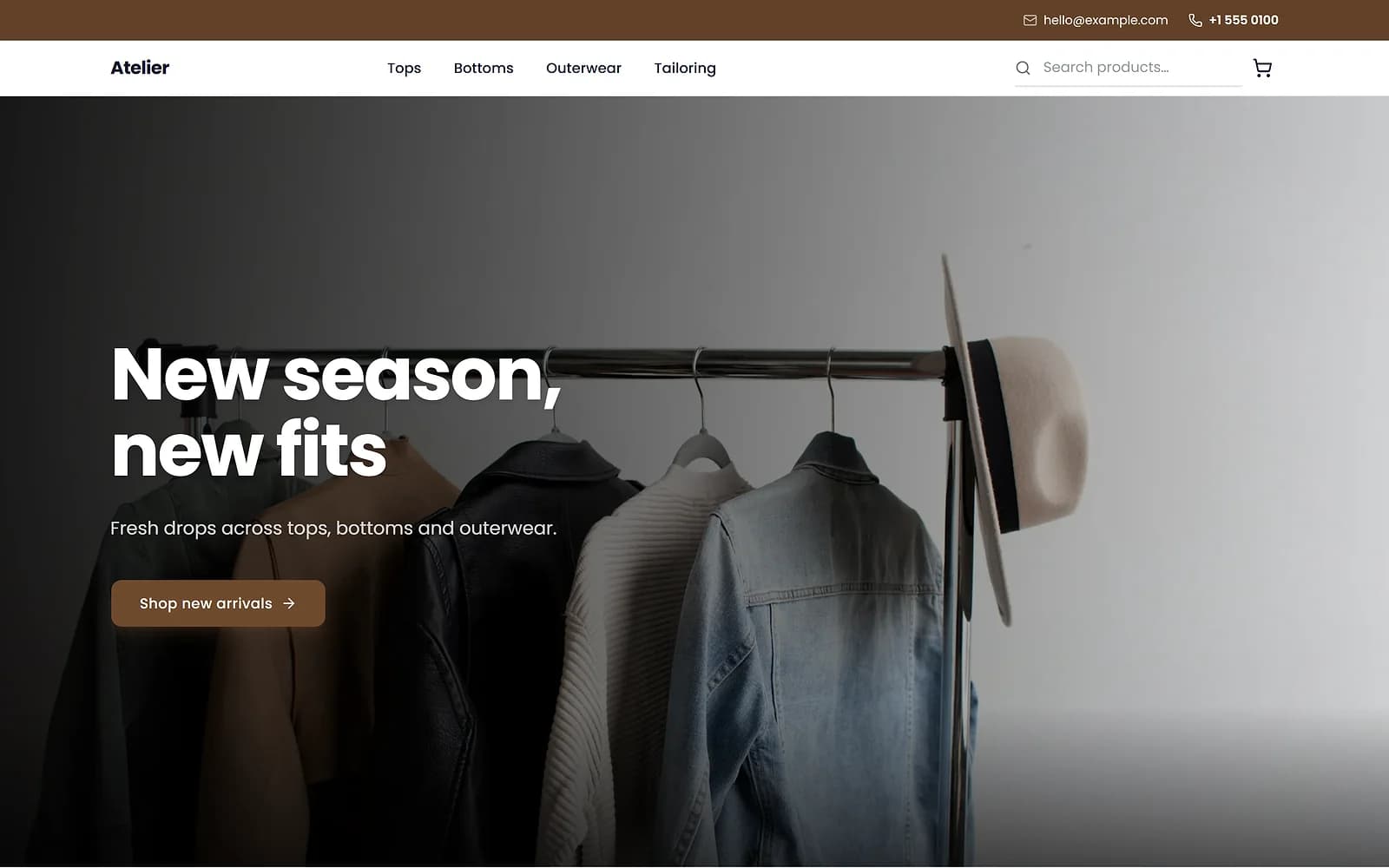
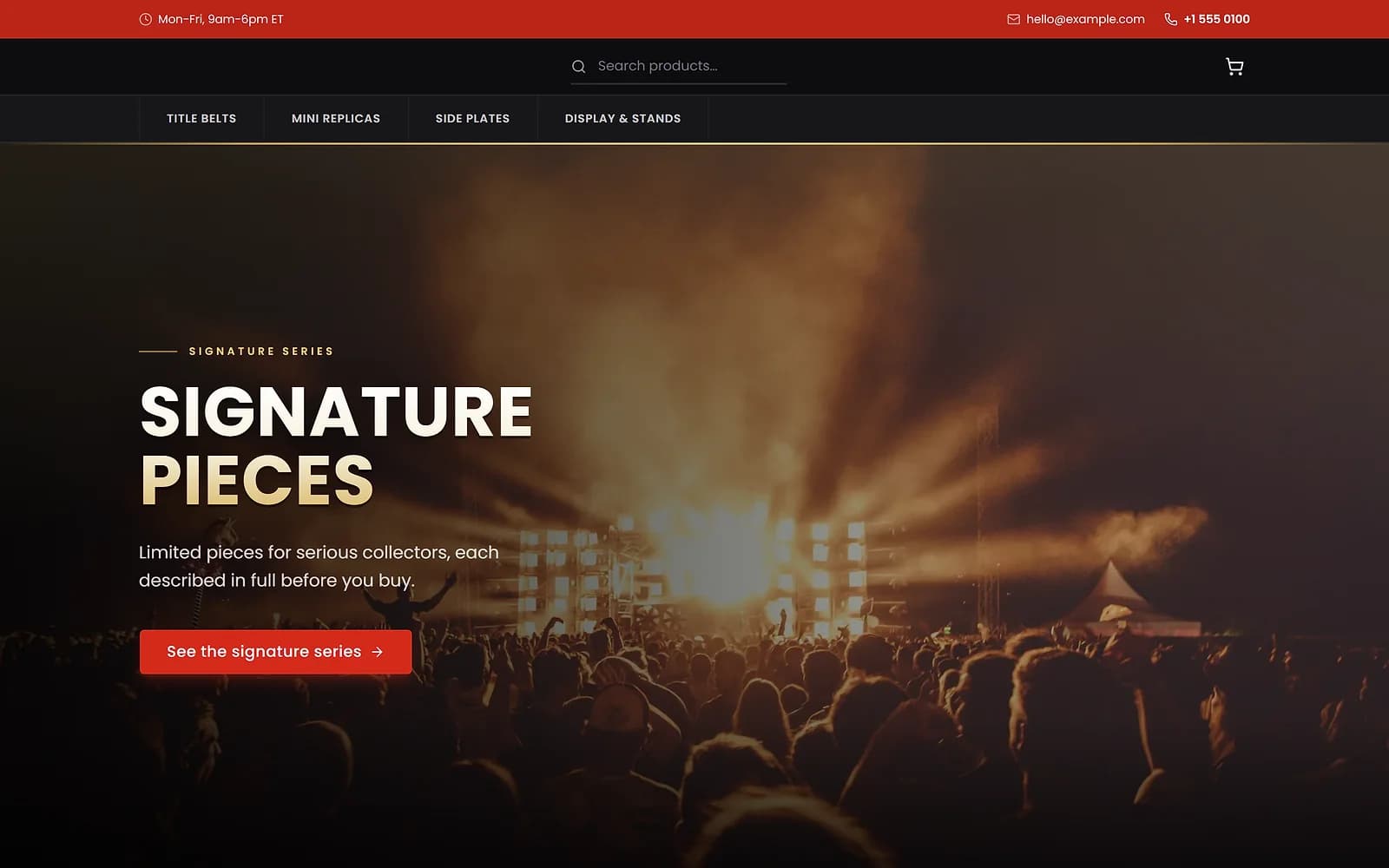
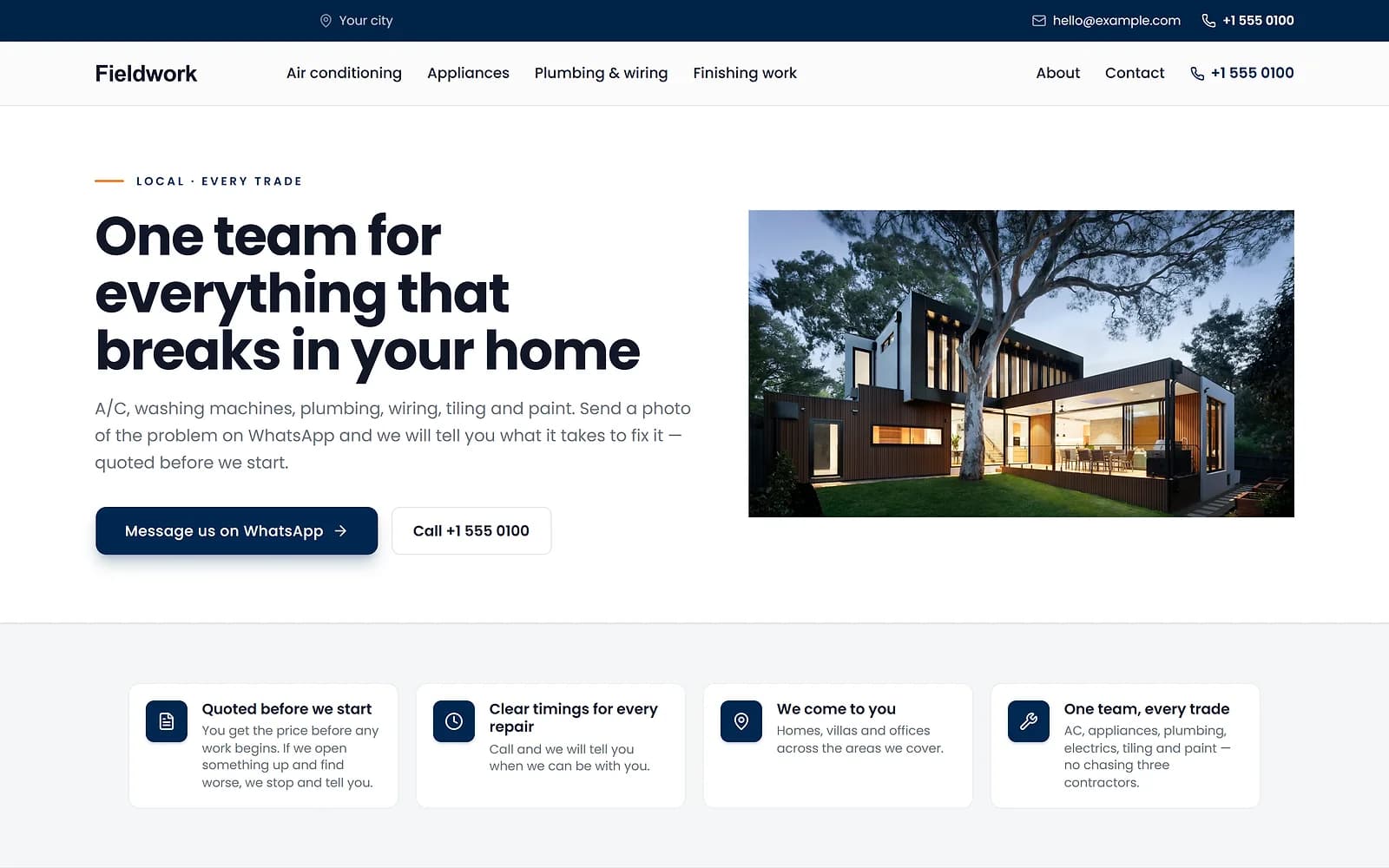
A new theme is chosen and applied. The products, orders and pages stay as they are.
Blocks that know your shop
A product grid set to best-selling shows what has actually sold over the last 90 days. A product that sells out or is set to draft drops off without anyone editing the page.
Edit the pages around your products
The product, category, search and cart pages each have one locked block that holds the shopping logic, such as the variant picker or the cart totals. You can move it, restyle it and build around it, for example adding delivery notes or related products, but you cannot delete it by accident.
Works with
- Page drafts, scheduling and version history | BiizayDrafts, scheduled publishing and restorable versions for every page you build.
- Store themes: colours, fonts and a ready look | BiizayA four-step Themes flow for your look: theme, colours, fonts, review.
- Website header, footer and menu builder | BiizayHeader, footer and navigation menus you edit like any other page.
- Custom HTML and code blocks in your pages | BiizayBlocks for your own HTML and code inside builder pages.
- Media library for your shop's images and files | BiizayEvery image you upload, in one place, reusable across products, pages and posts.
- Online store for clothing and retail shops | BiizayOne stock, one portal for a clothing or retail shop selling online, on social media and at the counter.
- Website and counter sales for cafés and restaurants | BiizayA menu website, delivery orders and counter sales in one list, for a café or small restaurant.
Questions
Can I edit the product page layout?
Yes. Add content around the locked product block; the variant picker and buy button stay intact.
Will my changes go live straight away?
No. Edits are saved as a draft until you publish.
Does it work on phones?
You can preview and style each page for desktop, tablet and phone widths.
Try it on your own store.
14-day Pro trial, no card. Everything is in the same account.