

Custom HTML and code blocks in your pages
Embed something the standard blocks do not cover
Blocks for your own HTML and code inside builder pages.
What it does
- A Custom HTML block for raw markup on any builder page
- A Custom Code block for scripts you trust
- Pages that already hold such a block keep saving if your plan changes
How it works
- Check your planThese blocks are included on some plans only.
- Add the blockDrag Custom HTML or Custom Code onto a page and paste your code.
- Preview and publishCheck the page in preview before publishing.
A new look, and nothing else moves.
A new theme is chosen and applied. The products, orders and pages stay as they are.
saffronandclay.pk/portal/Themes
Choose a theme
- 1. Theme
- 2. Colours
- 3. Fonts
- 4. Review

MaisonFashionUse this
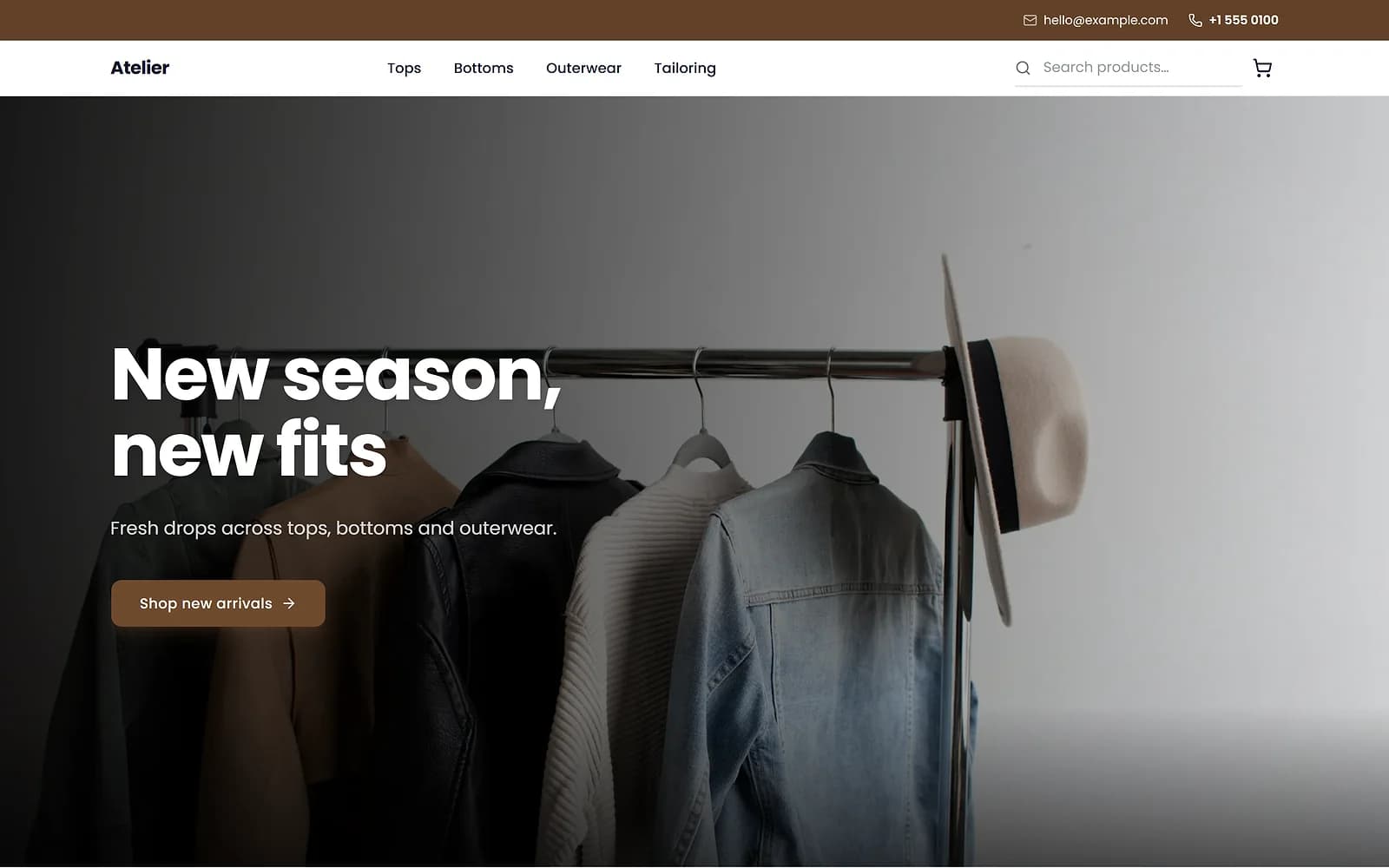
AtelierClothingUse this
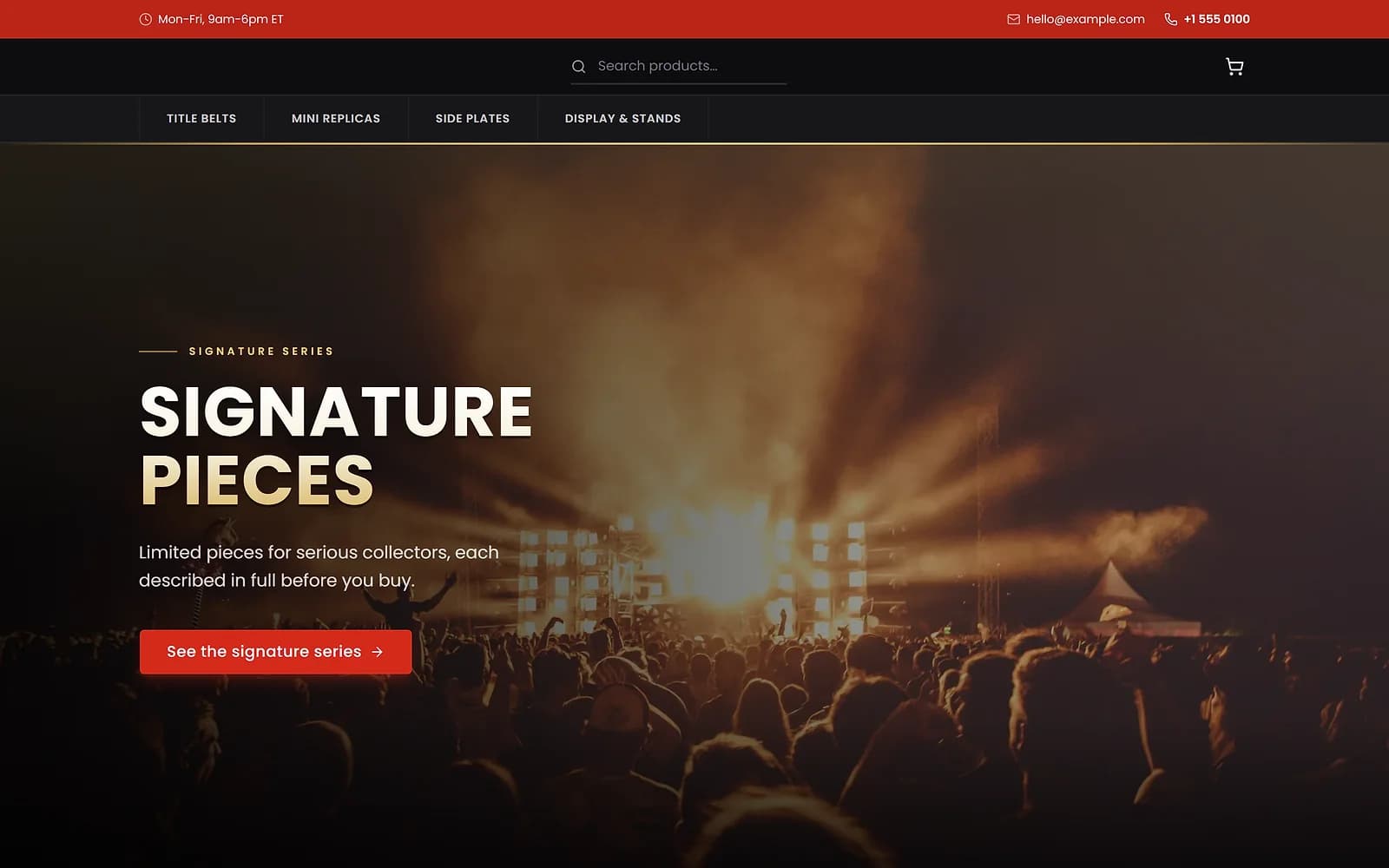
ArenaCollectiblesUse this
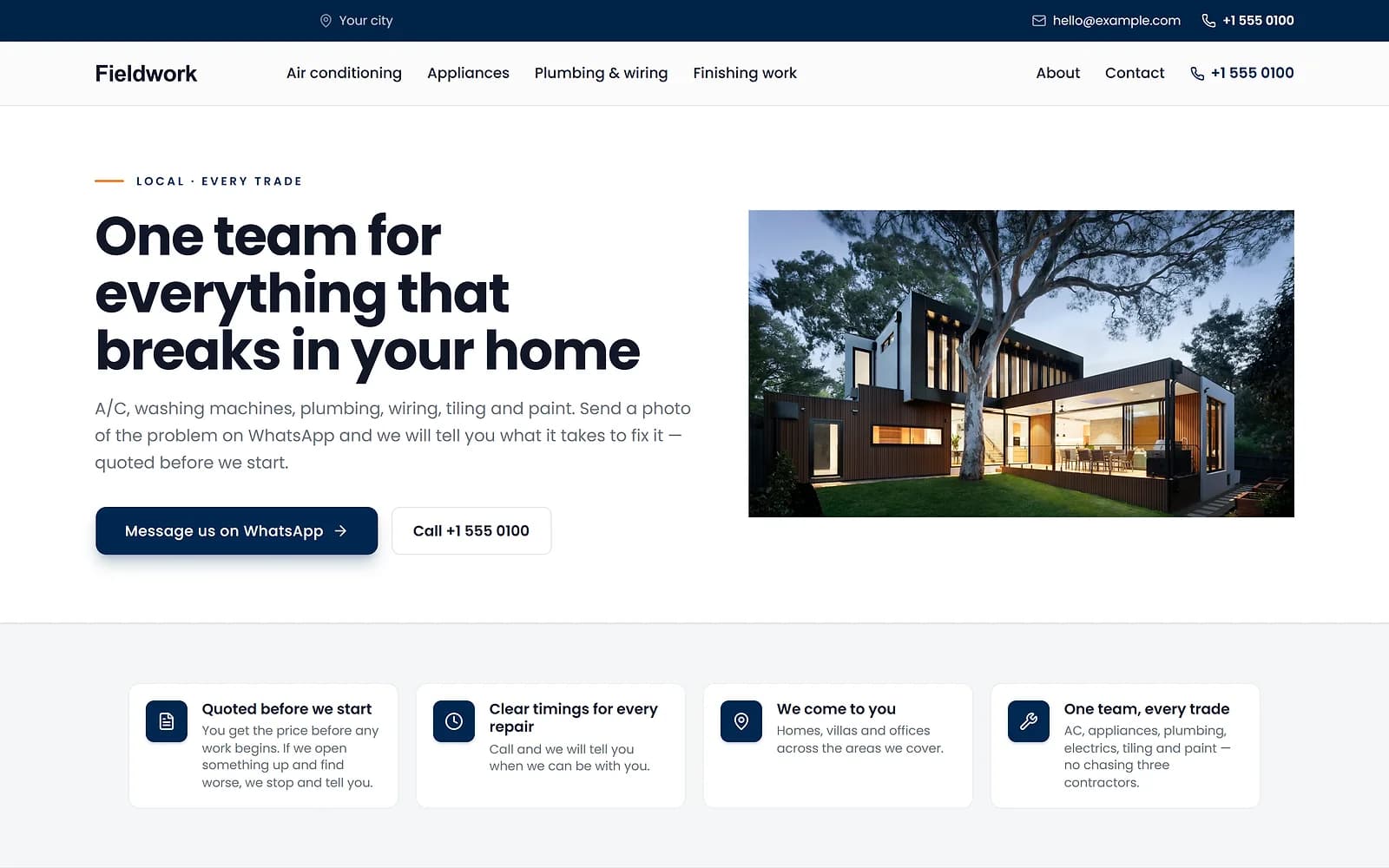
FieldworkHome servicesUse this
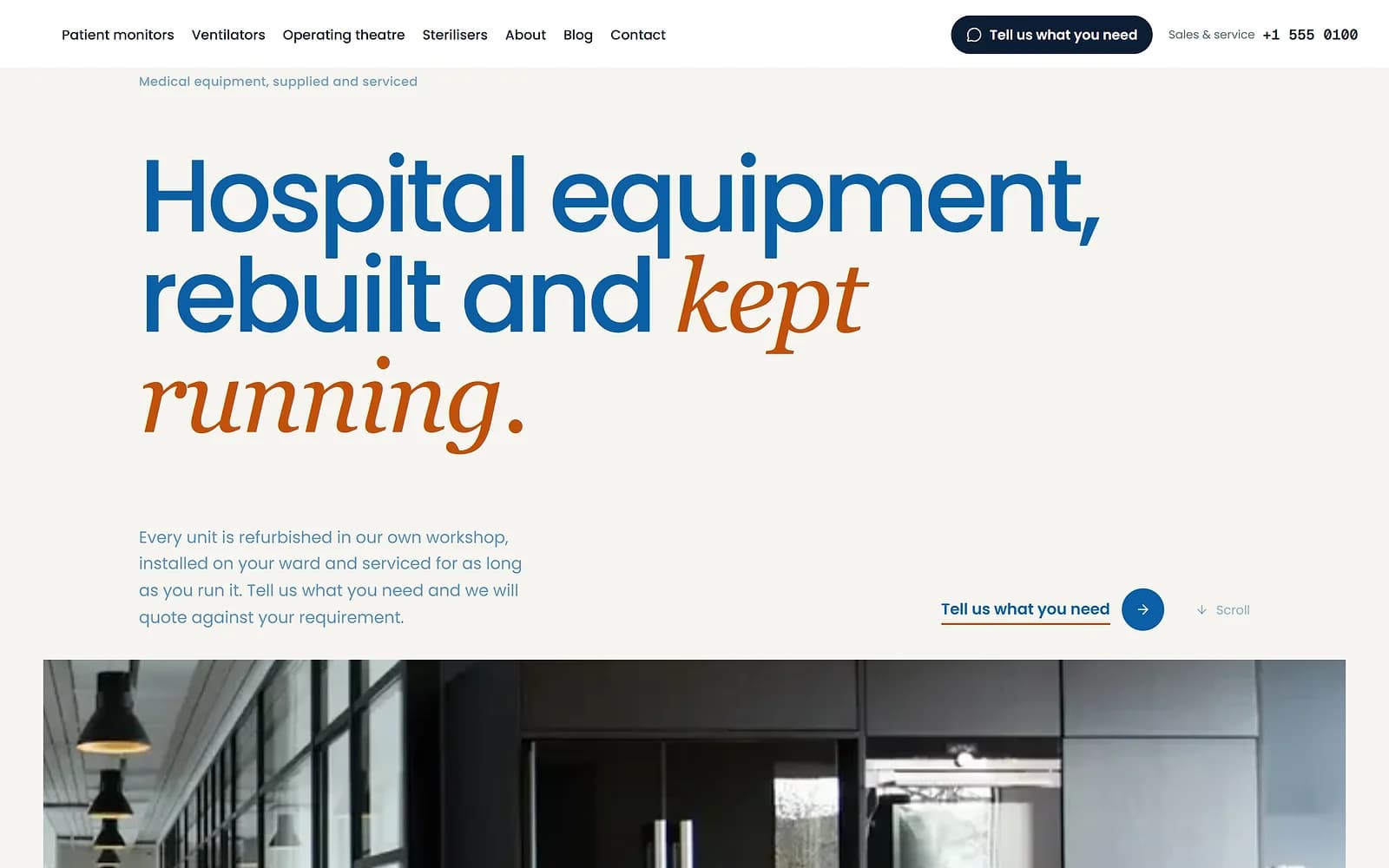
MeridianMedical supplyUse this
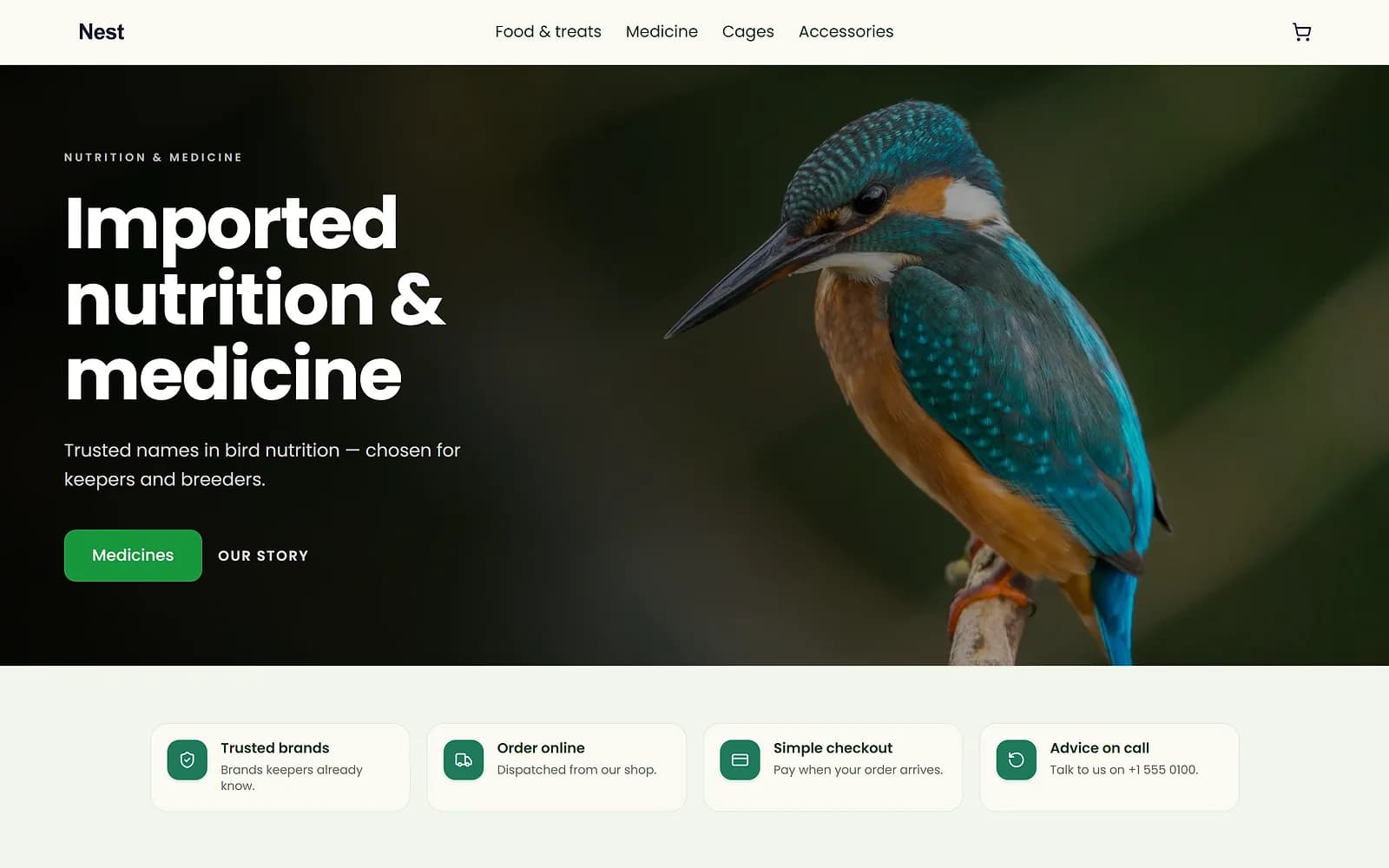
NestPet shopUse this
A new theme is chosen and applied. The products, orders and pages stay as they are.
Use with care
Code on your own pages runs for your customers. Only paste code from a source you trust. For tracking tags, the Tag Manager, Meta Pixel and Custom head code apps are usually a better fit.
Works with
- Drag-and-drop website page builder | BiizayA drag-and-drop editor for every page of your site, with a live preview at three screen sizes.
- Google Tag Manager on your online store | BiizayYour Tag Manager container on every page, fed with shop events.
- Custom head code app: add code to every page | BiizayAdd your own code to the head of every page.
- Google Tag Manager app: add your container | BiizayOne field for your Tag Manager container ID.
Questions
Is it on every plan?
No. Custom HTML and code blocks are included on some plans; the plan comparison shows which.
What if I downgrade?
Existing blocks stay and pages still save; you cannot add new ones.
Should I use it for Google Analytics?
Use the Google Analytics or Tag Manager app instead.
Try it on your own store.
14-day Pro trial, no card. Everything is in the same account.