

Work as a team, with the right access for each person
Bring staff in without handing over the keys.
Invite your staff by email and bring them into your portal, each with their own sign-in.
Every person gets a role that decides what they can see and change, so nobody needs the owner's login to do their job.
Bring people in, not the keys.
A shop assistant is invited by email. Her role decides what she sees: orders and products, not reports, costs or profit.
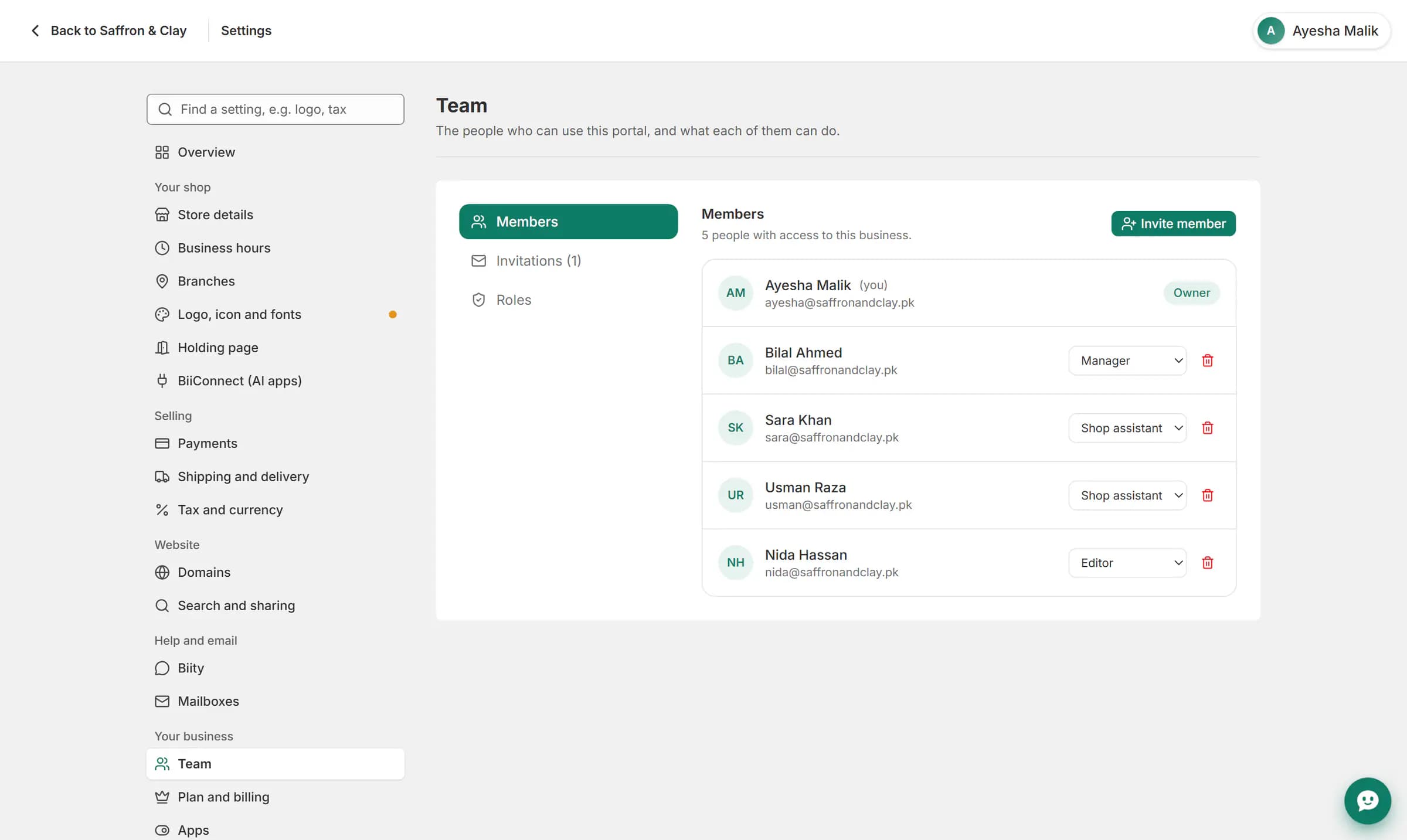
A shop assistant is invited by email. Her role decides what she sees: orders and products, not reports, costs or profit.
Everything in Work as a team
Go further with Work as a team
Work as a team: common questions
Can I make my own role?
Yes. Create a role and tick the permissions it should have.
Can a viewer change anything?
No. Viewers can look but not change.
Do roles apply to AI apps?
Yes. An AI app connected by a member can do no more than that member's role allows.
How many people can I invite?
Your plan sets the number of staff accounts, counting the owner.
Can I remove someone?
Yes. Removing a member ends their access straight away.
Does the invite need an existing Biizay account?
No. The person sets up their sign-in when they accept.
See it working on your own store.
14-day Pro trial, no card. Everything is in the same account.