

Invite staff by email with their role already set.
What it does
- Invite someone by email and choose their role up front
- They accept the invitation and join your business
- Change a member's role or remove them at any time
- The number of staff accounts depends on your plan
How it works
- Send an inviteIn Settings, open Team and invite by email.
- They acceptThe invite email leads them to join and set up their sign-in.
- Manage the teamChange roles or remove people as your team changes.
Bring people in, not the keys.
A shop assistant is invited by email. Her role decides what she sees: orders and products, not reports, costs or profit.
saffronandclay.pk/portal/settings/team
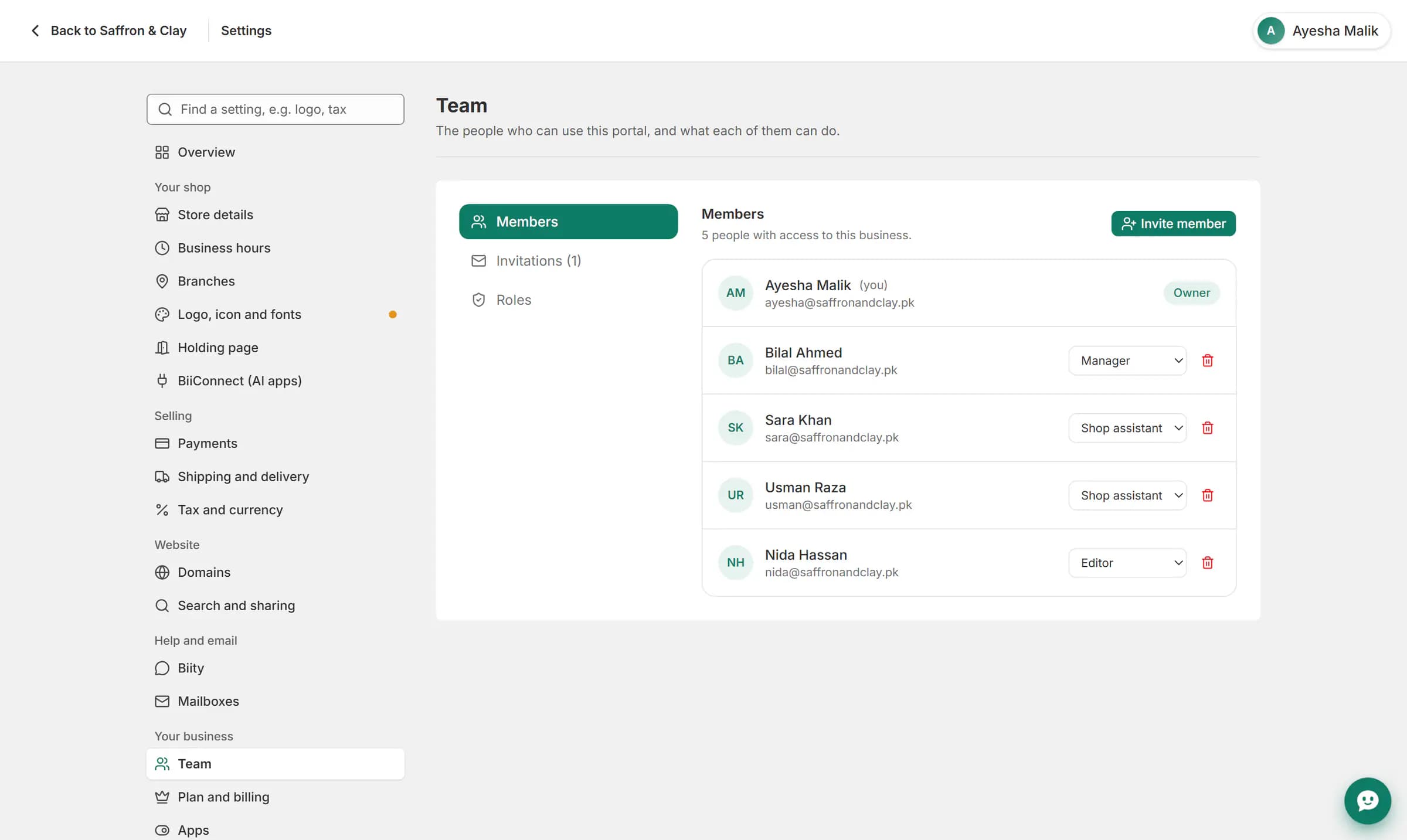
A shop assistant is invited by email. Her role decides what she sees: orders and products, not reports, costs or profit.
Separate logins, clear records
Everyone gets their own sign-in instead of sharing yours. Blog posts they write carry their name, and jobs can be assigned to them.
Works with
- Staff roles and permissions for your shop | BiizayReady-made roles and custom roles that decide what each person can see and change.
- Job tracking and materials for service businesses | BiizayJobs for every service sold, with a status, an assignee and the parts used.
- Blog for your online store, with author pages | BiizayA blog on your store with real authors, author pages and search-ready markup.
Questions
How many people can I invite?
Your plan sets the number of staff accounts, counting the owner.
Can I remove someone?
Yes. Removing a member ends their access straight away.
Does the invite need an existing Biizay account?
No. The person sets up their sign-in when they accept.
Try it on your own store.
14-day Pro trial, no card. Everything is in the same account.