

Staff roles and permissions for your shop
Give staff access without giving them everything
Ready-made roles and custom roles that decide what each person can see and change.
What it does
- Five ready roles: Owner, Admin, Editor, Billing and Viewer
- Custom roles with exactly the permissions you pick
- Permissions are checked on the server, not just hidden in the menu
- AI apps connected through BiiConnect are held to the same role
How it works
- Open TeamIn Settings, open Team and look at Roles.
- Pick or build a roleUse a ready role or create one with the permissions you need.
- Assign itGive each member the role that fits their job.
Bring people in, not the keys.
A shop assistant is invited by email. Her role decides what she sees: orders and products, not reports, costs or profit.
saffronandclay.pk/portal/settings/team
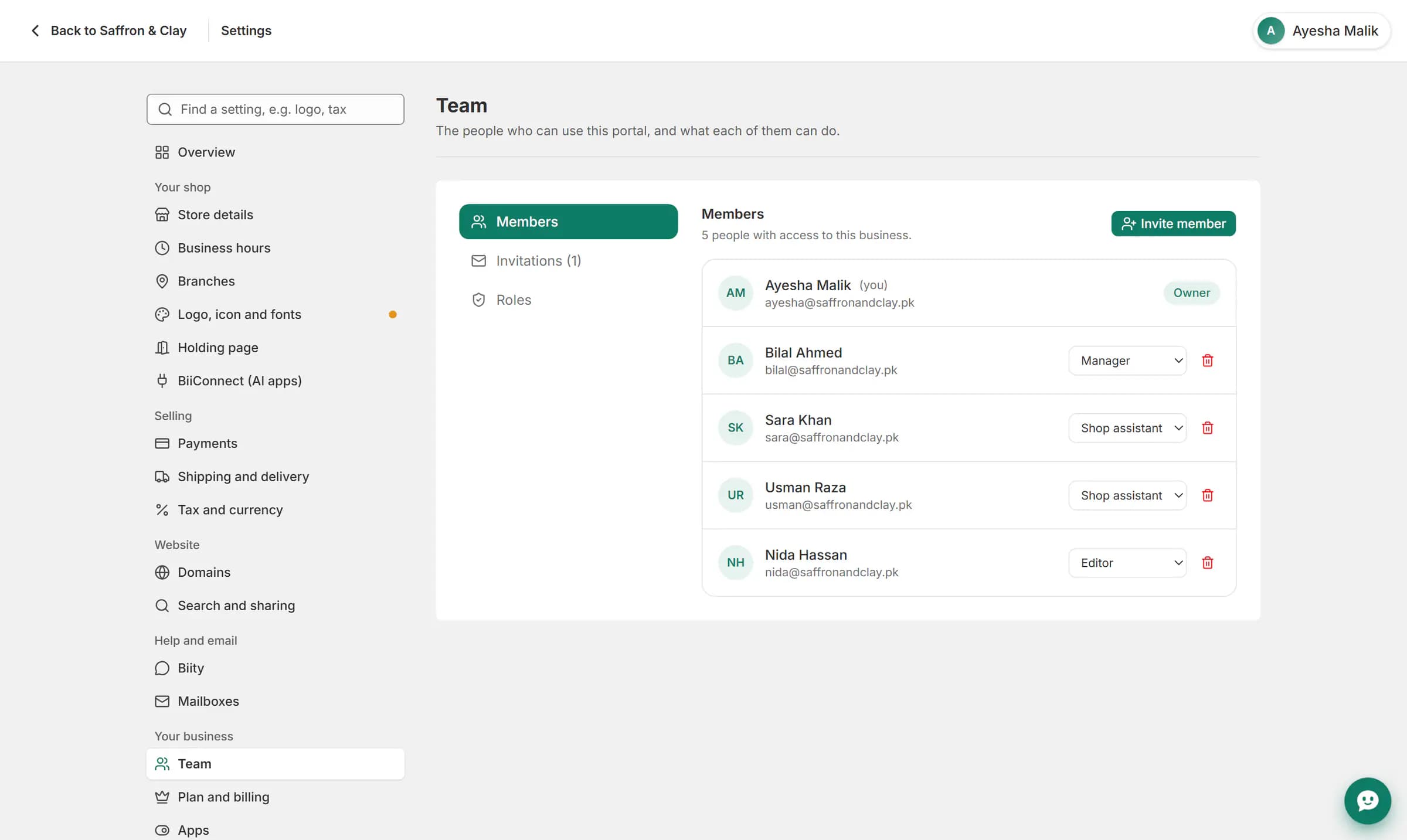
A shop assistant is invited by email. Her role decides what she sees: orders and products, not reports, costs or profit.
Access that matches the job
- Owner: everything.
- Admin: everything except managing billing.
- Editor: day-to-day work on the catalogue, website and orders.
- Billing: read access plus plan and billing.
- Viewer: read only.
A team member can only sign in on the shops they belong to.
Works with
Questions
Can I make my own role?
Yes. Create a role and tick the permissions it should have.
Can a viewer change anything?
No. Viewers can look but not change.
Do roles apply to AI apps?
Yes. An AI app connected by a member can do no more than that member's role allows.
Try it on your own store.
14-day Pro trial, no card. Everything is in the same account.