

Media library for your shop's images and files
Upload a photo once and use it everywhere
Every image you upload, in one place, reusable across products, pages and posts.
What it does
- One library for every image and file you upload
- Every image field lets you pick from the library or upload something new
- Shows how much storage you have used
- Before deleting, lists every product, page or post still using the file
How it works
- UploadAdd images from any image field or from the Media page.
- ReusePick the same image for a product, a banner or a post without uploading it again.
- Tidy upDelete files you no longer need; Biizay warns you if they are still in use.
A new look, and nothing else moves.
A new theme is chosen and applied. The products, orders and pages stay as they are.
Choose a theme
- 1. Theme
- 2. Colours
- 3. Fonts
- 4. Review
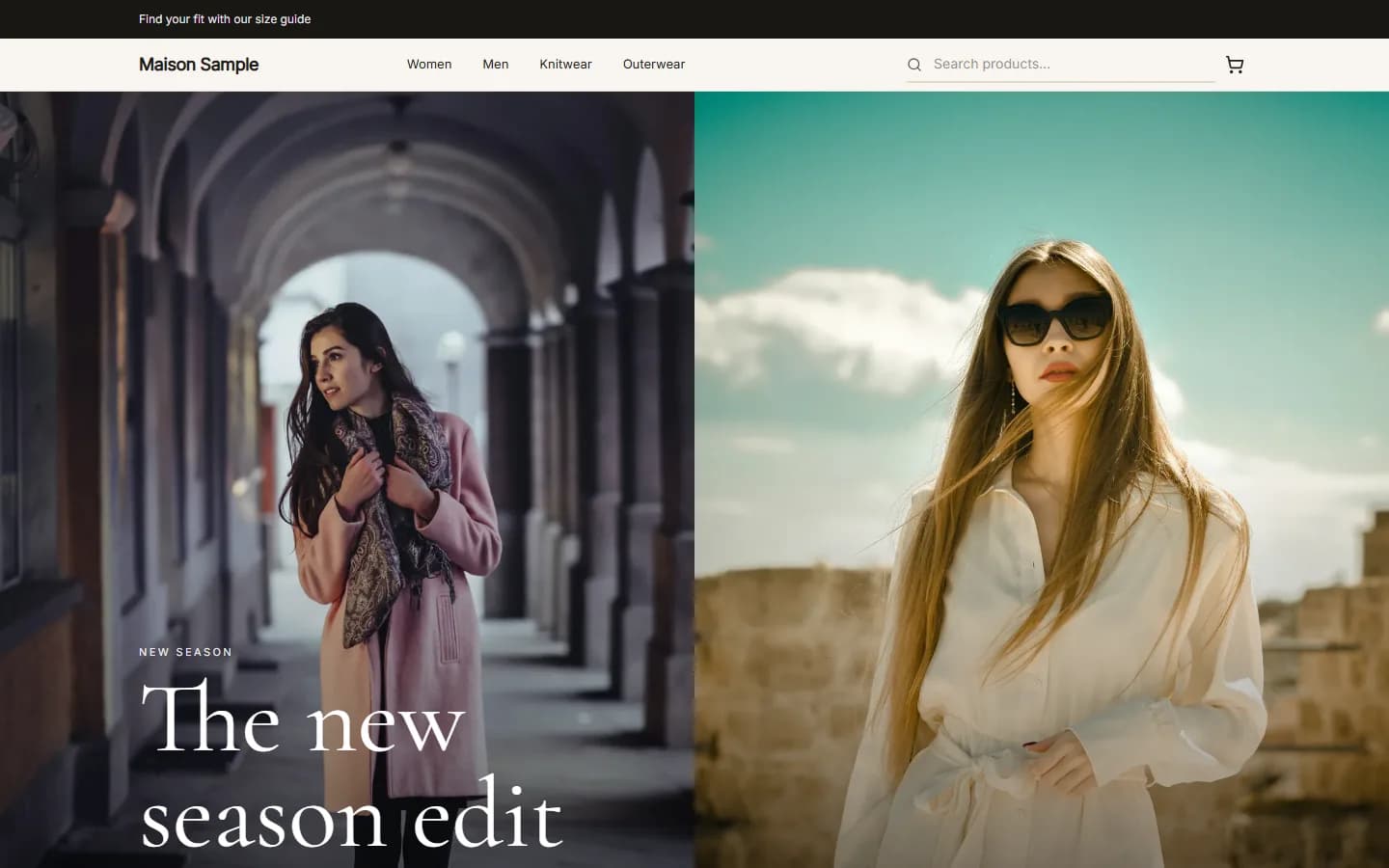
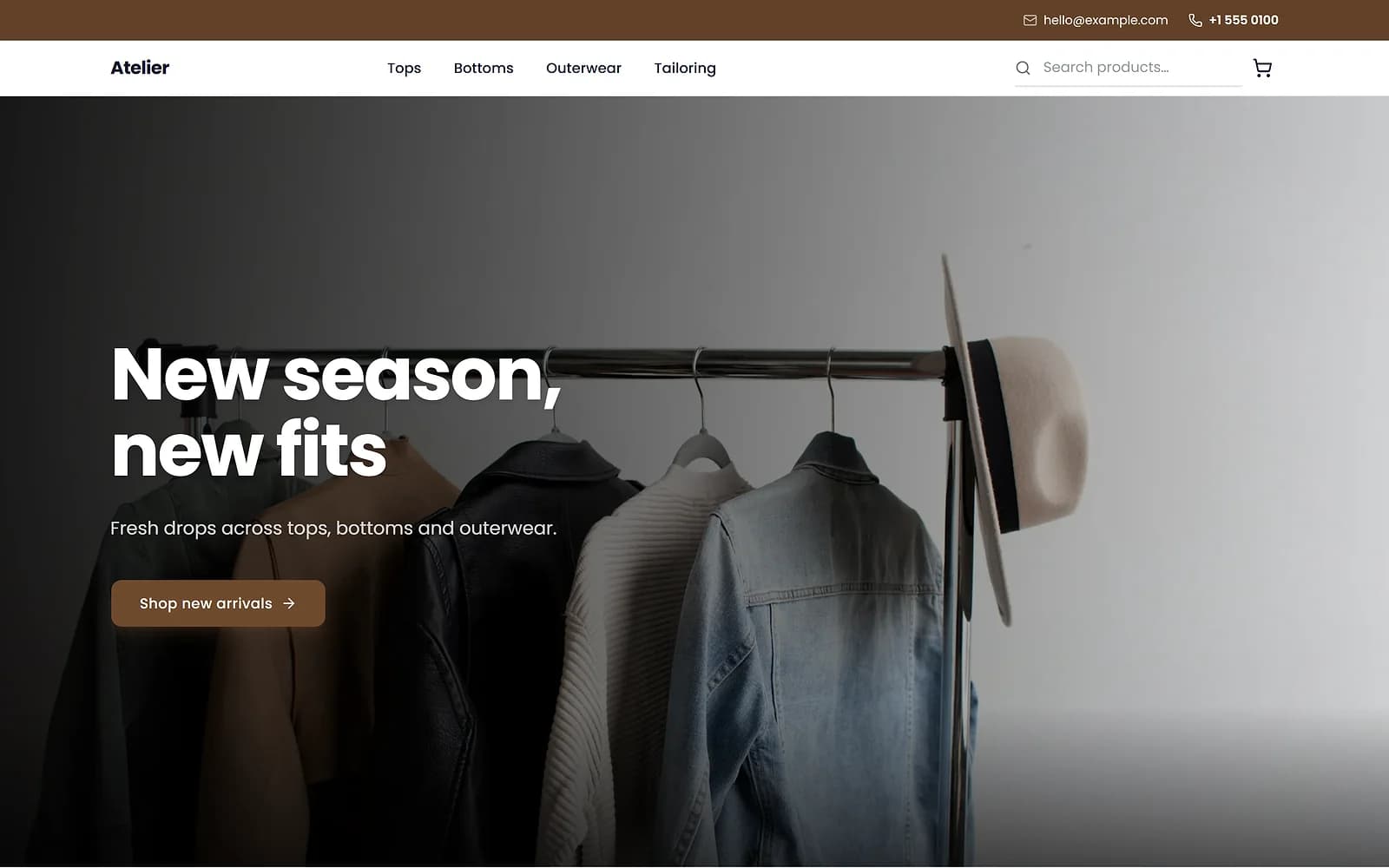
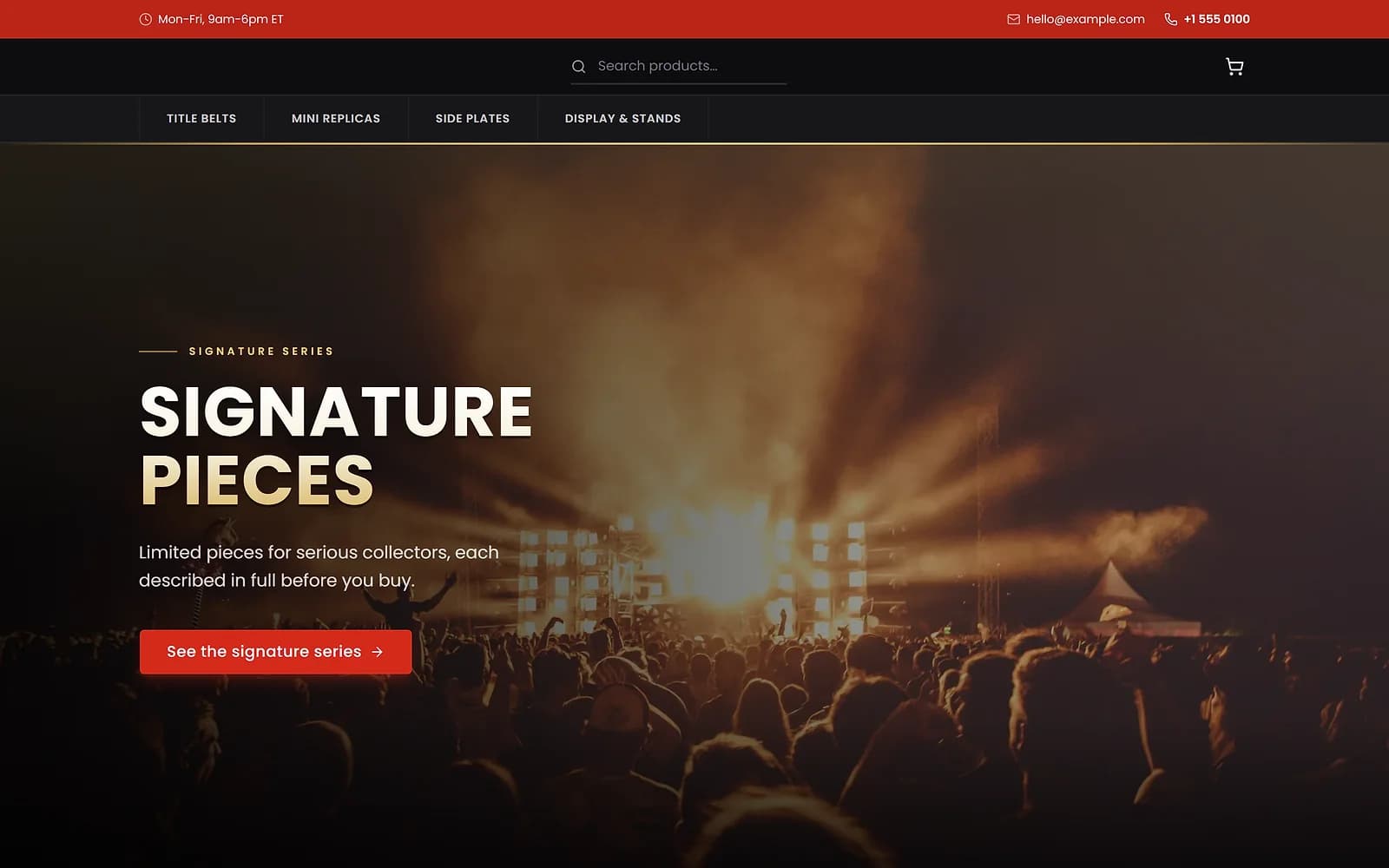
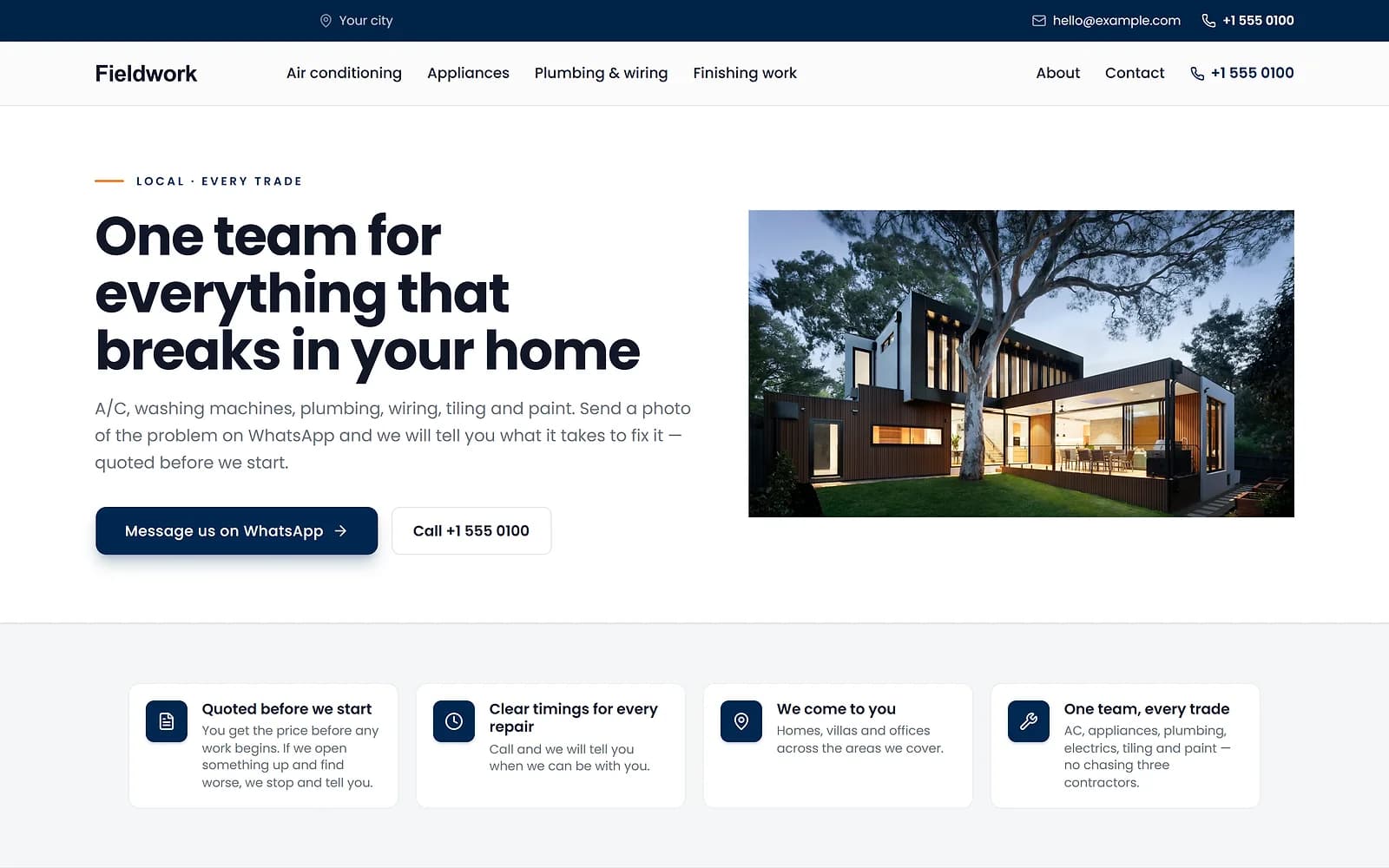
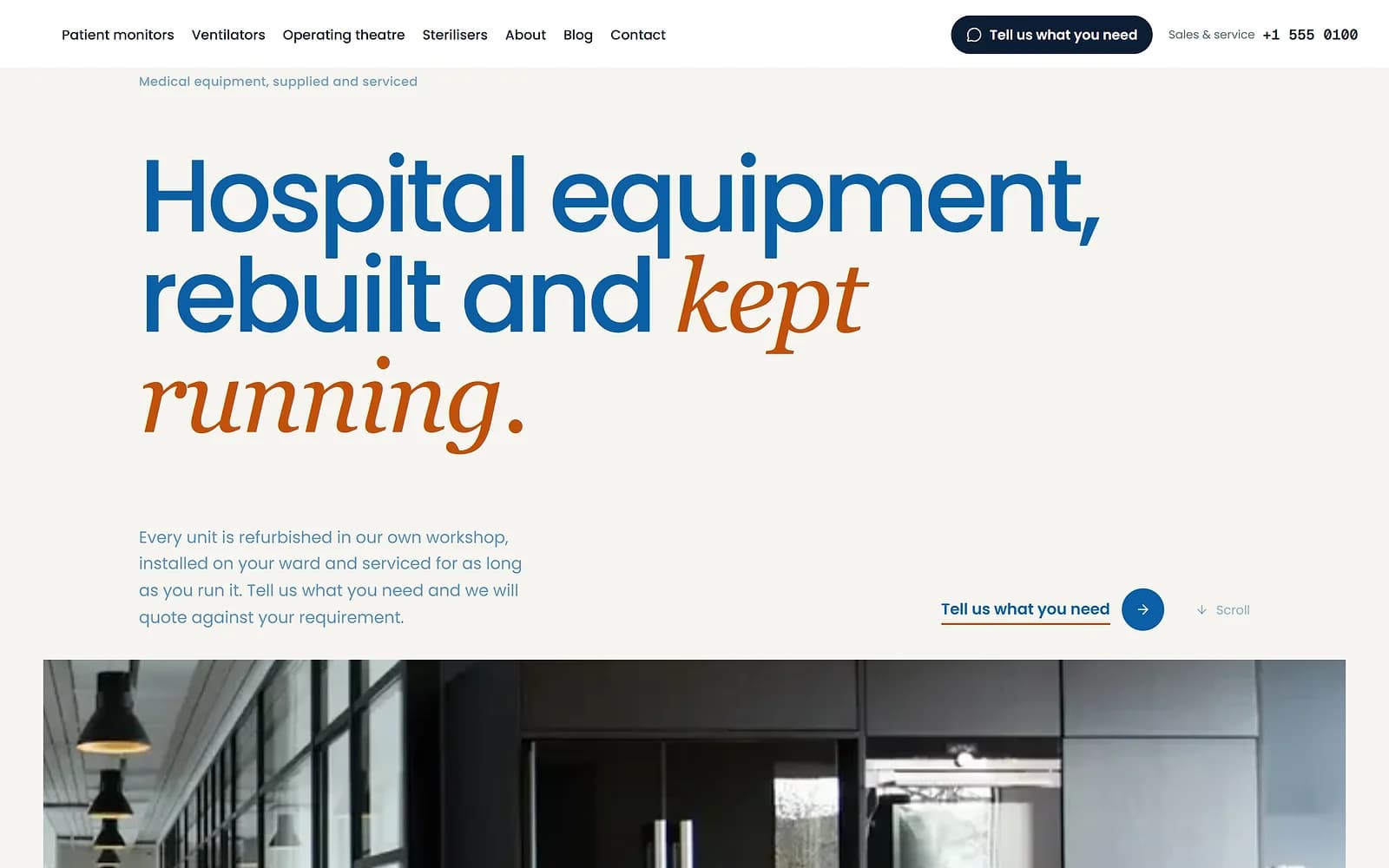
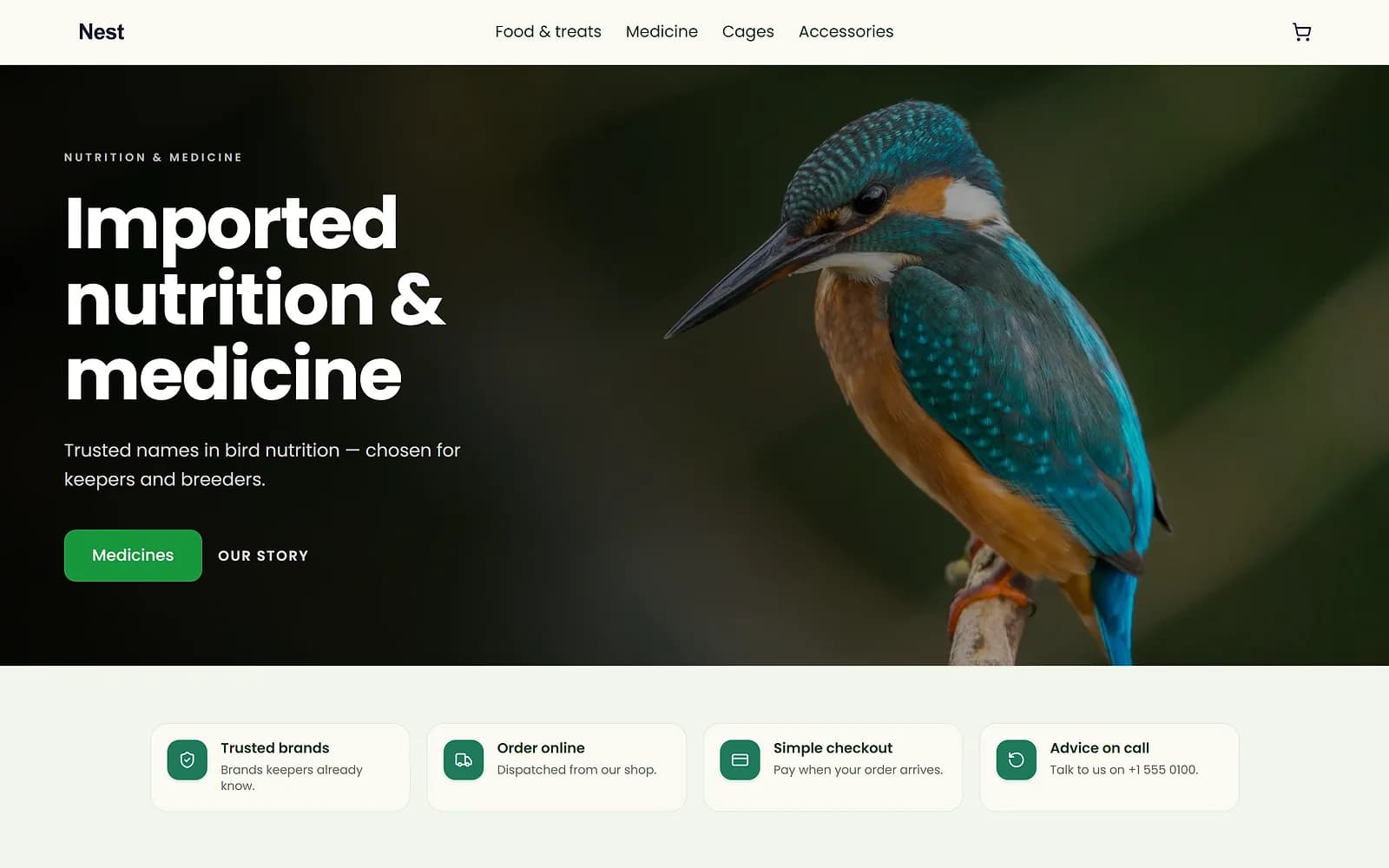
A new theme is chosen and applied. The products, orders and pages stay as they are.
No broken images from a quick delete
Deleting a file that a product or page still uses would leave a gap on your site. Biizay checks every place a file can appear and names them before you confirm.
How much you can store depends on your plan.
Works with
- Drag-and-drop website page builder | BiizayA drag-and-drop editor for every page of your site, with a live preview at three screen sizes.
- Blog for your online store, with author pages | BiizayA blog on your store with real authors, author pages and search-ready markup.
- Product variants: sizes, colours and custom options | BiizaySizes, colours and any extra option you need, each variant with its own stock and SKU.
Questions
Can I reuse an image?
Yes. Every image field opens the library so you can pick one you already uploaded.
What happens if I delete an image in use?
Biizay lists where it is used and asks you to confirm first.
Is there a storage limit?
Yes, set by your plan. The library shows how much you have used.
Try it on your own store.
14-day Pro trial, no card. Everything is in the same account.