
Store themes: colours, fonts and a ready look
Give your shop a look that matches your brand
A four-step Themes flow for your look: theme, colours, fonts, review.
What it does
- Four steps: choose a theme, set colours, pick fonts, review
- Nothing changes on your site until you press Apply
- Warns you when a text and background colour would be hard to read
- Keep several themes in your own library, edit one that is not live, and switch between them
How it works
- Open ThemesChoose Themes in your portal and pick a starting theme.
- Make it yoursSet your colours and a font for headings and body text.
- ApplyReview the preview and apply. You can undo right after.
A new look, and nothing else moves.
A new theme is chosen and applied. The products, orders and pages stay as they are.
Choose a theme
- 1. Theme
- 2. Colours
- 3. Fonts
- 4. Review
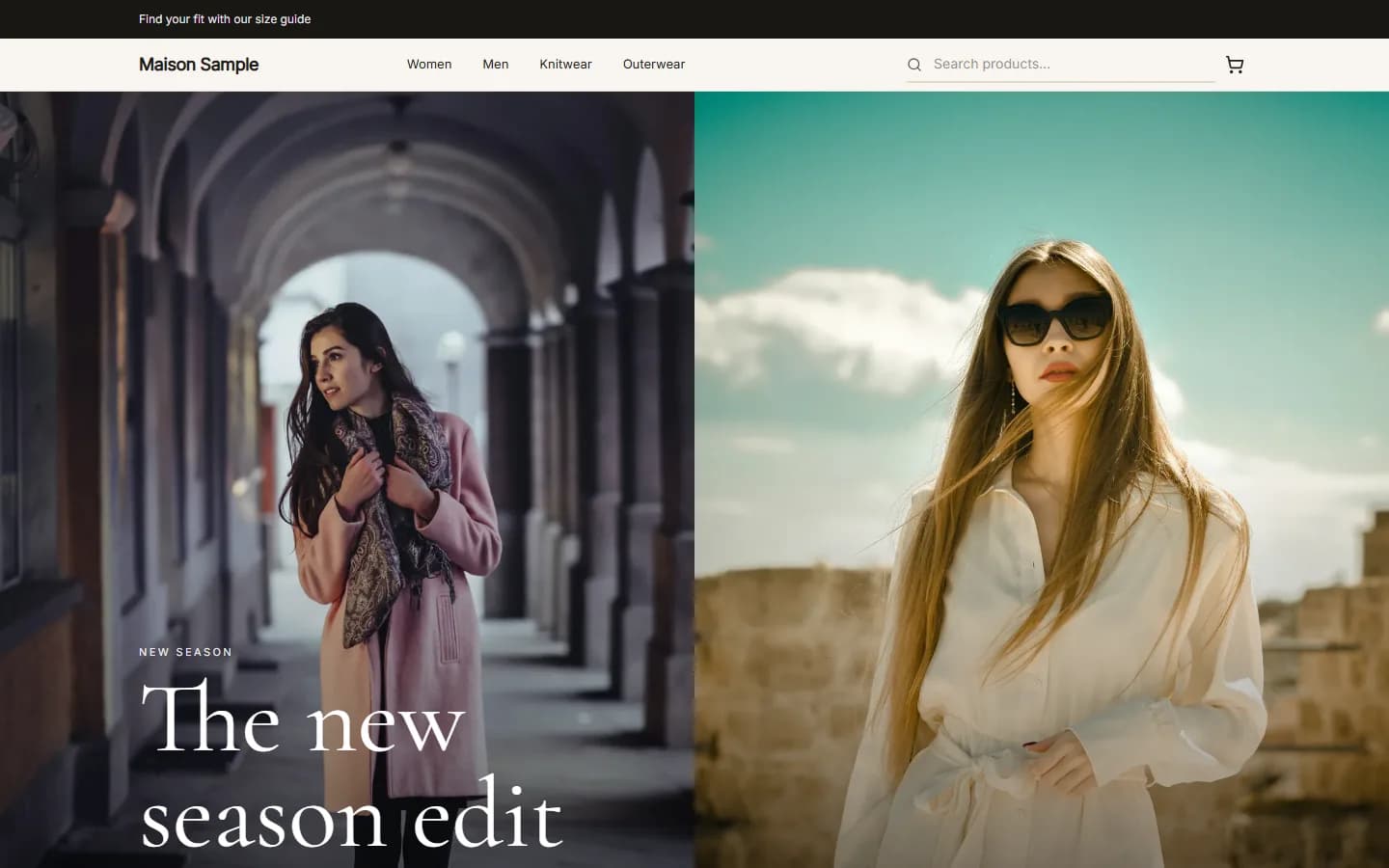
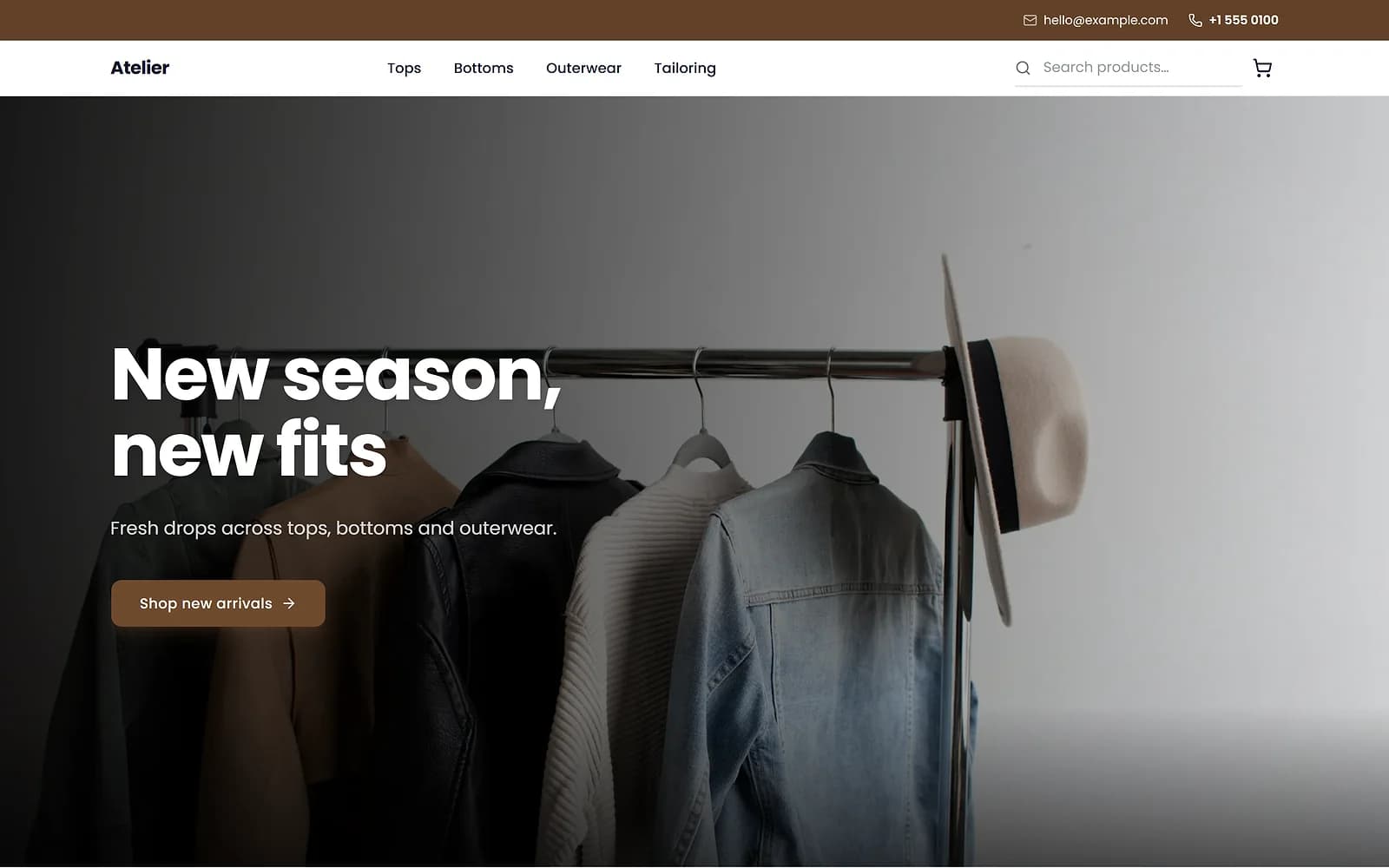
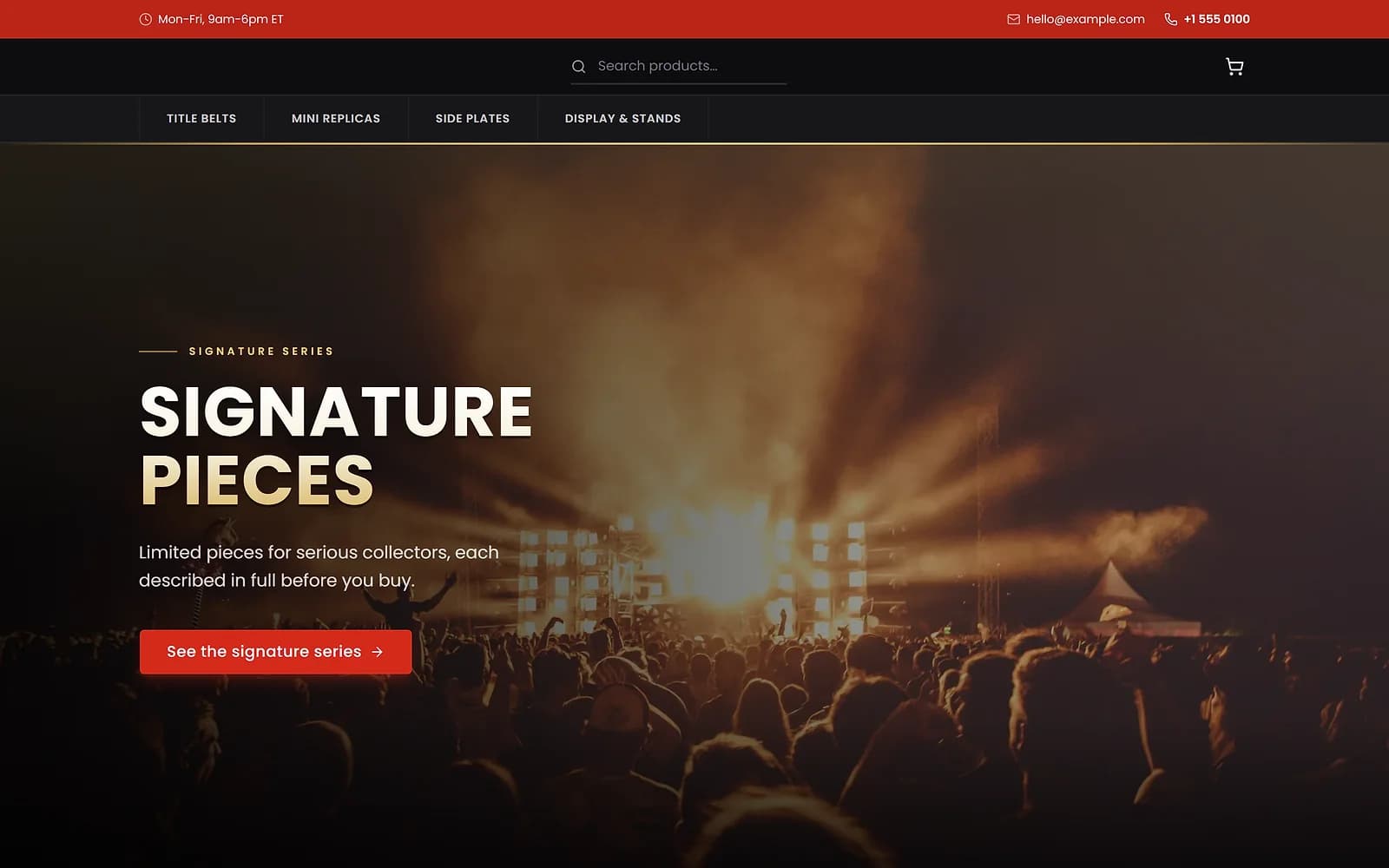
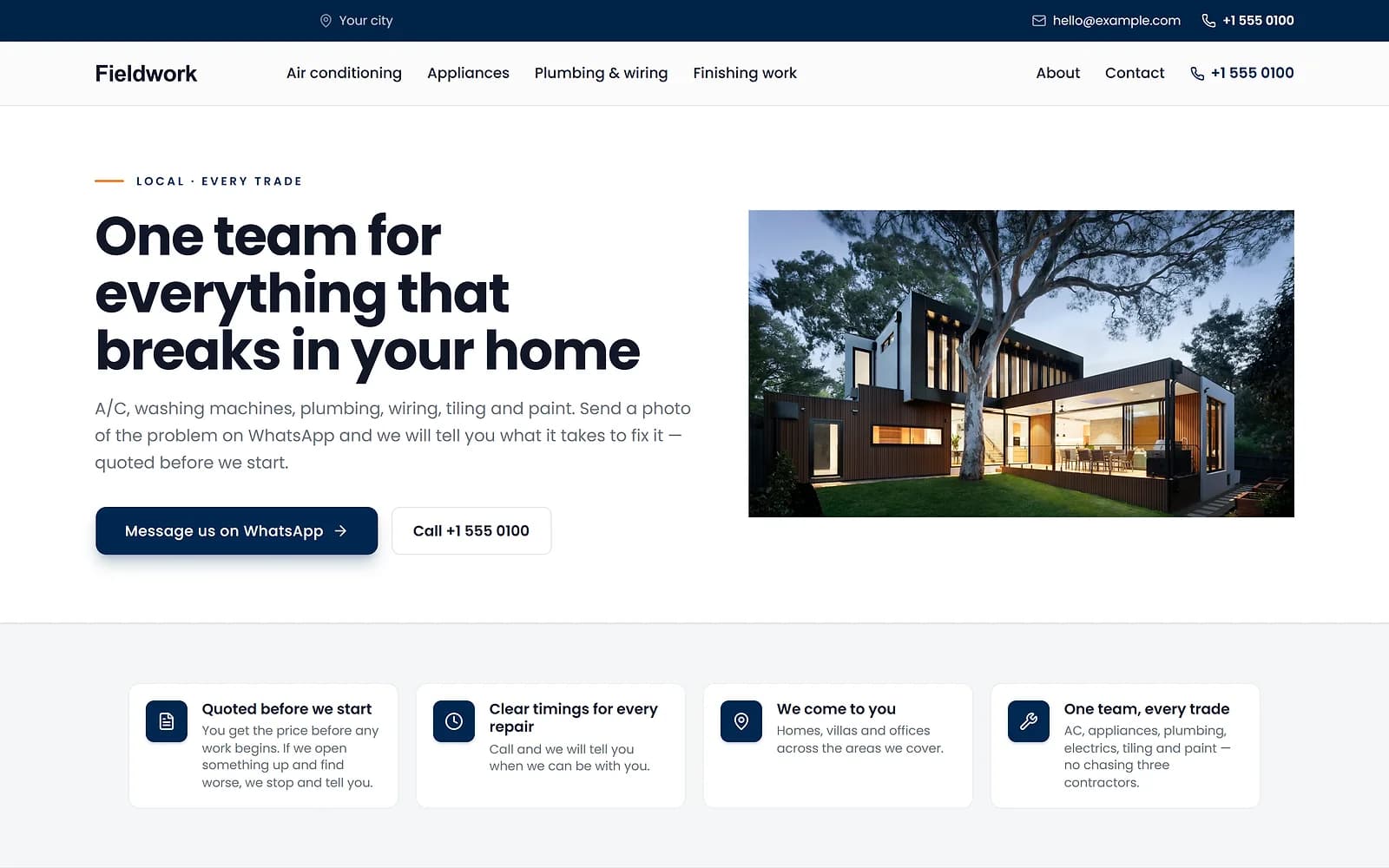
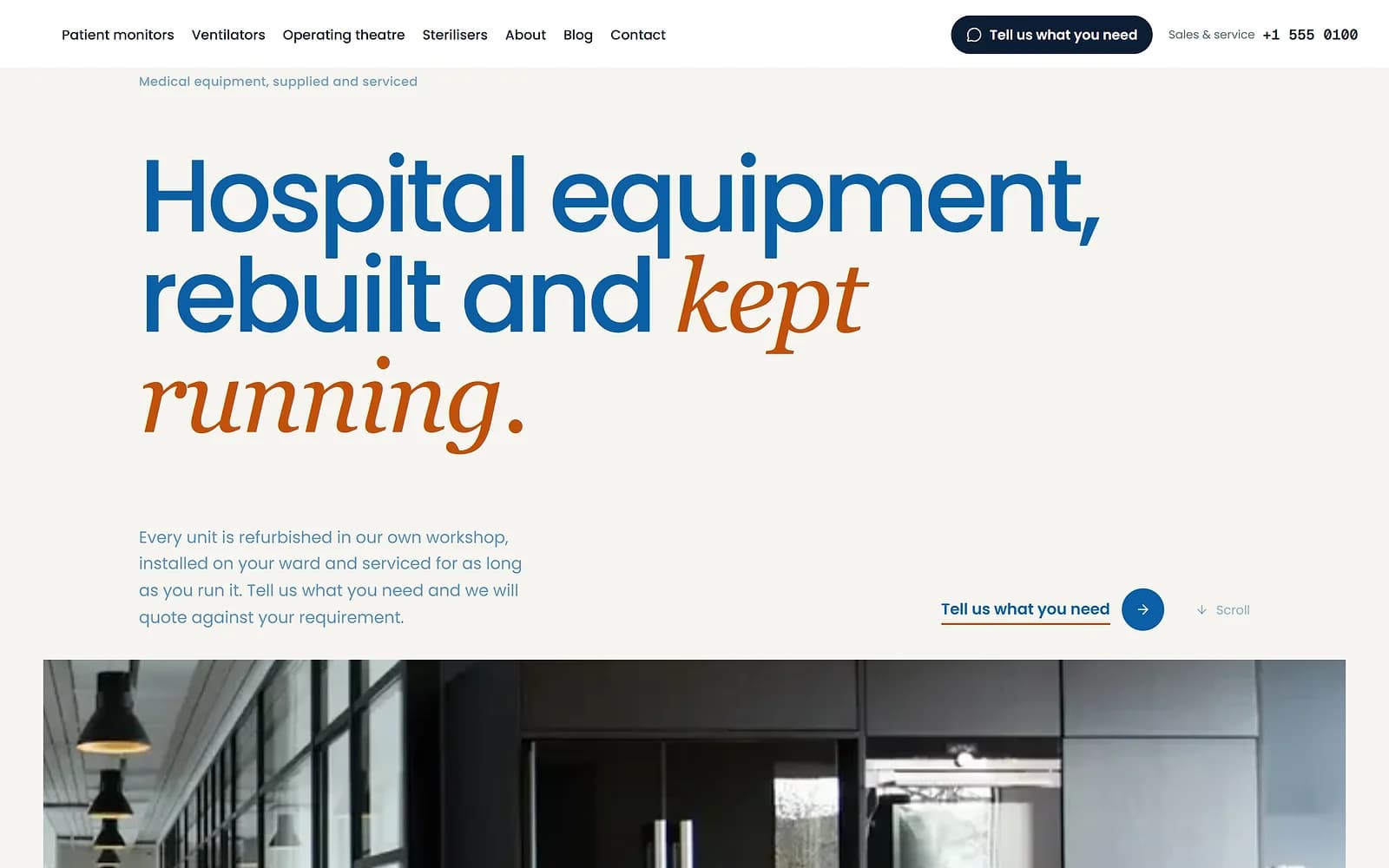
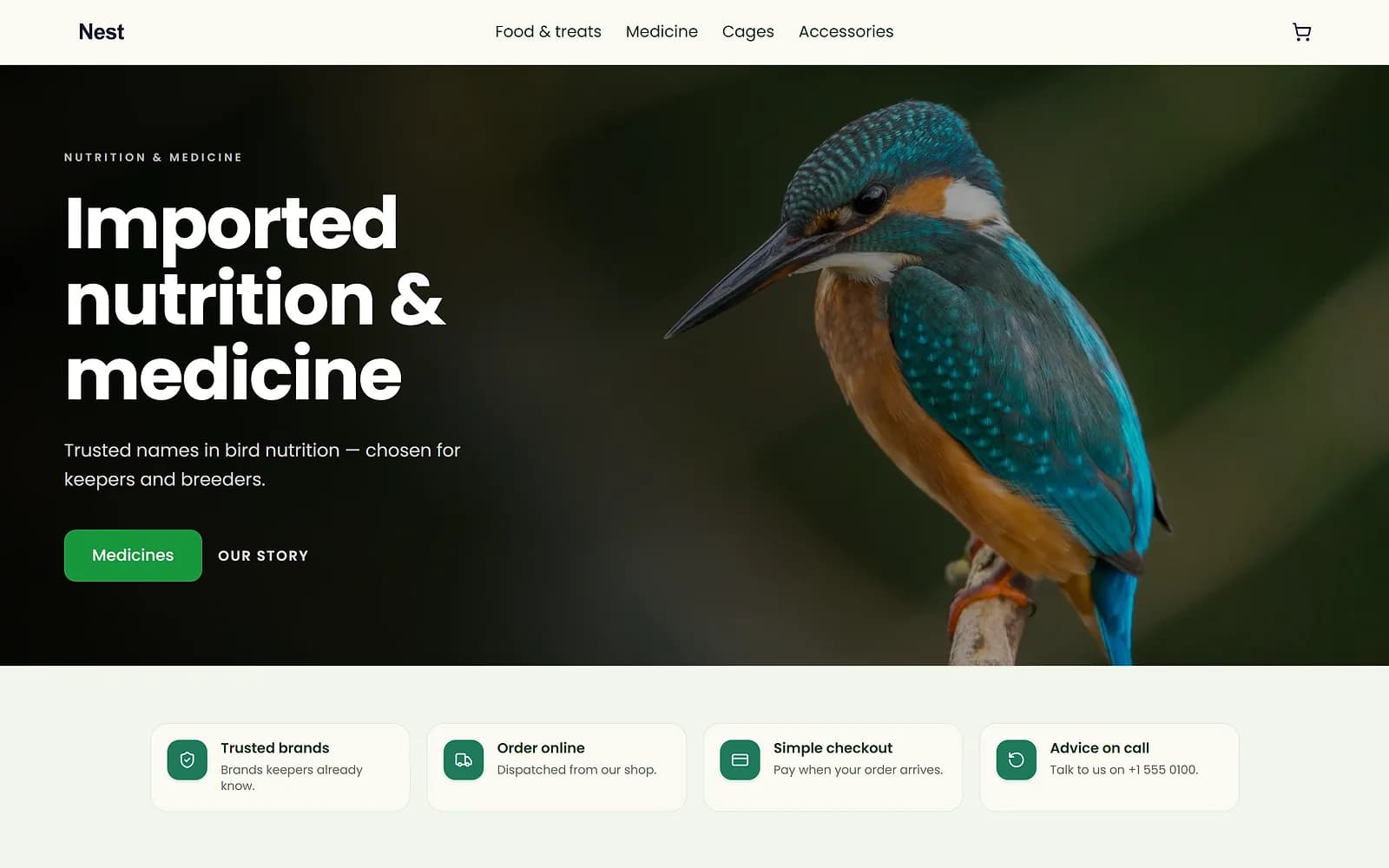
A new theme is chosen and applied. The products, orders and pages stay as they are.
Your own theme library
Save your current site as a theme, duplicate one to try an idea, or add a theme from the Biizay gallery. An unpublished theme has its own builder, so you can work on it while the live site stays as it is.
Publishing a theme applies its home page, header and footer, colours and fonts at once. Pages you created yourself are never overwritten.
Your logo and the small icon shown in browser tabs are set in Settings, under Logo, icon and fonts, and stay the same whichever theme you use.
Works with
- Website templates for your type of business | BiizayStarting designs matched to your kind of business, offered at signup and in Themes.
- Drag-and-drop website page builder | BiizayA drag-and-drop editor for every page of your site, with a live preview at three screen sizes.
- Website header, footer and menu builder | BiizayHeader, footer and navigation menus you edit like any other page.
- Online store for clothing and retail shops | BiizayOne stock, one portal for a clothing or retail shop selling online, on social media and at the counter.
Questions
Will applying a theme delete my pages?
No. A theme brings its own home page, header and footer; your other pages stay as they are.
Can I use my brand colours?
Yes. Set each colour in the colours step.
Can I go back?
Yes. Undo straight after applying, or publish your previous theme from the library.
Try it on your own store.
14-day Pro trial, no card. Everything is in the same account.