
Website templates for your type of business
Start from a site that already fits your business
Starting designs matched to your kind of business, offered at signup and in Themes.
What it does
- Signup asks what kind of business you run and suggests templates made for it
- Every new store gets a home, about and contact page to start from
- Templates can be added to your theme library later from Themes
- Template text is written as placeholders, so you replace it with your own facts
How it works
- Answer a few questionsAt signup, say what you sell and how customers buy.
- Pick a starting lookChoose one of the templates offered for your business type.
- Make it yoursReplace the words and photos, then adjust colours and fonts.
A new look, and nothing else moves.
A new theme is chosen and applied. The products, orders and pages stay as they are.
saffronandclay.pk/portal/Themes
Choose a theme
- 1. Theme
- 2. Colours
- 3. Fonts
- 4. Review
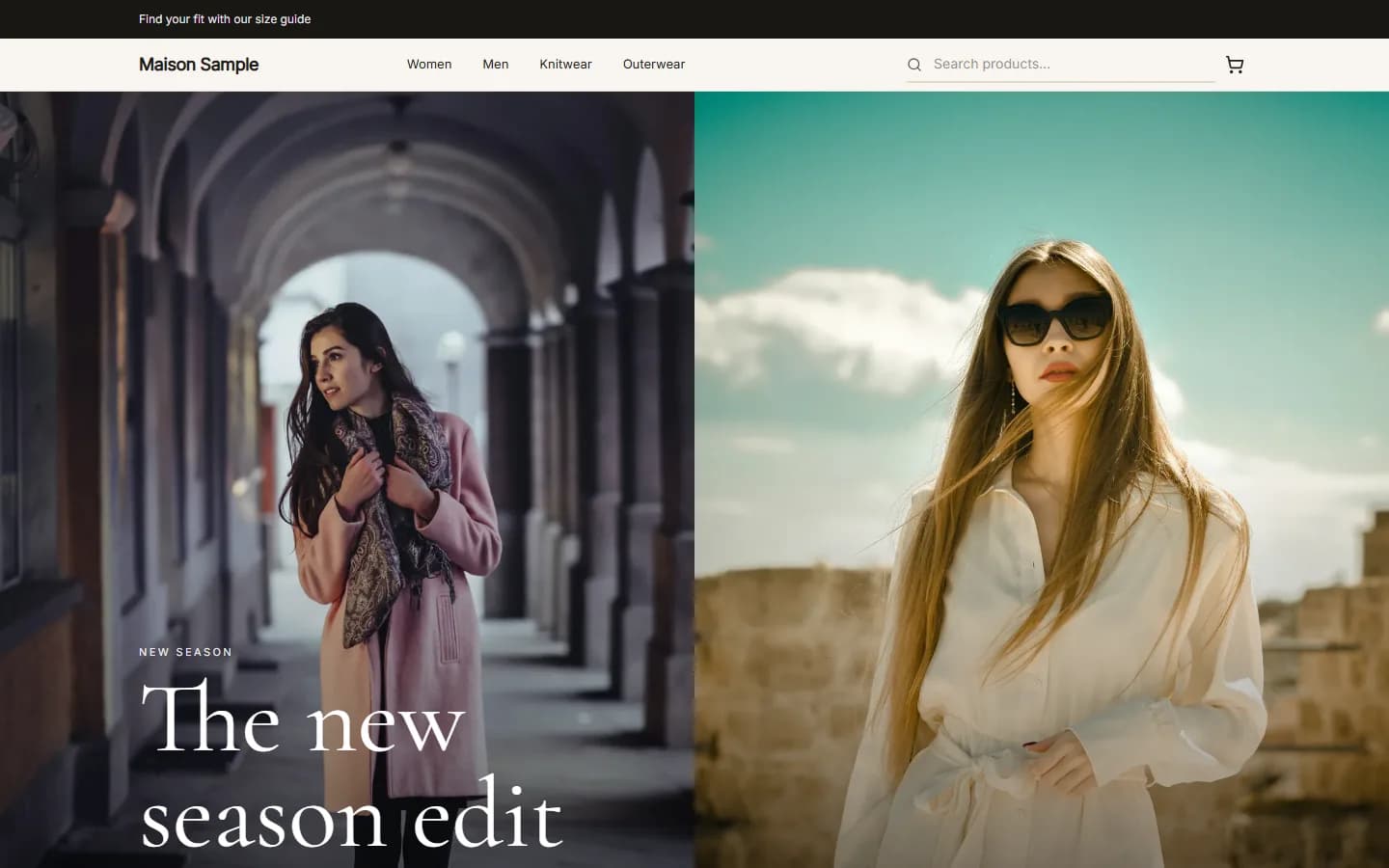
MaisonFashionUse this
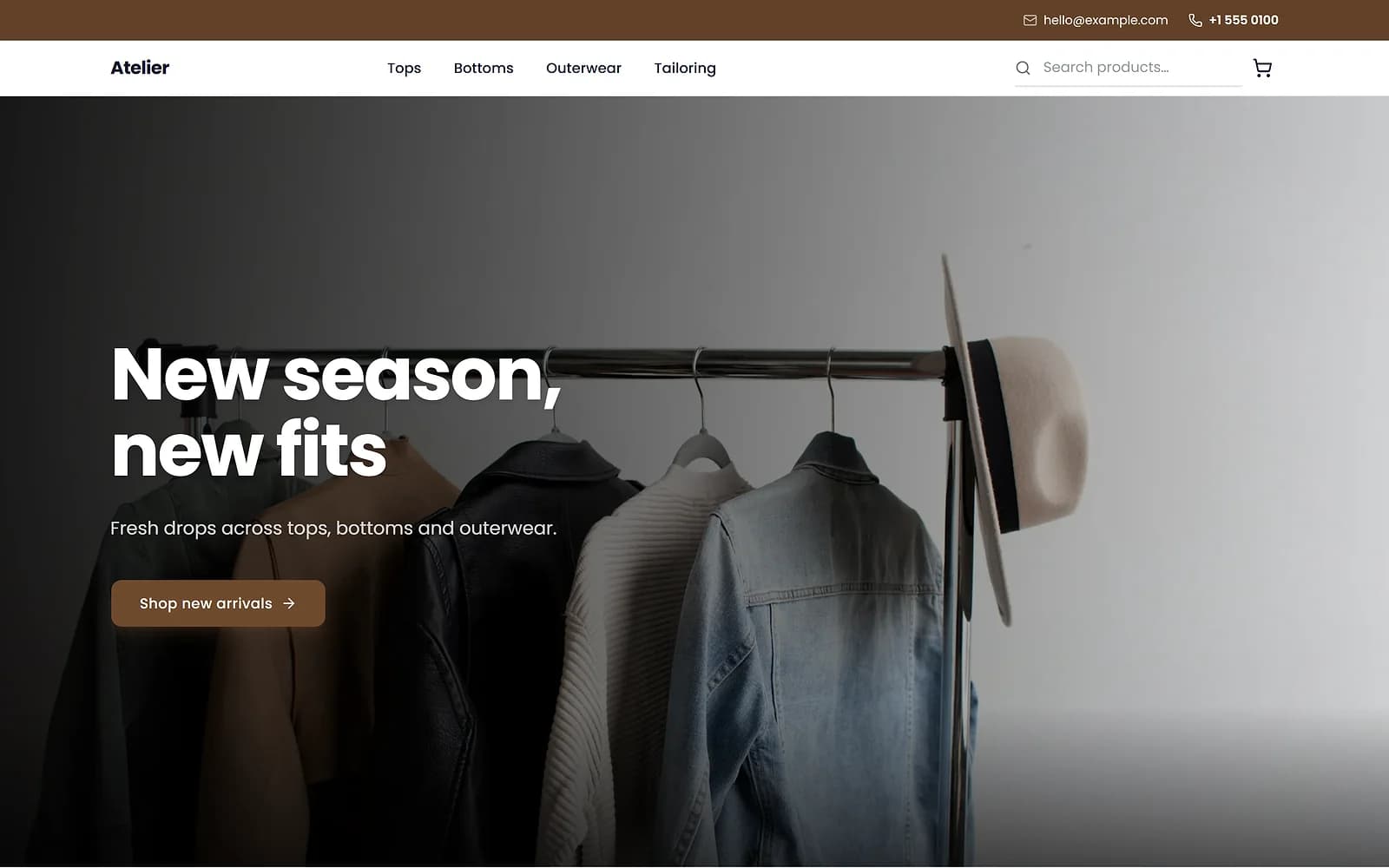
AtelierClothingUse this
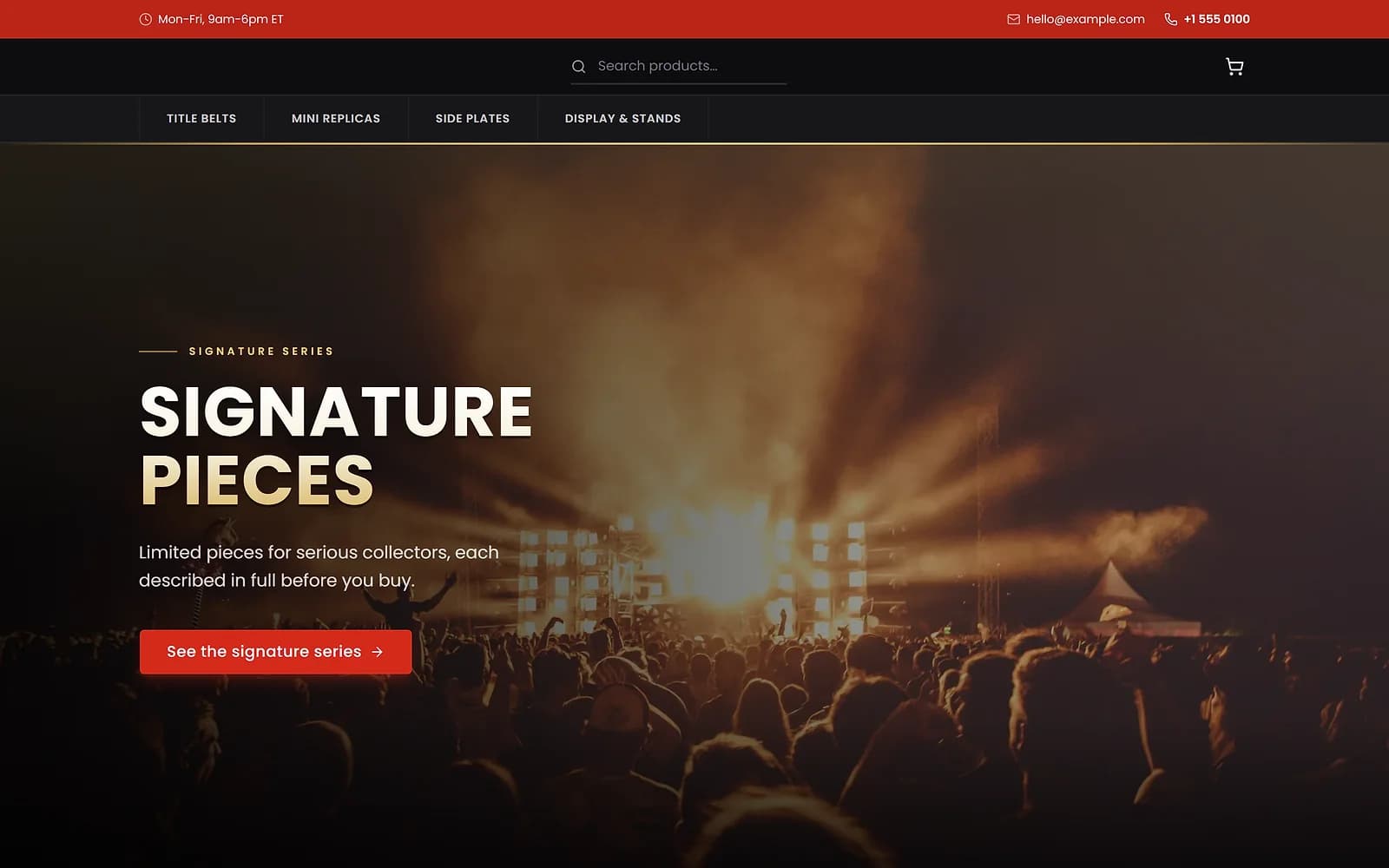
ArenaCollectiblesUse this
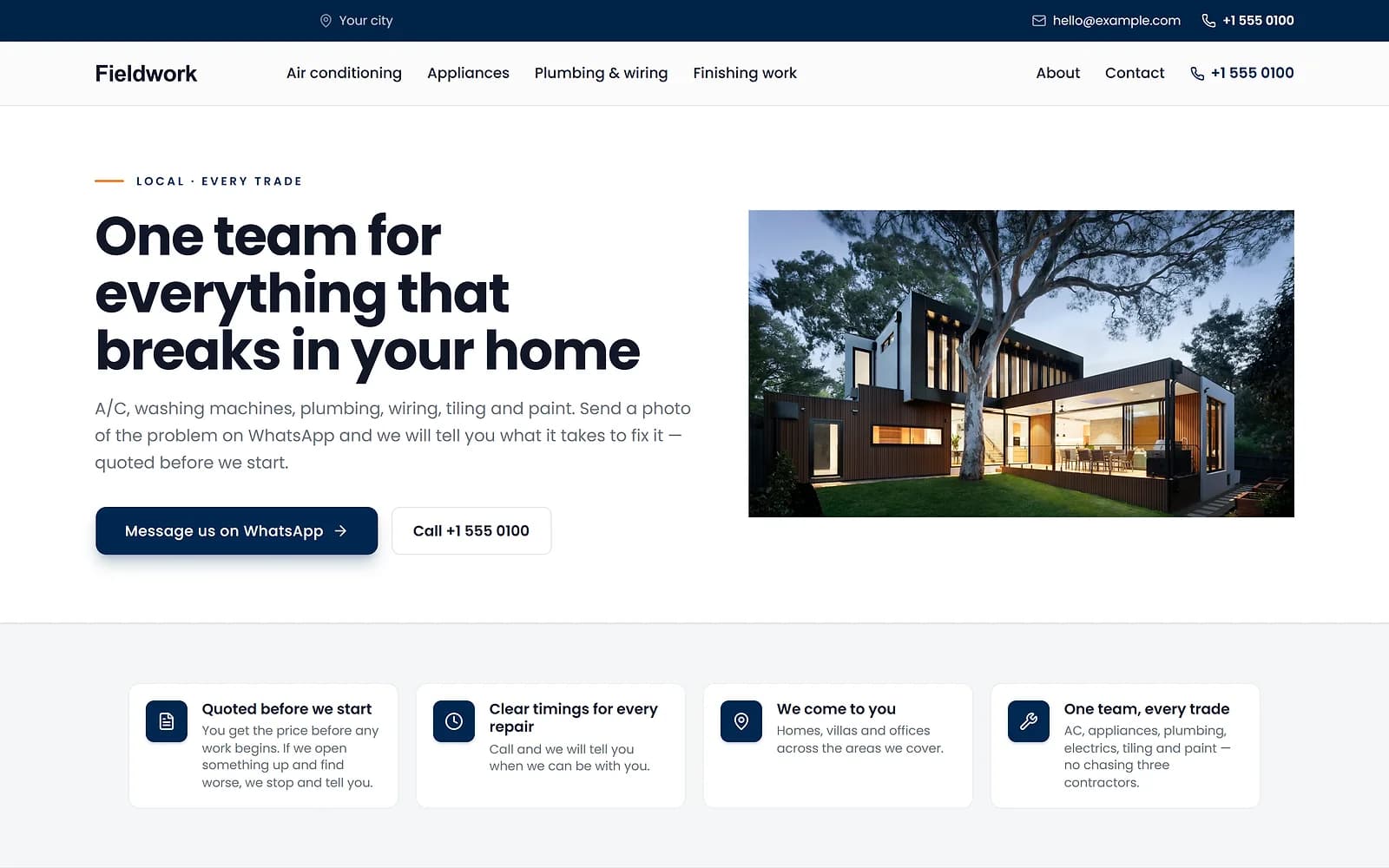
FieldworkHome servicesUse this
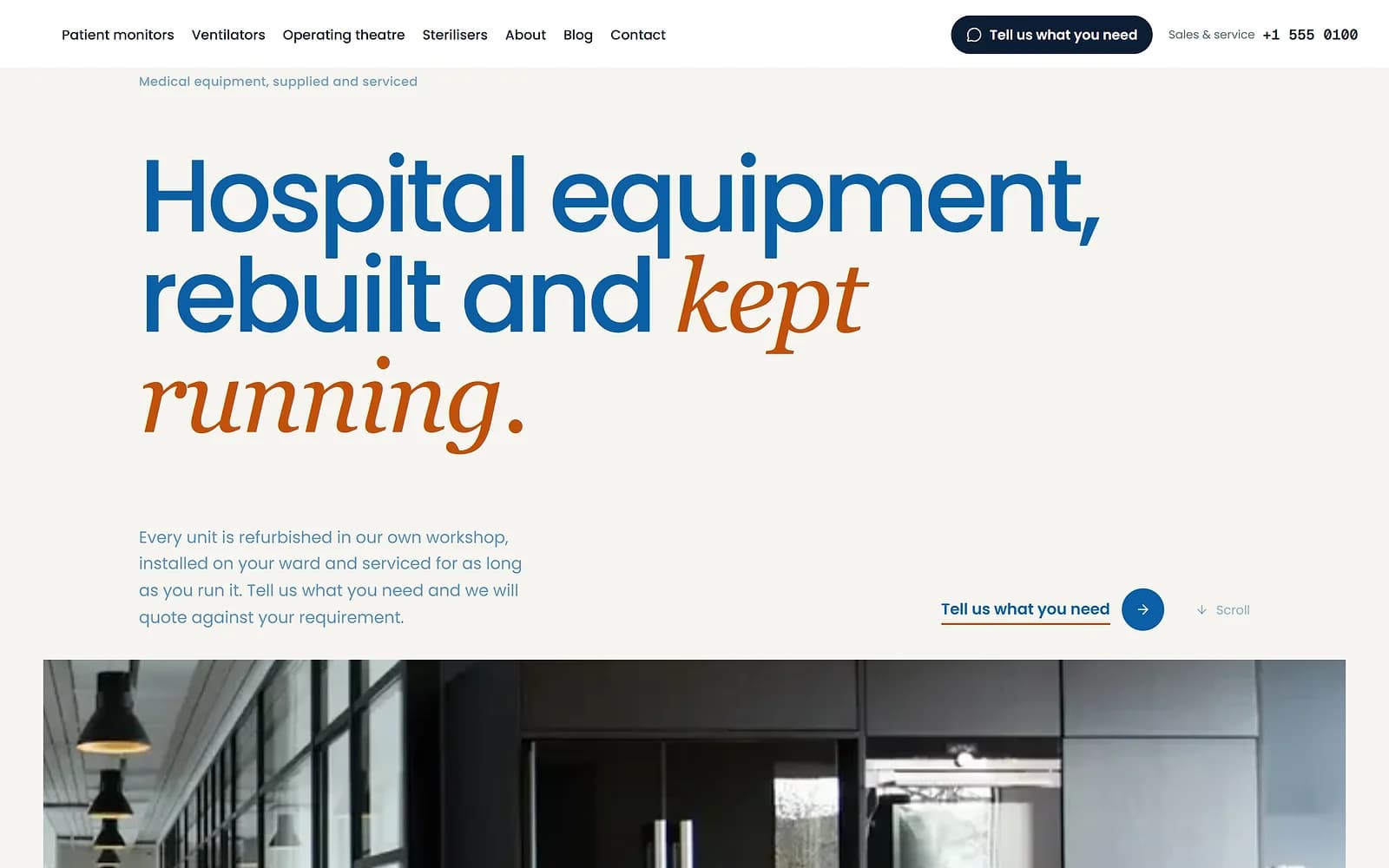
MeridianMedical supplyUse this
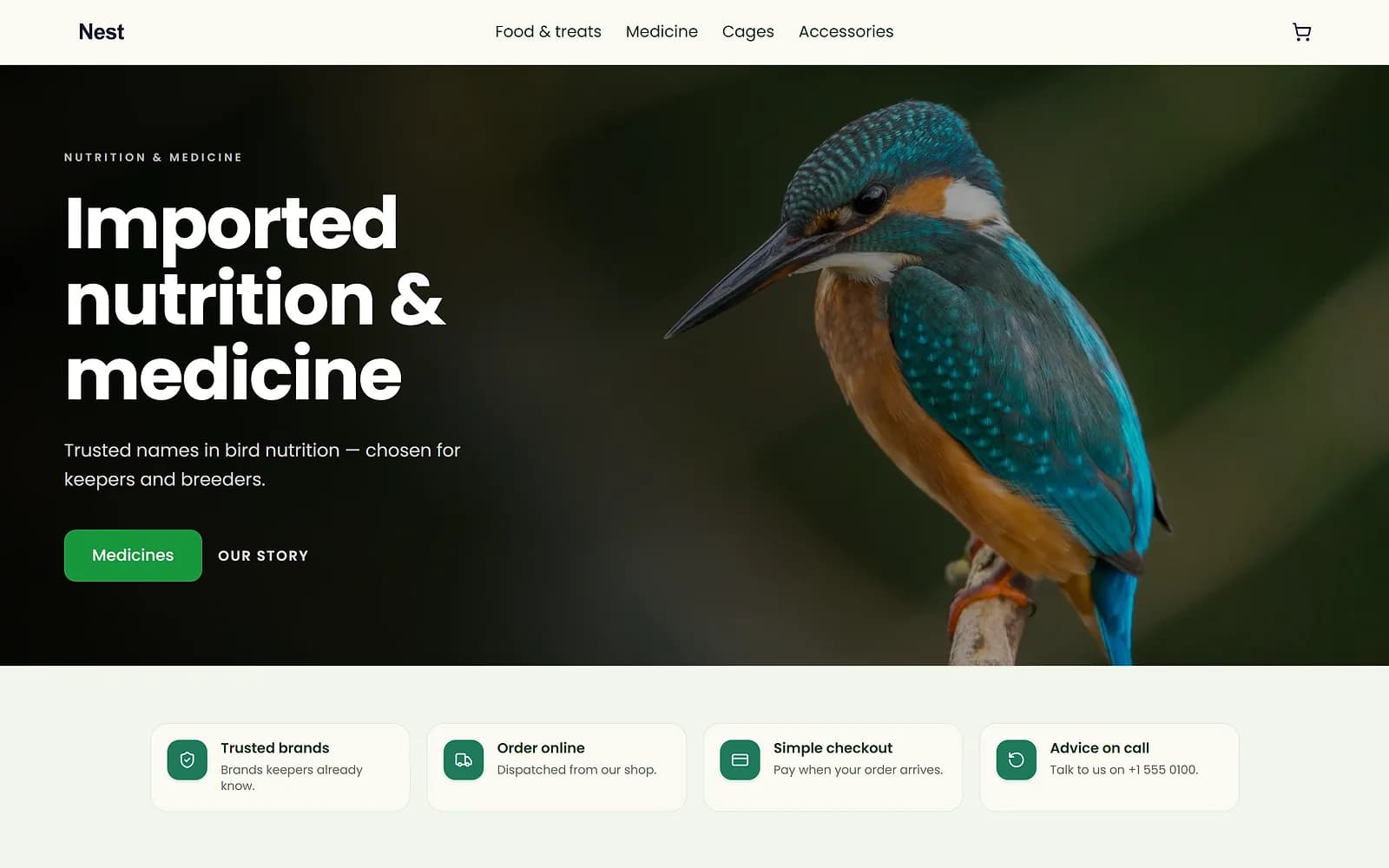
NestPet shopUse this
A new theme is chosen and applied. The products, orders and pages stay as they are.
Answers shape the start, never the limits
Your signup answers decide the starting template, menu order and suggested next steps. They never hide a feature: everything stays available whatever you chose.
Works with
- Store themes: colours, fonts and a ready look | BiizayA four-step Themes flow for your look: theme, colours, fonts, review.
- Drag-and-drop website page builder | BiizayA drag-and-drop editor for every page of your site, with a live preview at three screen sizes.
- Online store builder for small businesses | BiizayA complete online shop on its own address, ready for products the day you sign up.
Questions
Can I change template later?
Yes. Add another template to your theme library and publish it from Themes.
Do templates include products?
No. You add your own products and services.
Are my signup answers binding?
No. They only shape where you start.
Try it on your own store.
14-day Pro trial, no card. Everything is in the same account.