
Close your shop with a holding page
Take your shop offline for a while without losing anything
Close the shop to visitors for a while, with a message, while you keep working.
What it does
- One switch closes your shop to visitors
- Visitors see a holding page with your own message
- Your contact details show on the holding page when you have filled them in
- Your portal, orders and settings keep working as normal
How it works
- Open Holding pageIn Settings, open Holding page.
- Write a messageSay why you are closed and when you will be back.
- Switch it onVisitors see the holding page until you switch it off.
A new look, and nothing else moves.
A new theme is chosen and applied. The products, orders and pages stay as they are.
saffronandclay.pk/portal/Themes
Choose a theme
- 1. Theme
- 2. Colours
- 3. Fonts
- 4. Review
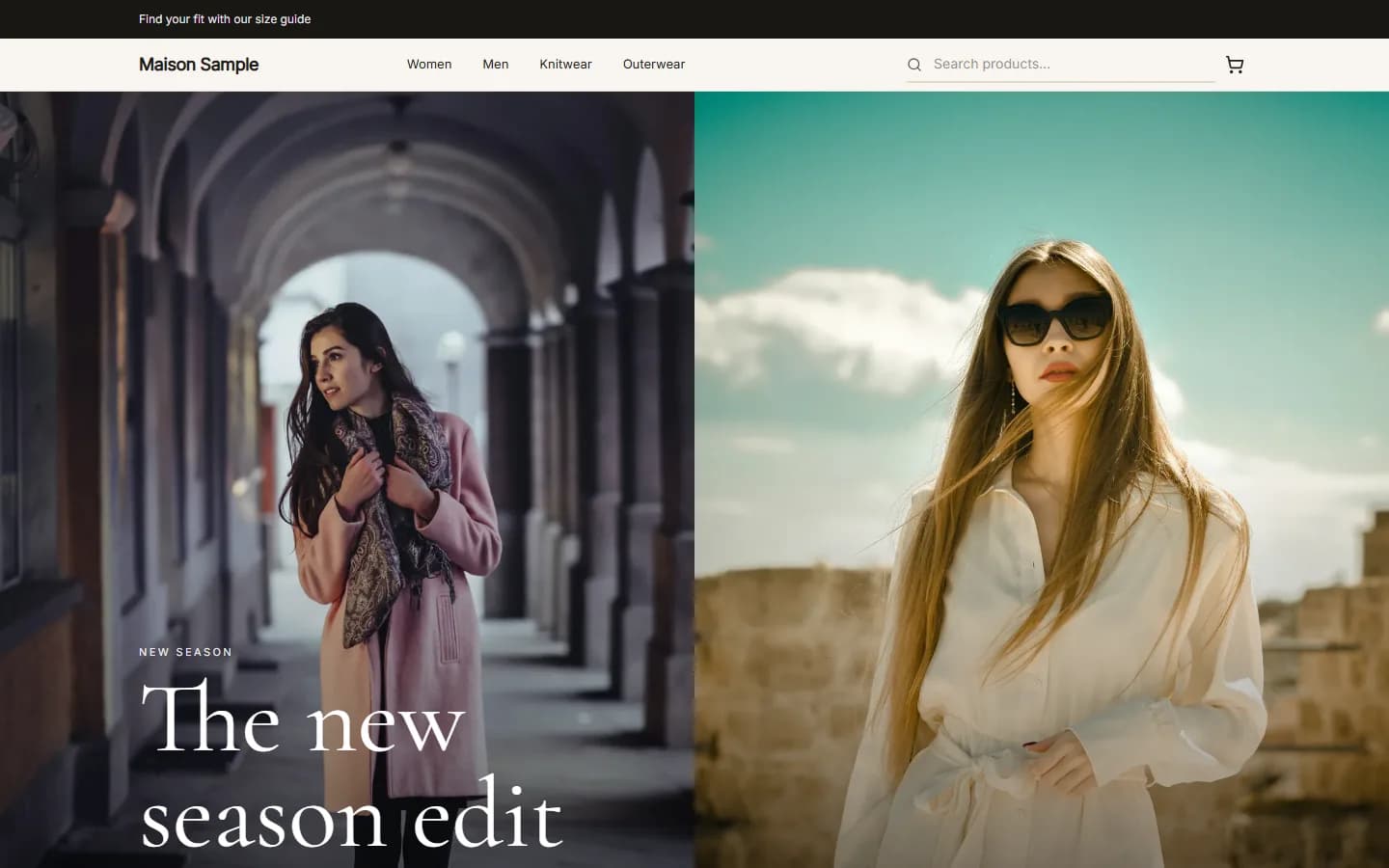
MaisonFashionUse this

AtelierClothingUse this
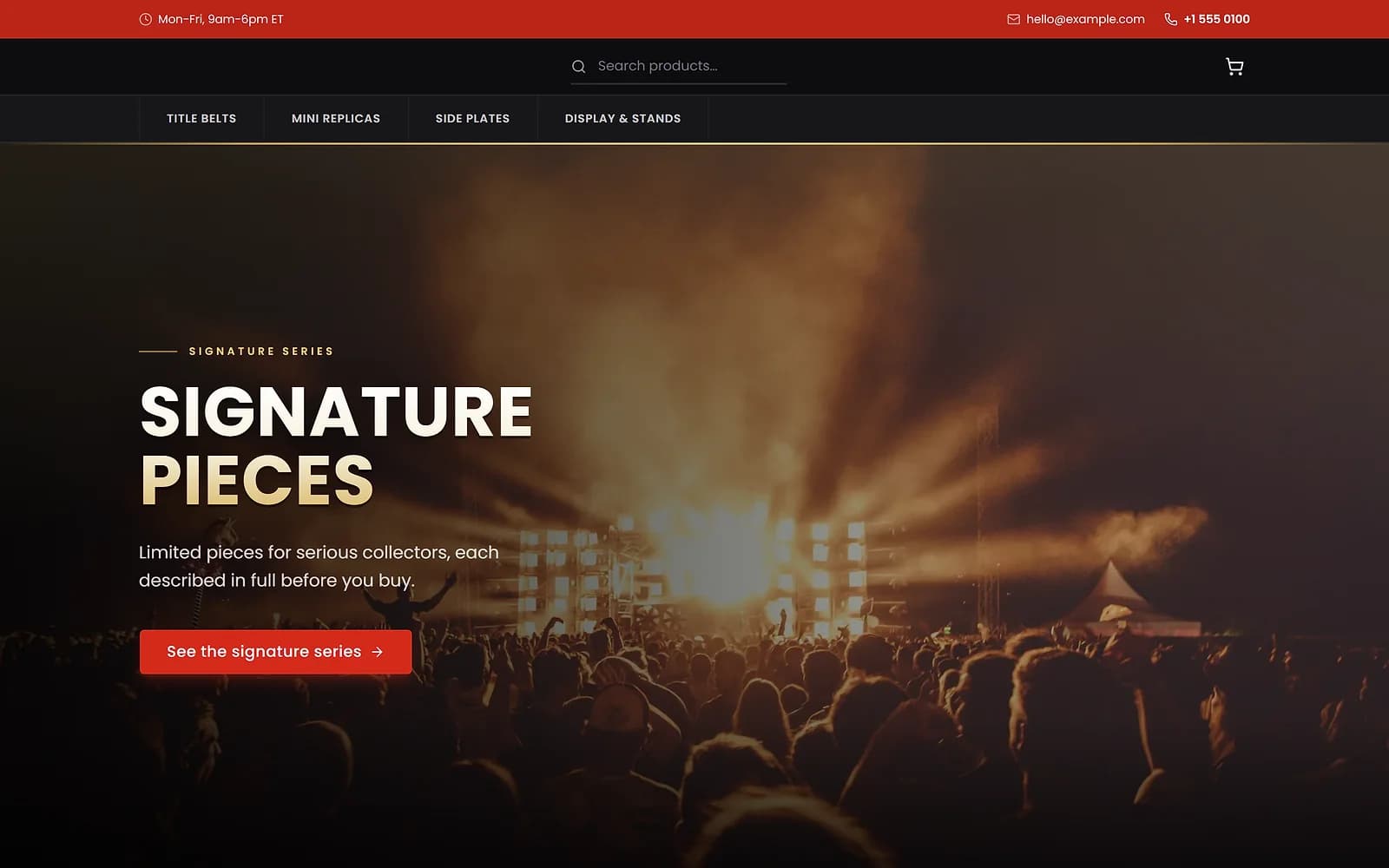
ArenaCollectiblesUse this
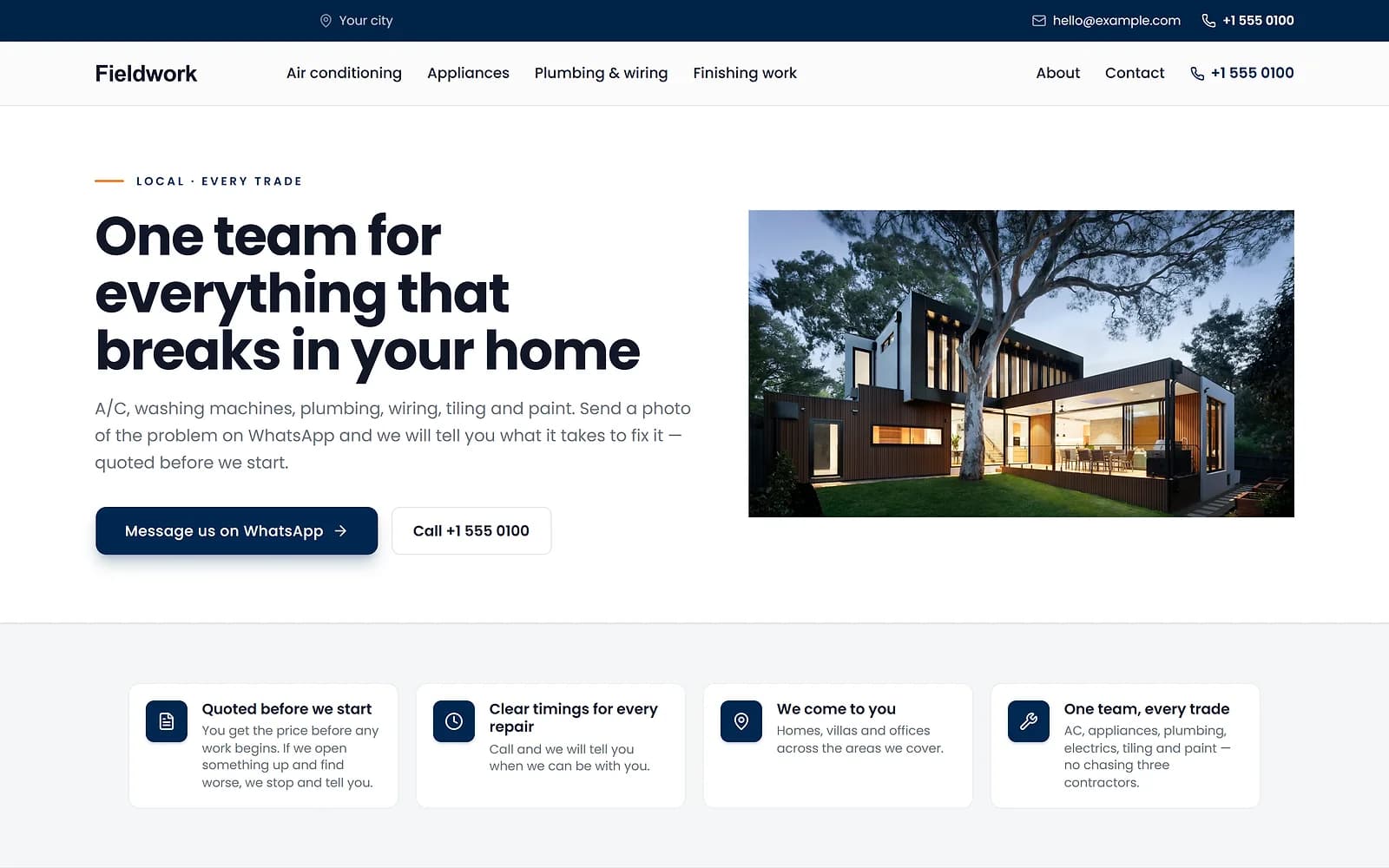
FieldworkHome servicesUse this
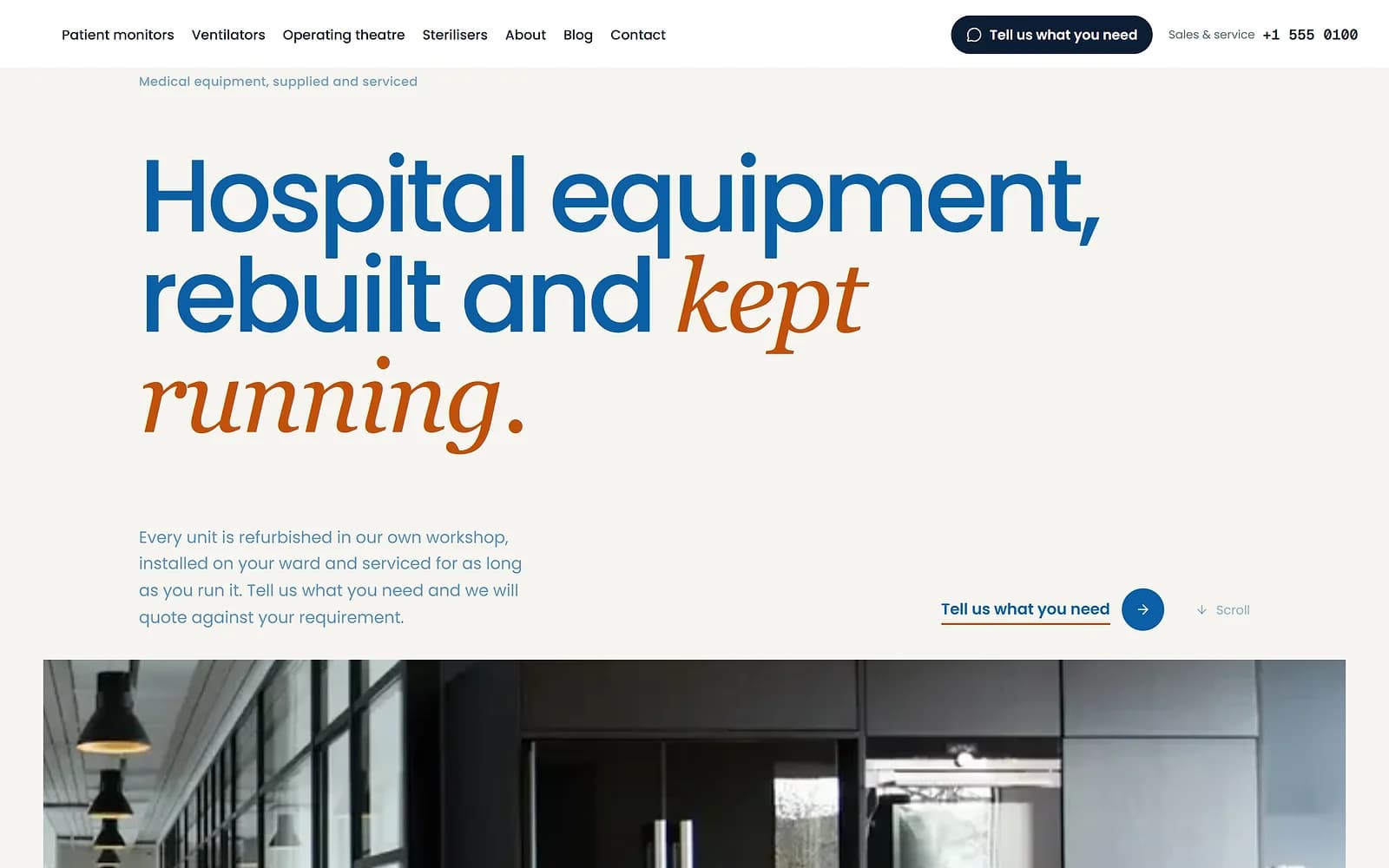
MeridianMedical supplyUse this
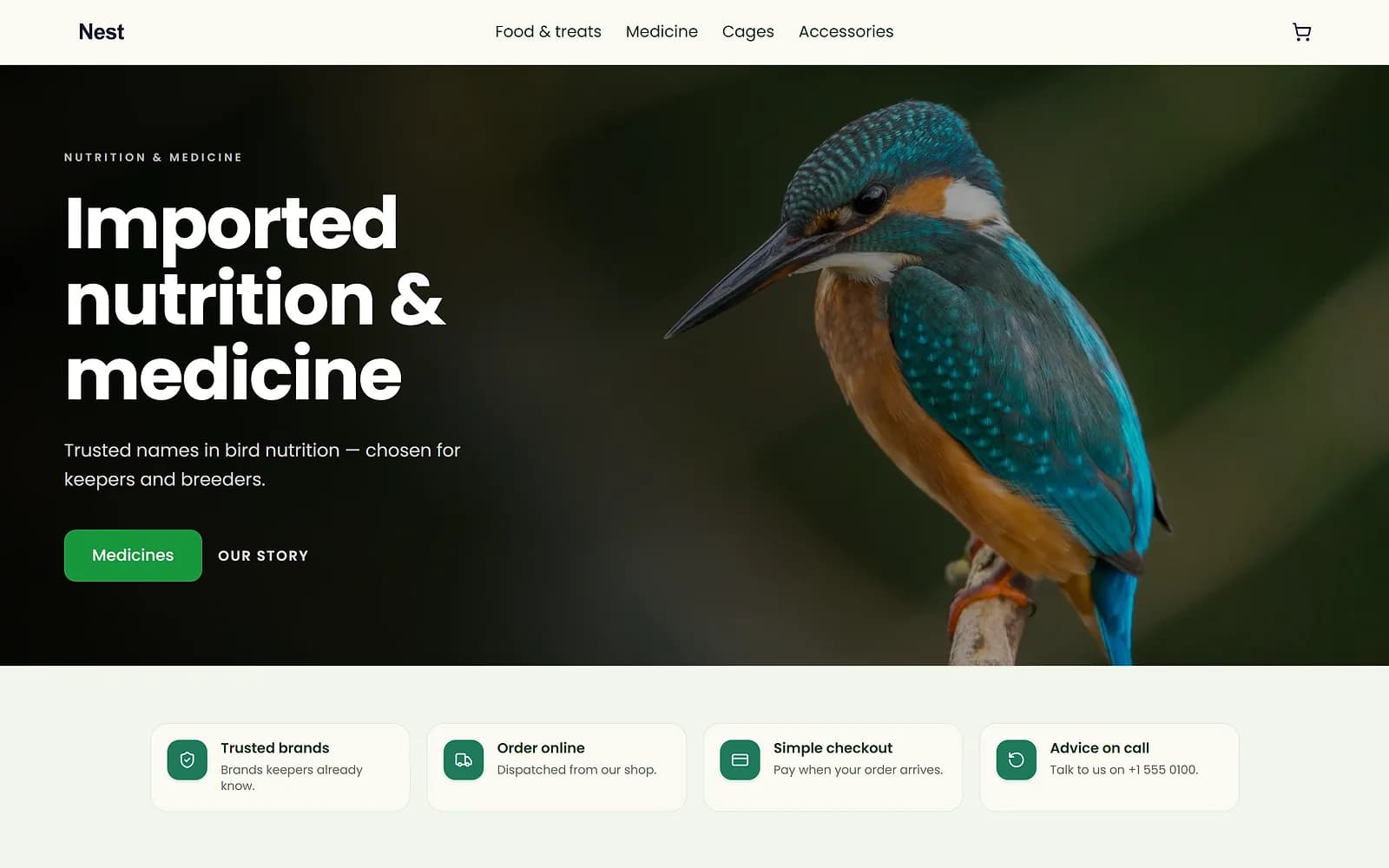
NestPet shopUse this
A new theme is chosen and applied. The products, orders and pages stay as they are.
Build in private, launch when ready
A holding page is also a good way to prepare a new shop. Add products and design pages, then open the doors when everything is in place.
Works with
Questions
Can I still take orders at the counter?
Yes. Only the public shop is closed; the portal, including the point of sale, keeps working.
Is anything deleted?
No. Switching the holding page off brings everything back as it was.
Can I add a message?
Yes. Write your own message for visitors.
Try it on your own store.
14-day Pro trial, no card. Everything is in the same account.