
A contact page with a working form, and an inbox for every message it brings.
What it does
- New stores get a contact page with an enquiry form and your contact details
- Messages arrive in Inquiries in your portal
- Customers can receive a short automatic reply when Store emails is on
- Your email, phone, WhatsApp number and opening hours come from Store details
How it works
- Add your detailsIn Settings, open Store details and fill in how customers reach you.
- Customers writeThey use the form on your contact page.
- ReplyRead each message in Inquiries and reply by email or phone.
A new look, and nothing else moves.
A new theme is chosen and applied. The products, orders and pages stay as they are.
saffronandclay.pk/portal/Themes
Choose a theme
- 1. Theme
- 2. Colours
- 3. Fonts
- 4. Review
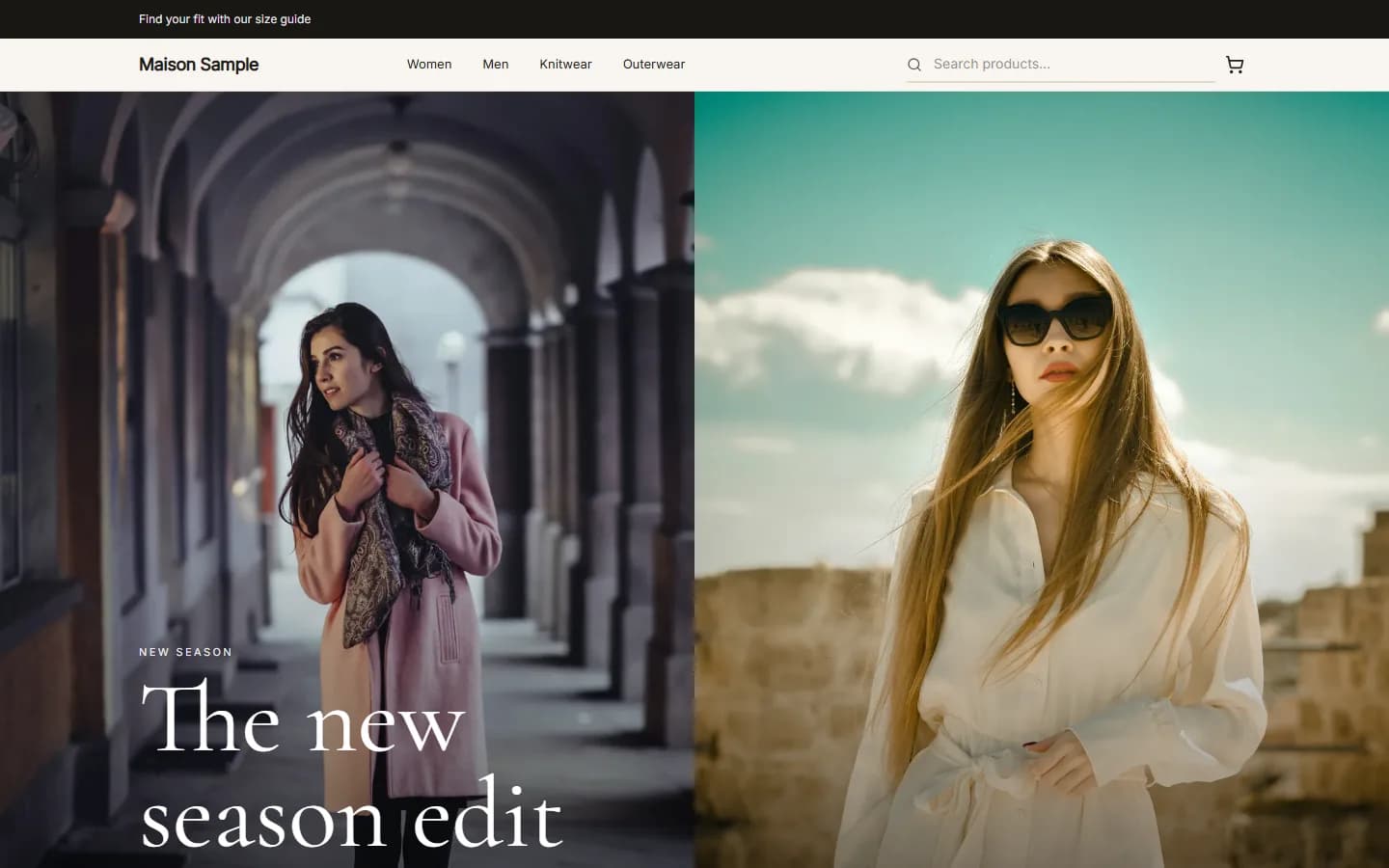
MaisonFashionUse this
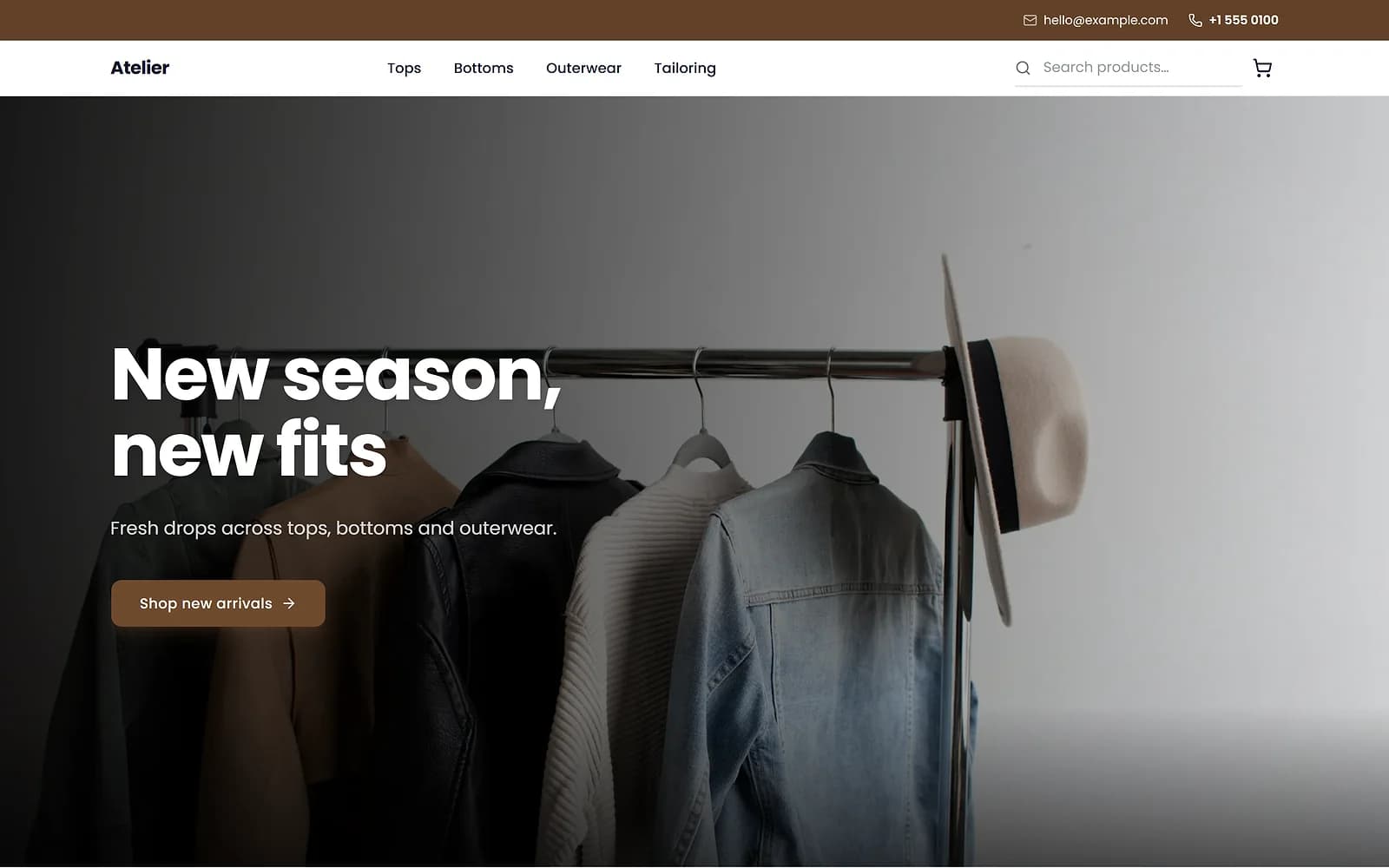
AtelierClothingUse this
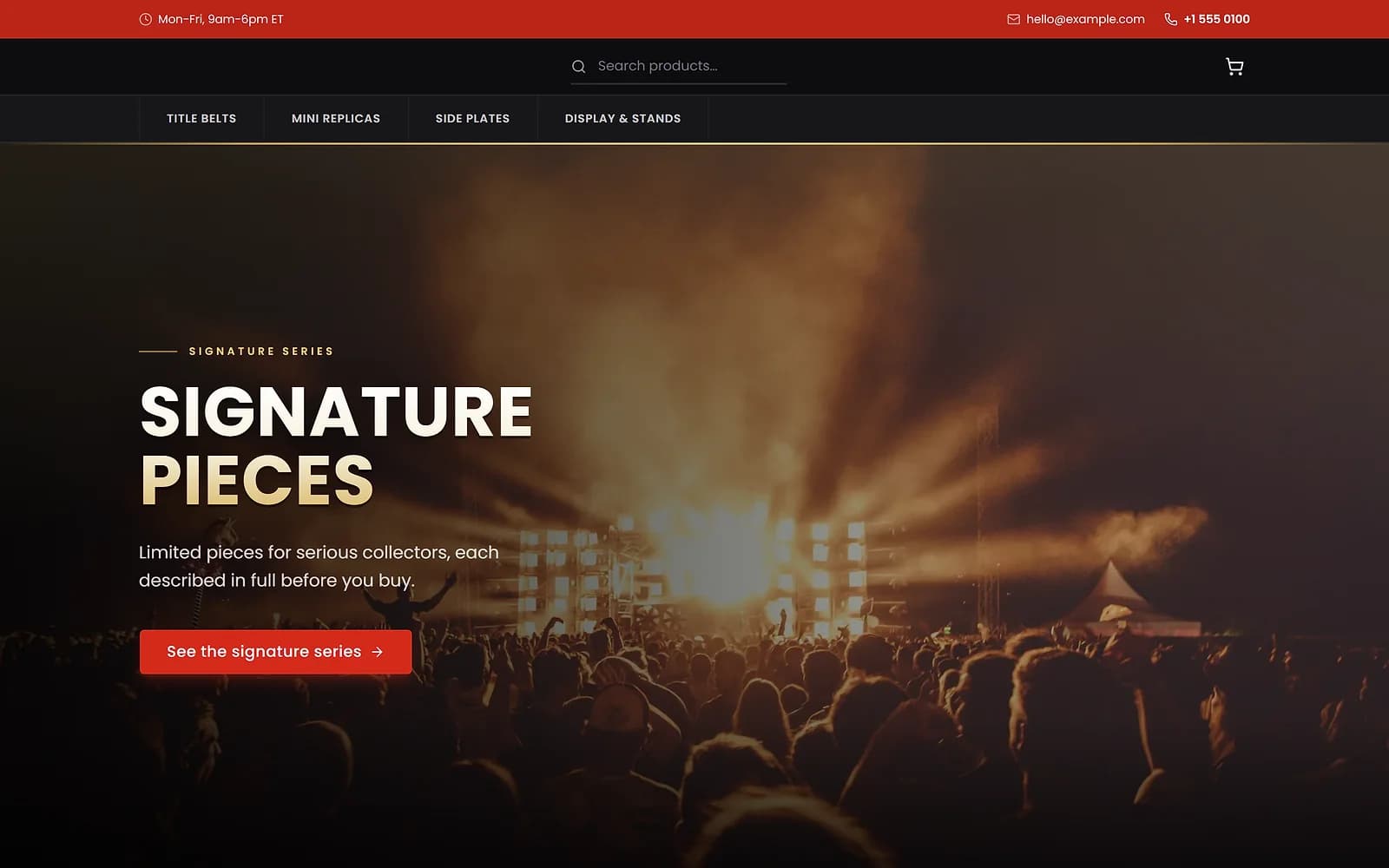
ArenaCollectiblesUse this
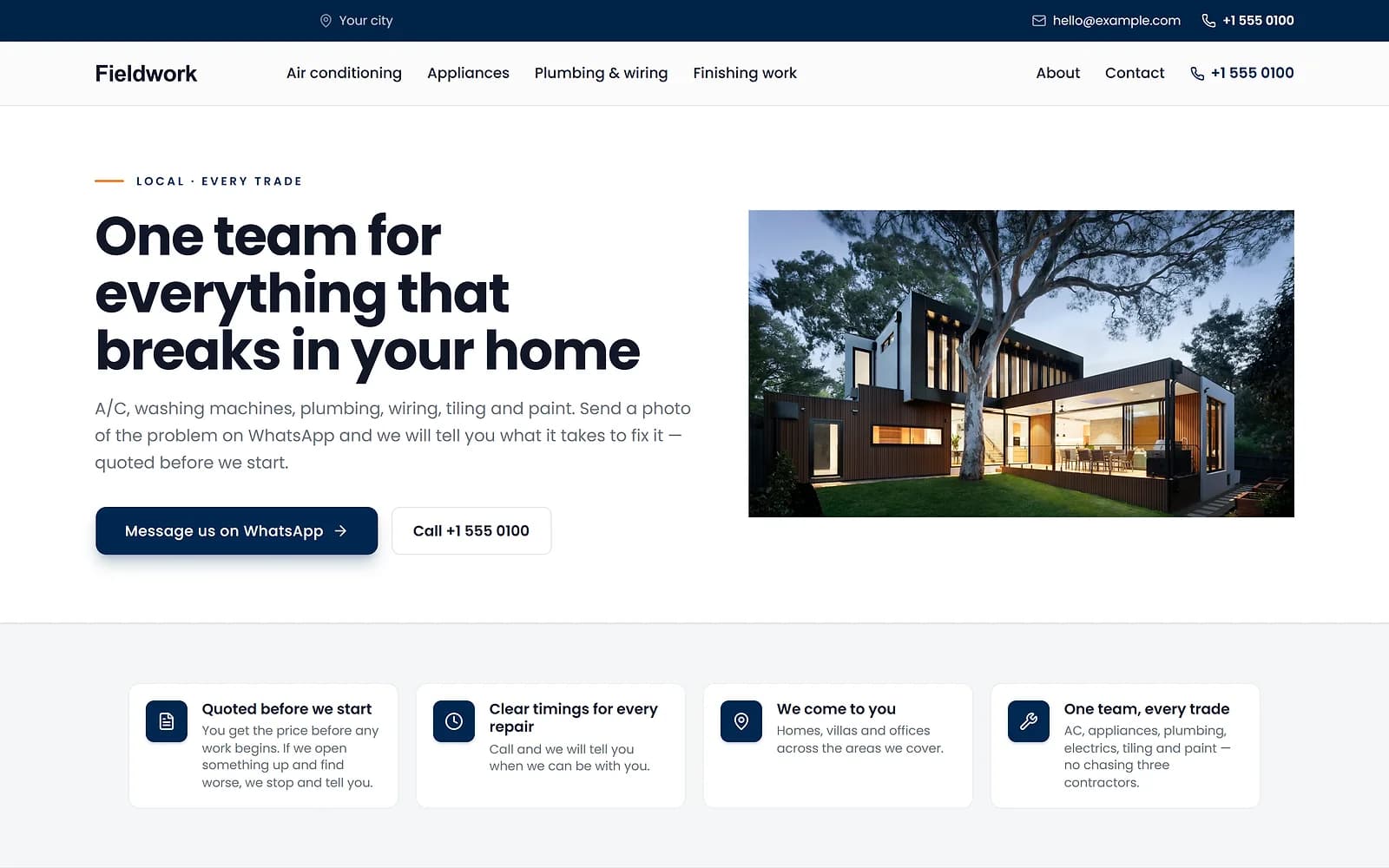
FieldworkHome servicesUse this
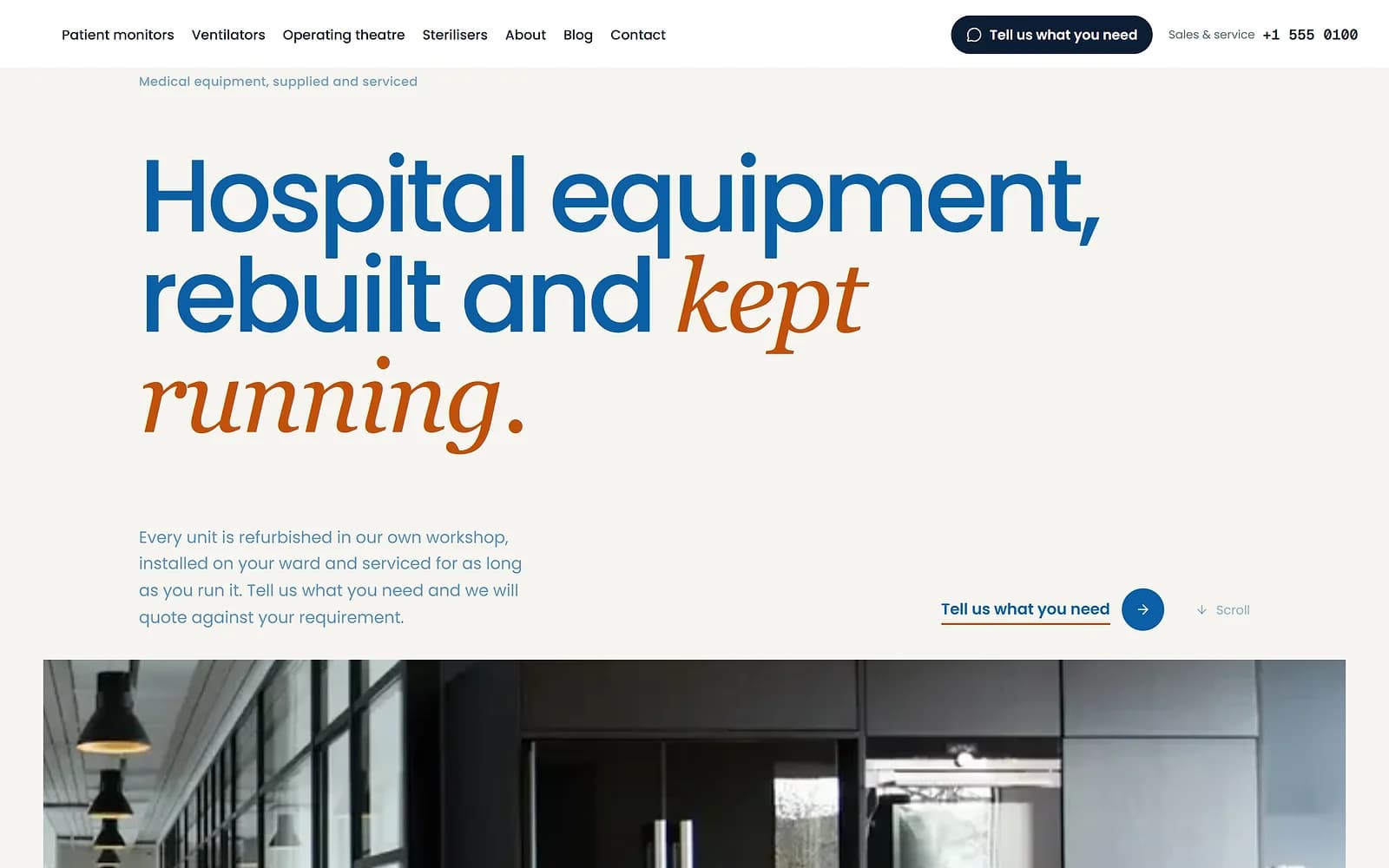
MeridianMedical supplyUse this
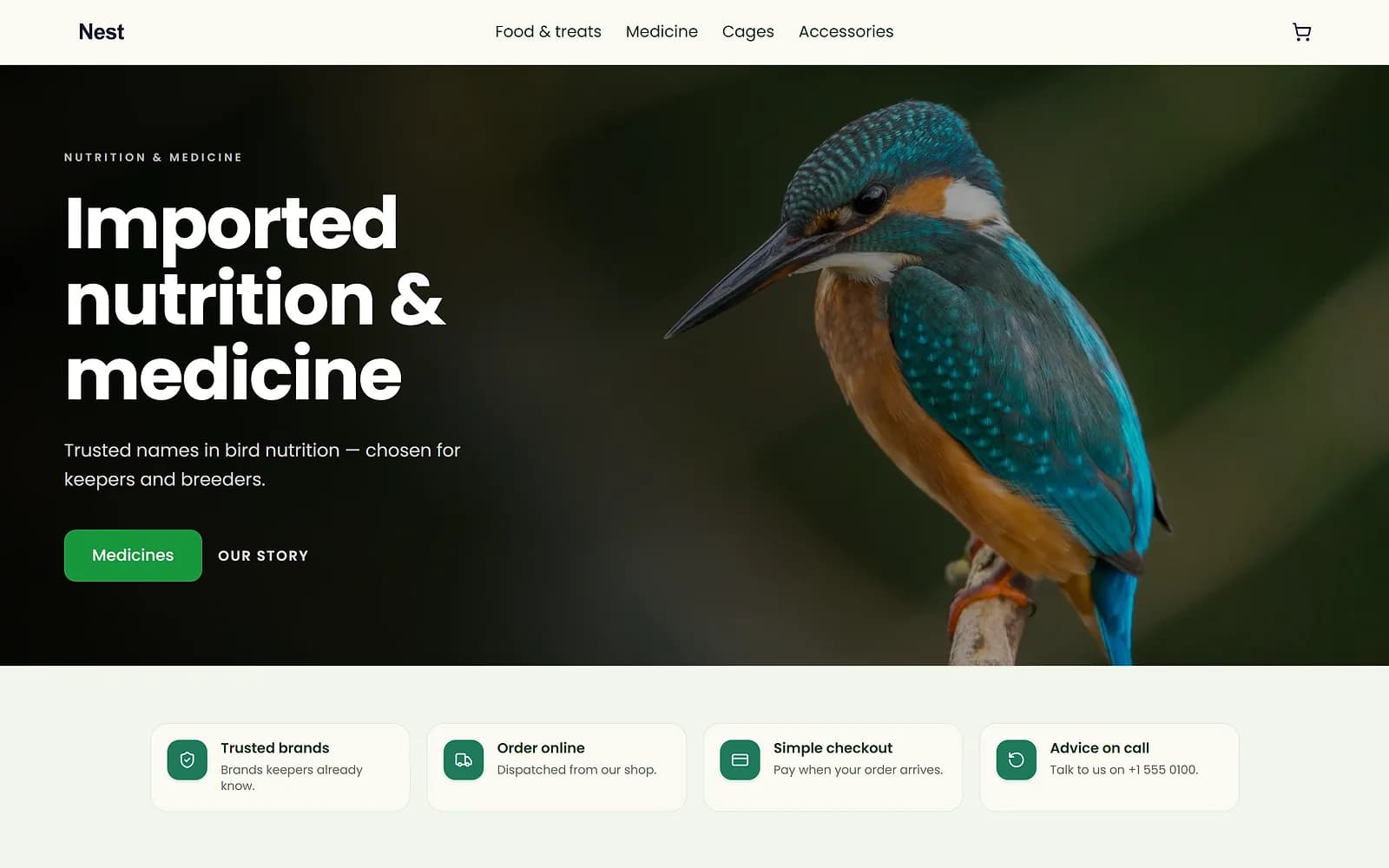
NestPet shopUse this
A new theme is chosen and applied. The products, orders and pages stay as they are.
Details in one place
Fill in Store details once. Your footer and Biity, the shop assistant, read the same details. Your contact page is filled from them when it is created; if your details change later, update that page in the page builder too.
Leave any field blank and it is simply not shown.
Works with
- Order and shipping emails for your customers | BiizayOrder, enquiry and receipt emails to your customers, sent as your shop.
- Biity: a chat assistant for your shop's customers | BiizayA chat helper on your shop that answers from your own data and hands over to you when needed.
- Drag-and-drop website page builder | BiizayA drag-and-drop editor for every page of your site, with a live preview at three screen sizes.
- Store emails app: sender, emails and sent log | BiizaySettings for your customer emails: sender, which emails, and a sent log.
- Booking website for repair and service businesses | BiizayService pages, bookings, quotes and jobs in one place for trades and repair businesses.
Questions
Where do enquiries go?
To Inquiries in your portal.
Can customers get a reply automatically?
Yes, with the Store emails app on and the enquiry reply switched on.
Can I show a map?
Yes. Add a map block to your contact page in the page builder.
Try it on your own store.
14-day Pro trial, no card. Everything is in the same account.