
Remove the Powered by Biizay mark from your shop
Show only your own brand to customers
Hide the Powered by Biizay mark so the shop carries only your brand.
What it does
- Removes the Powered by Biizay mark from your storefront
- Applies to every page of your shop at once
- Nothing else about your shop changes
How it works
- Choose a plan with itCheck the plan comparison to see which plans include it.
- UpgradeChange plan from Plan and billing in your portal.
- DoneThe mark disappears from your storefront.
A new look, and nothing else moves.
A new theme is chosen and applied. The products, orders and pages stay as they are.
saffronandclay.pk/portal/Themes
Choose a theme
- 1. Theme
- 2. Colours
- 3. Fonts
- 4. Review
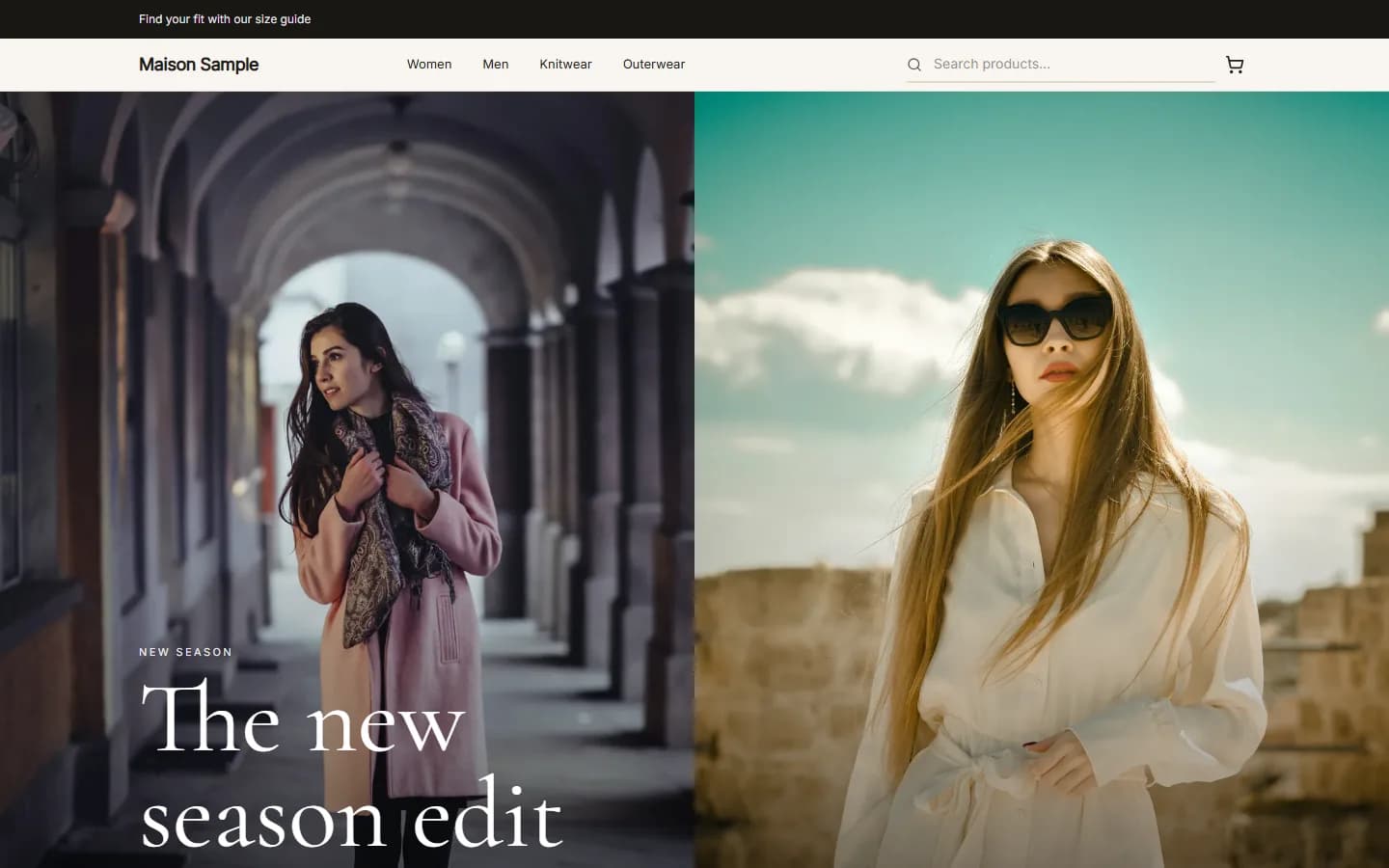
MaisonFashionUse this
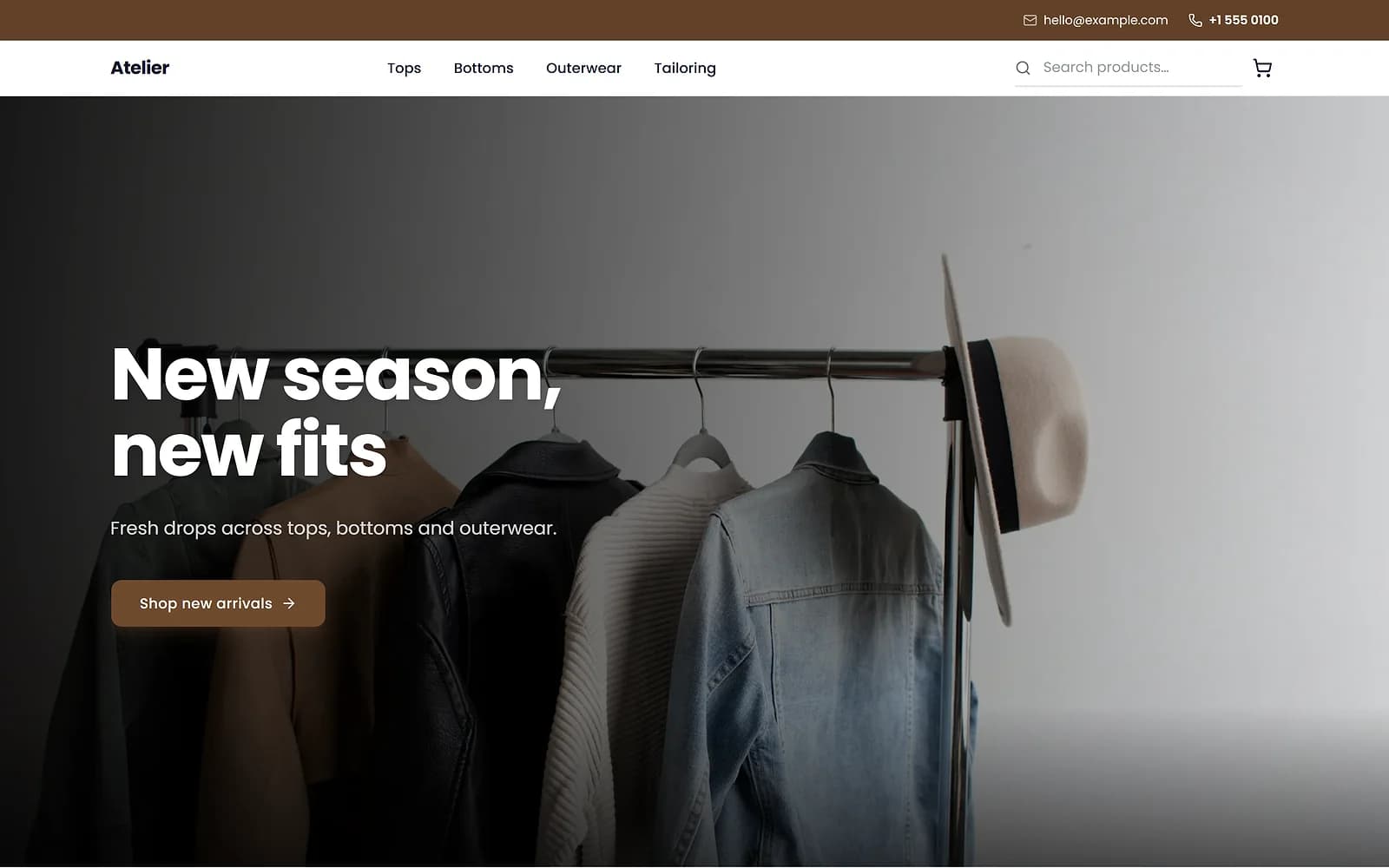
AtelierClothingUse this
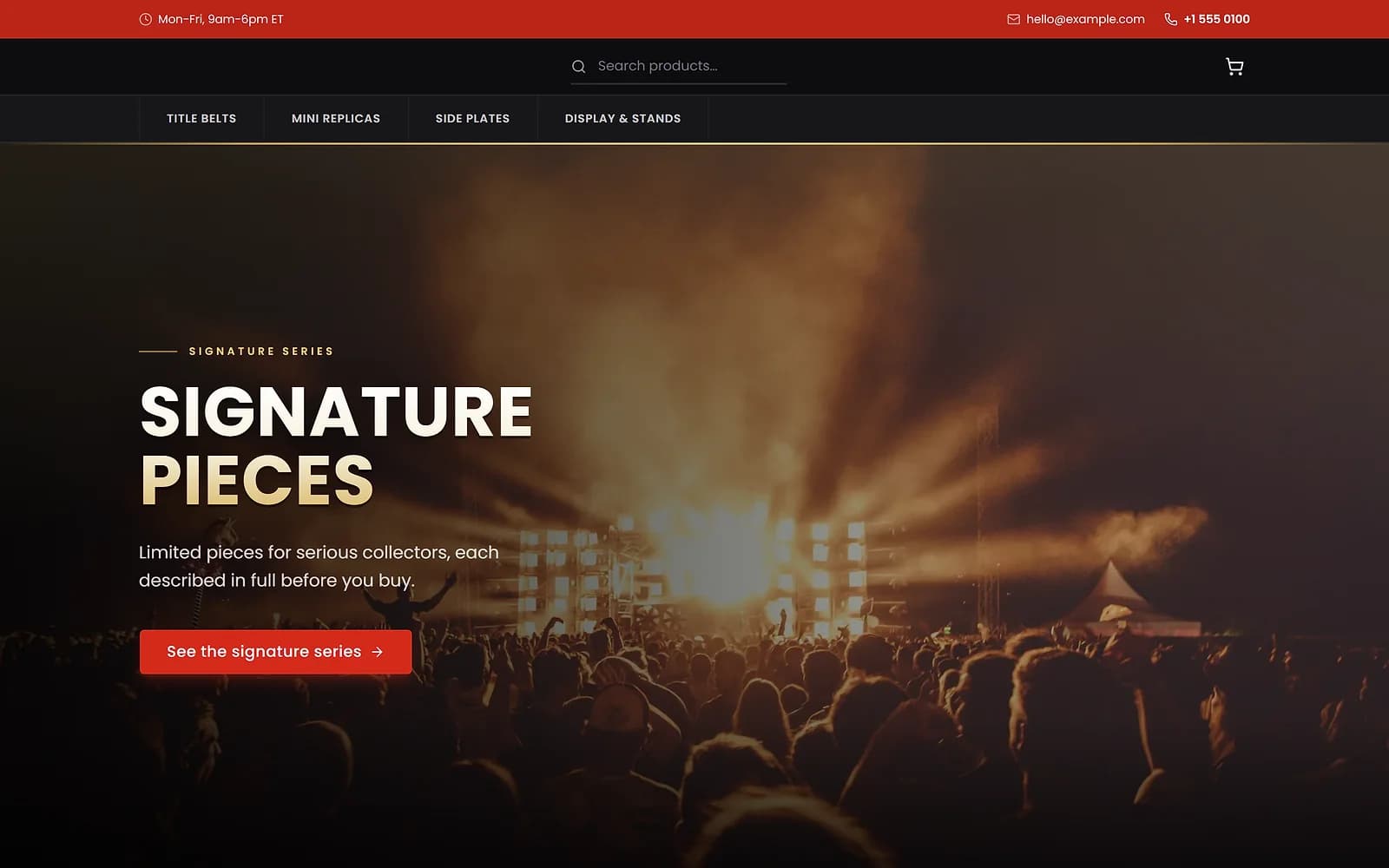
ArenaCollectiblesUse this
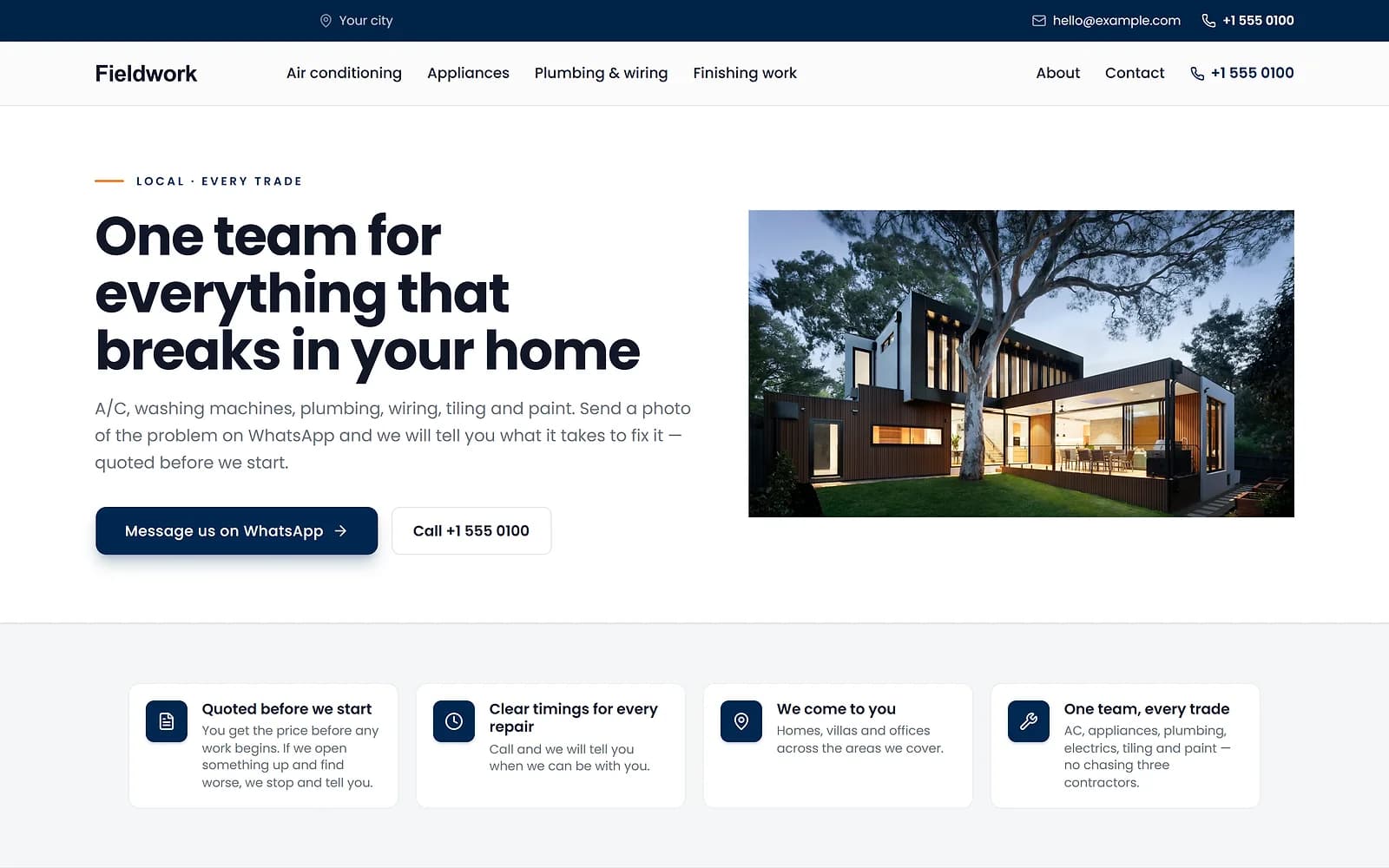
FieldworkHome servicesUse this
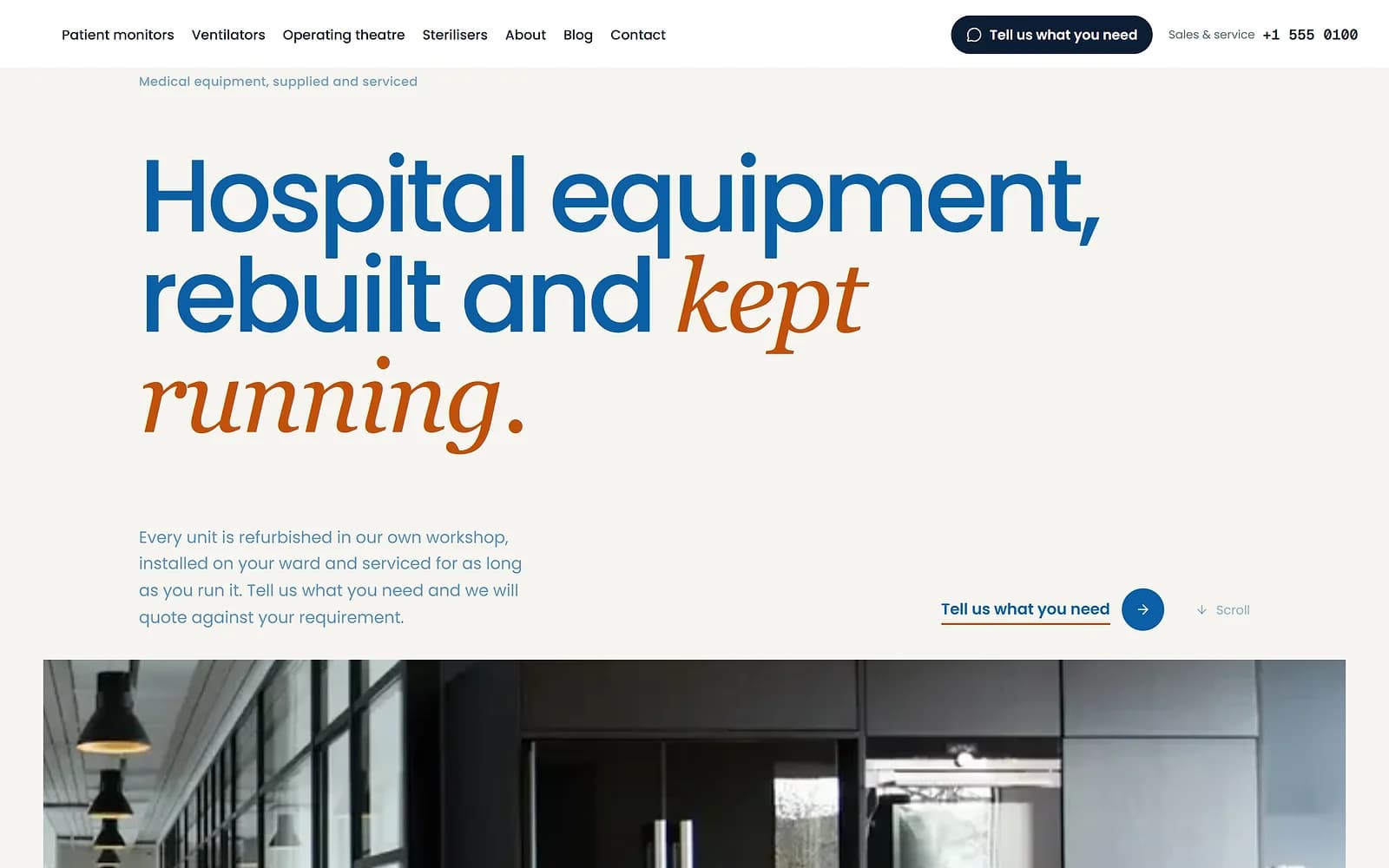
MeridianMedical supplyUse this
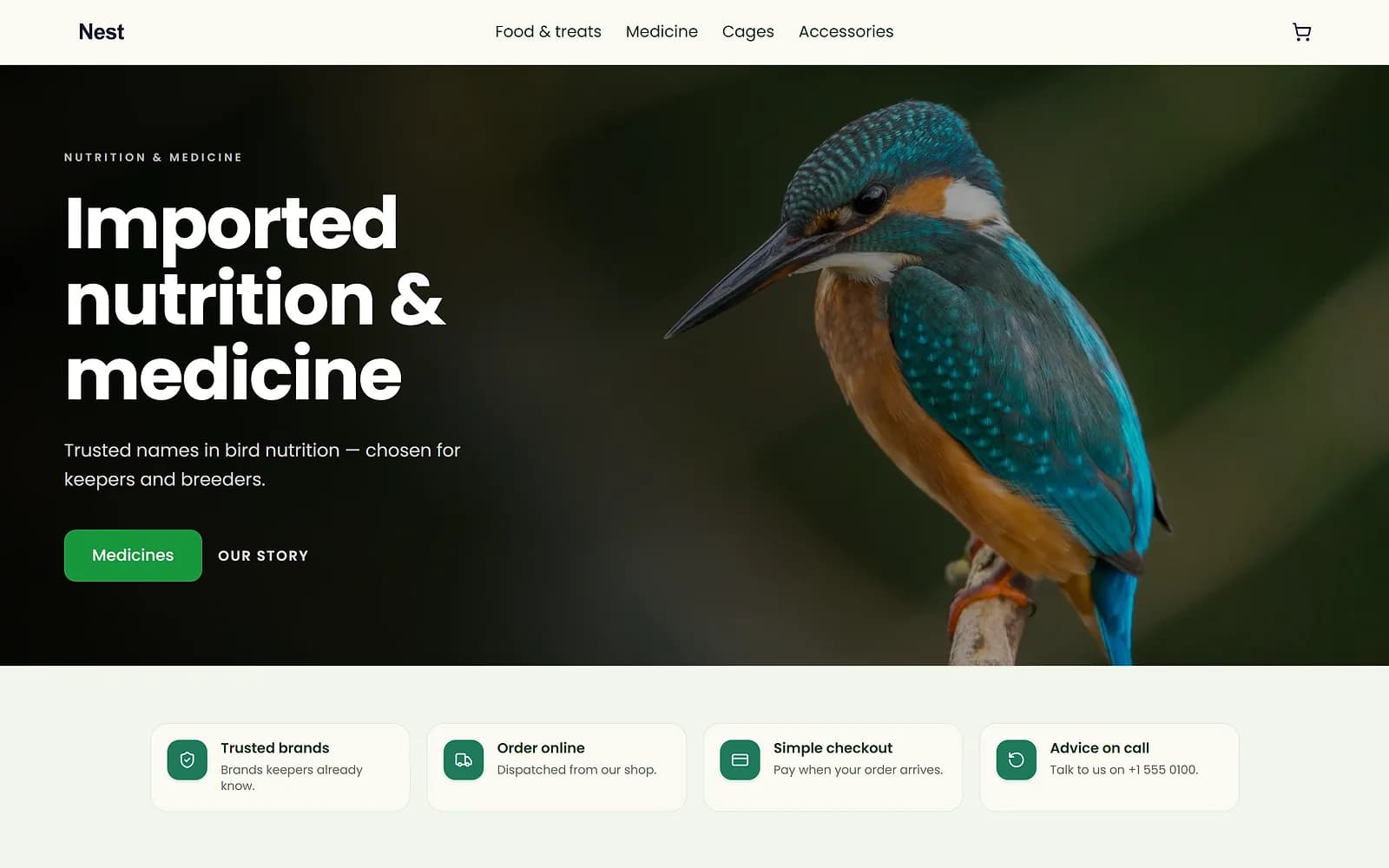
NestPet shopUse this
A new theme is chosen and applied. The products, orders and pages stay as they are.
Your brand, front and centre
On plans without it, a small Powered by Biizay mark appears on your storefront. On plans that include branding removal, it is hidden everywhere.
Questions
Where does the mark appear?
On your storefront. Your portal is not shown to customers.
Do I need to change anything?
No. Once your plan includes it, the mark is hidden automatically.
What if I change to a plan without it?
The mark returns; nothing else changes.
Try it on your own store.
14-day Pro trial, no card. Everything is in the same account.