
Connect your own domain to your online store
Run your shop on your own web address
Your shop on your own web address, with HTTPS handled for you.
What it does
- Connect a domain you own, such as yourshop.pk or yourshop.com
- Prove you own it with a DNS TXT record, then press Verify
- HTTPS certificates are issued automatically once the domain is verified
- Your biizay.com address forwards visitors to your own domain
How it works
- Add the domainIn Settings, open Domains and enter your domain.
- Update DNSAdd the TXT record Biizay shows you at your domain registrar.
- VerifyPress Verify. Once Biizay finds the record, the domain is marked verified.
A new look, and nothing else moves.
A new theme is chosen and applied. The products, orders and pages stay as they are.
saffronandclay.pk/portal/Themes
Choose a theme
- 1. Theme
- 2. Colours
- 3. Fonts
- 4. Review
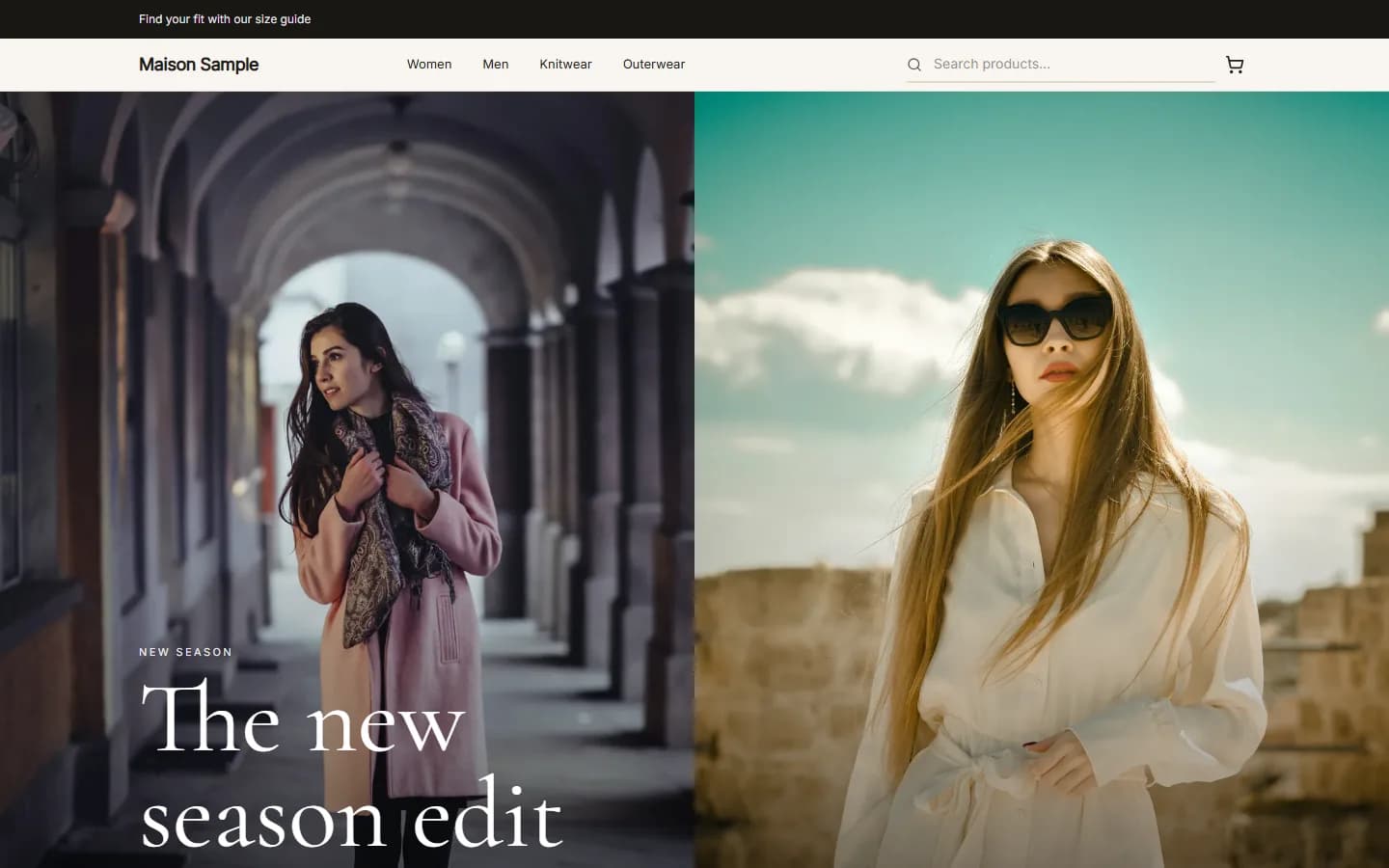
MaisonFashionUse this
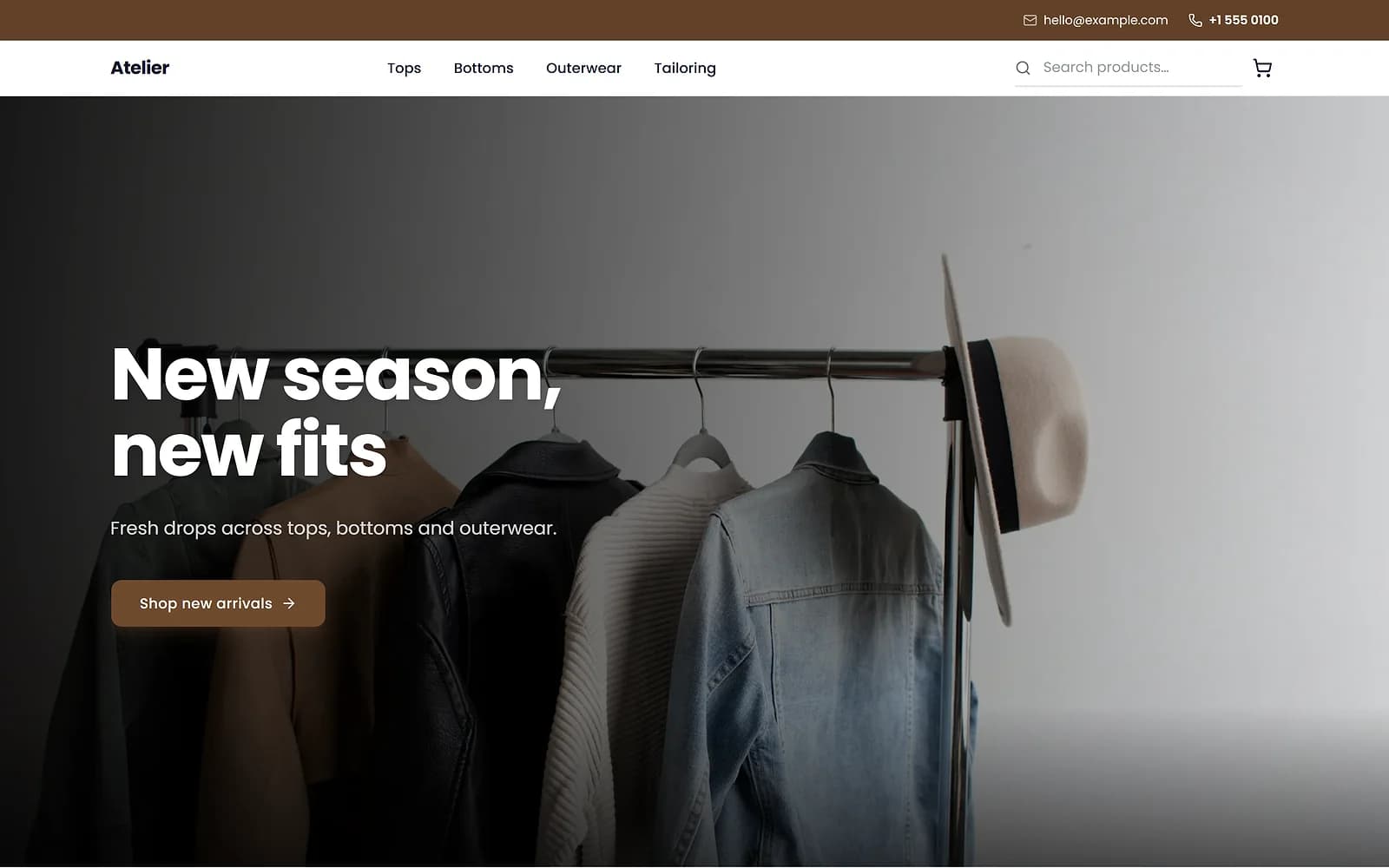
AtelierClothingUse this
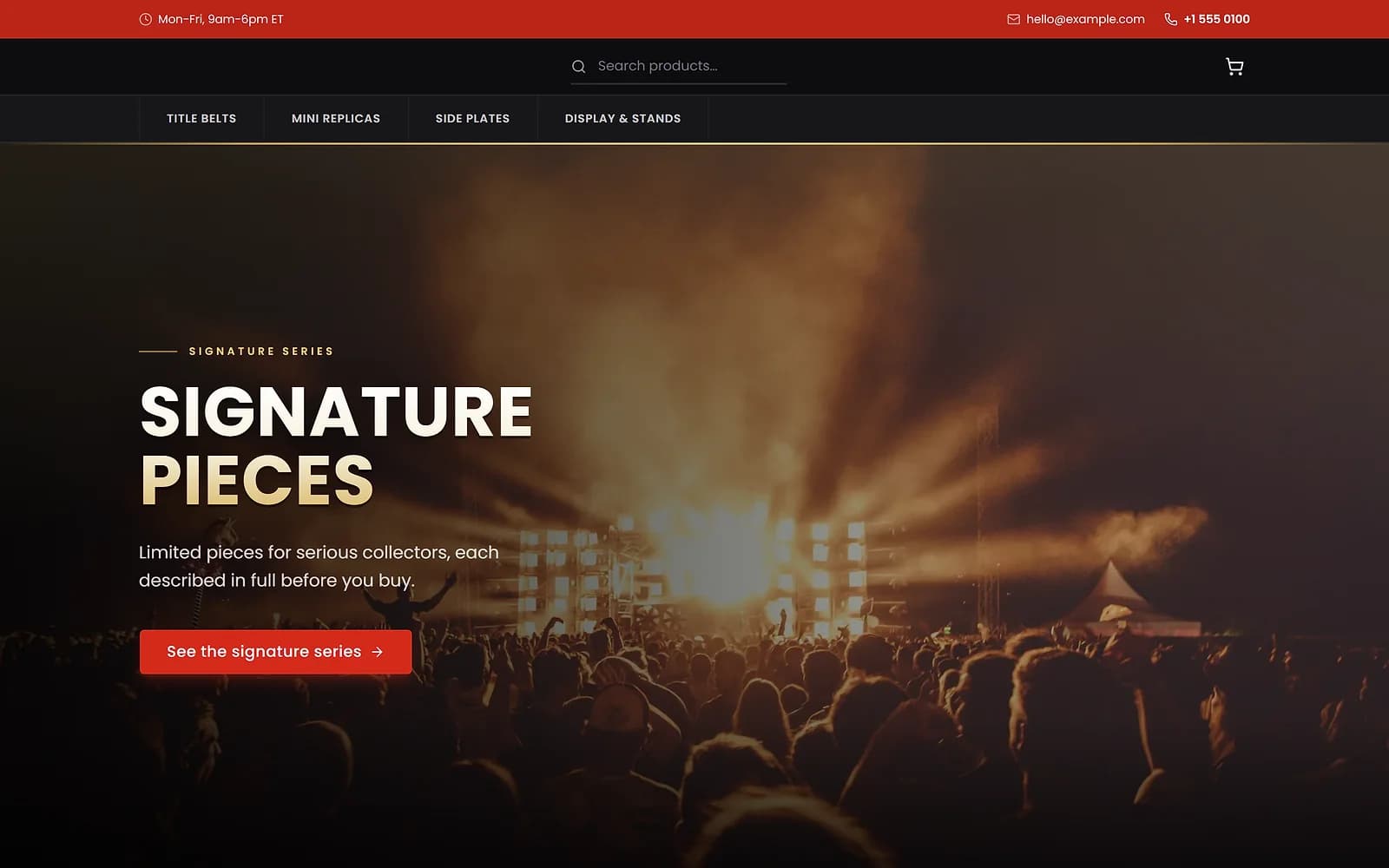
ArenaCollectiblesUse this
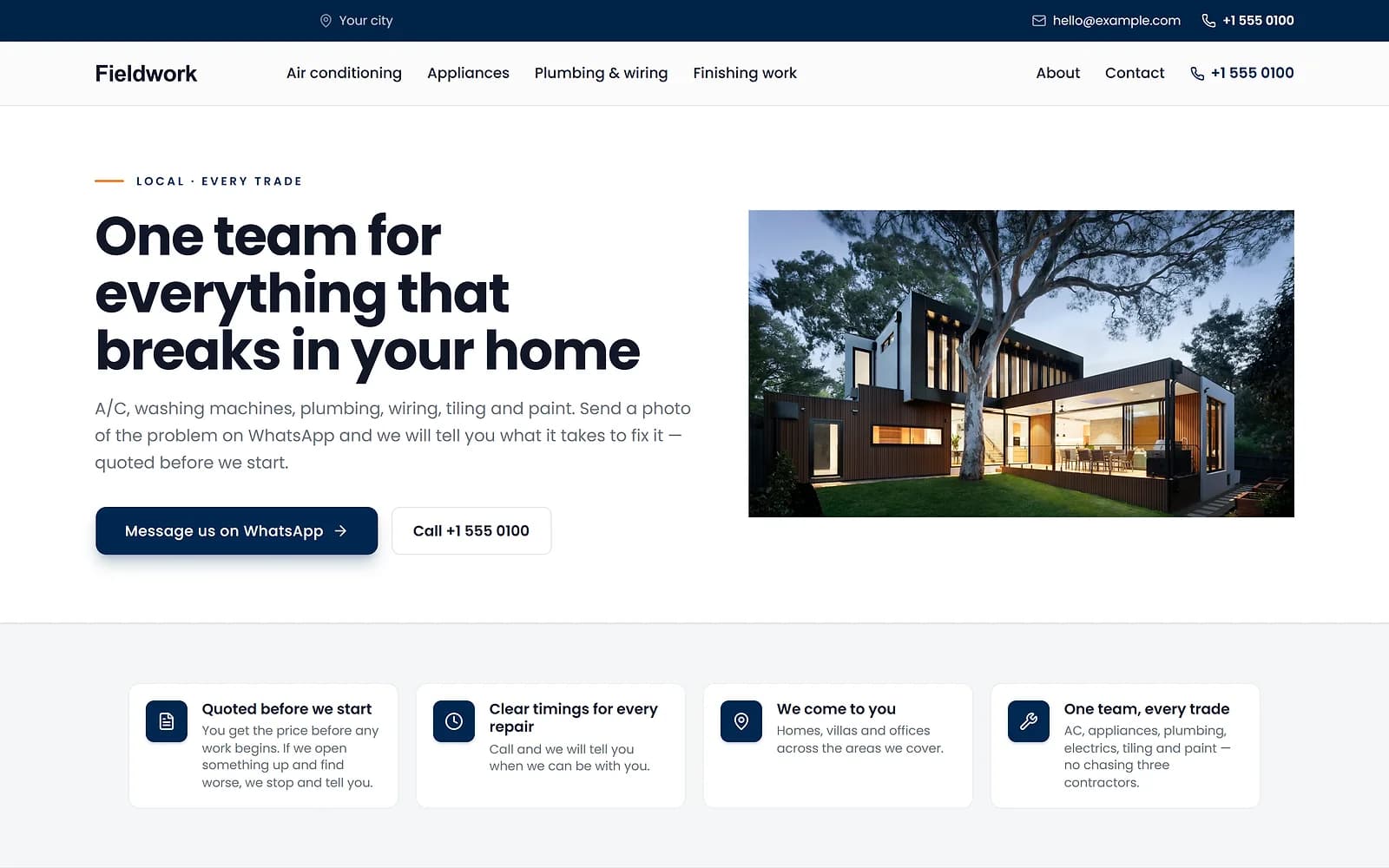
FieldworkHome servicesUse this
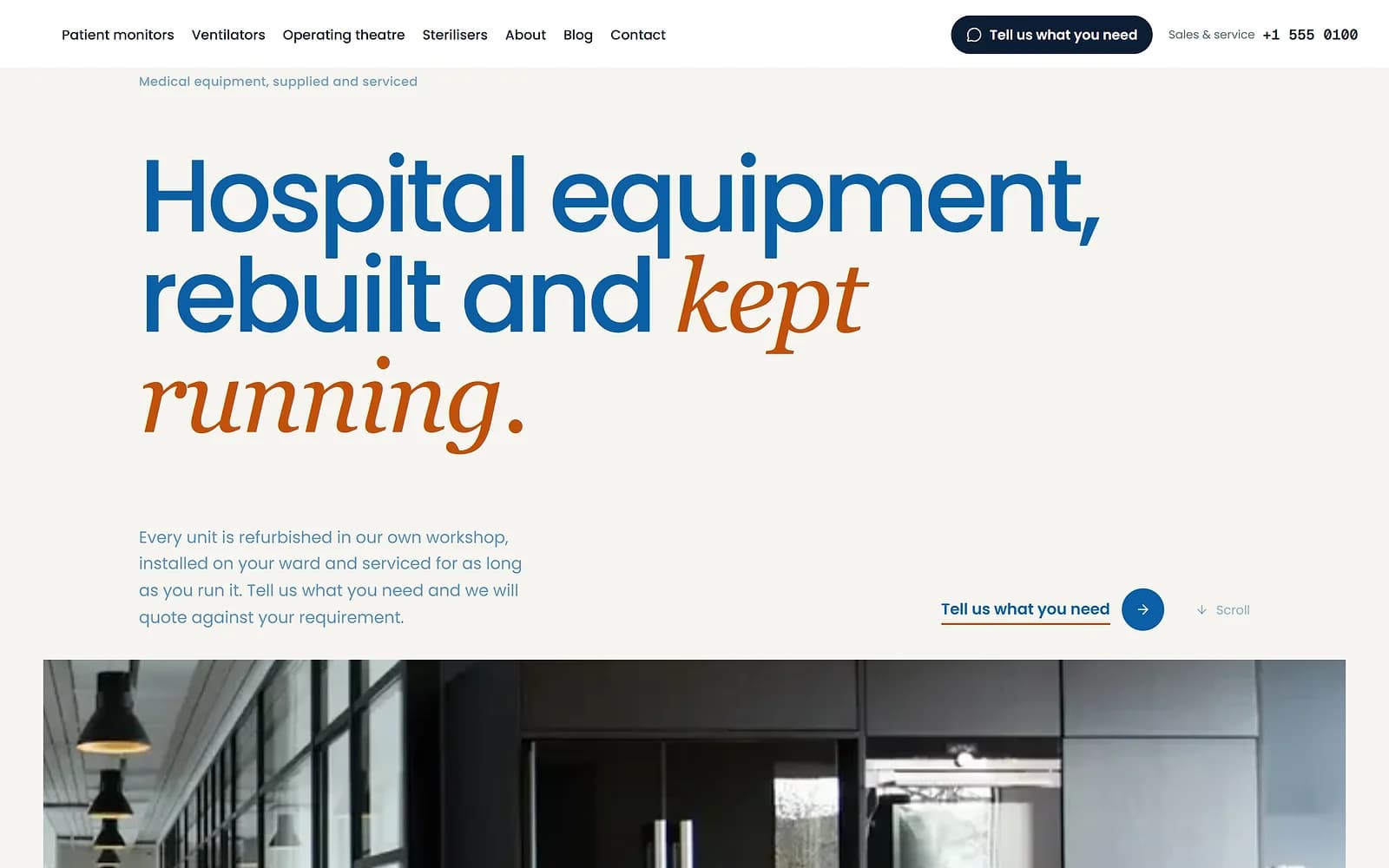
MeridianMedical supplyUse this
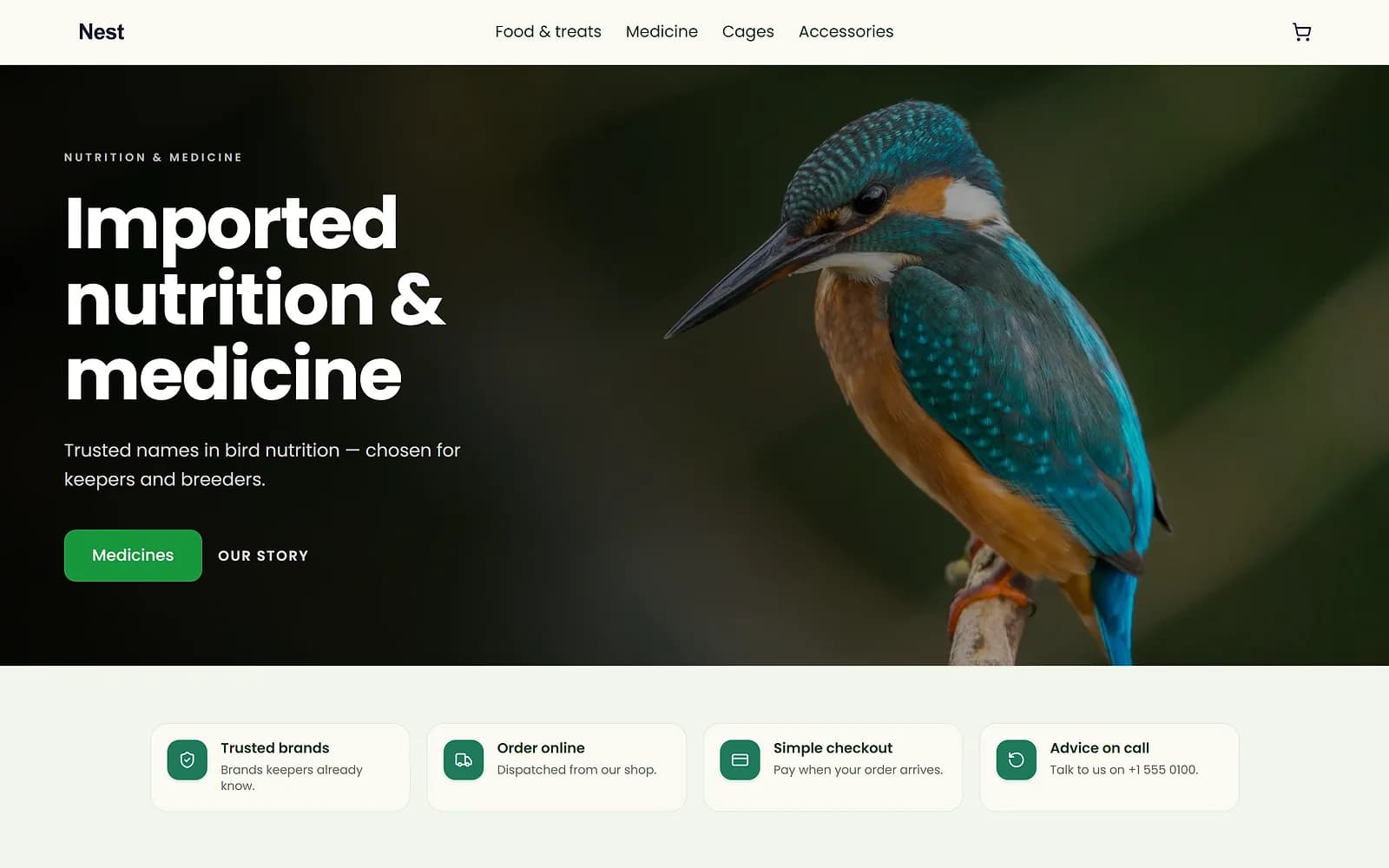
NestPet shopUse this
A new theme is chosen and applied. The products, orders and pages stay as they are.
One address customers remember
When your domain is verified, links to your biizay.com address are sent on to it, so old links keep working. Your portal sign-in also moves to your domain.
A verified domain also unlocks BiiMail, email addresses on your own domain.
Works with
- Business email on your own domain with BiiMail | BiizayMailboxes on your own domain, with webmail and support for phone and desktop mail apps.
- Online store builder for small businesses | BiizayA complete online shop on its own address, ready for products the day you sign up.
- Ecommerce SEO built into every store page | BiizayTitles, descriptions, share images and structured data on every page, without plugins.
- BiiMail app: mailboxes on your domain | BiizayEmail on your own domain, managed from Mailboxes.
Questions
Do I buy the domain from Biizay?
No. Buy it from any registrar, then connect it here.
Do I need to set up HTTPS?
No. A certificate is issued for you once the domain is verified.
What happens to my biizay.com address?
It forwards visitors to your own domain.
Try it on your own store.
14-day Pro trial, no card. Everything is in the same account.