

Privacy policy, terms and refund policy pages
Publish the policies customers and payment providers look for
Ready-made slots for your privacy, terms, refund and cookie policies.
What it does
- Privacy policy, terms of service, refund policy and cookie policy pages are created for you
- Each lives at its own address, such as /legal/refund-policy
- Edit them in a rich text editor and keep earlier versions
- Link them from your footer
How it works
- Open LegalGo to Website, then Legal pages, to see the four pages.
- Write your policyFill in each page with your own terms.
- Publish and linkPublish the page and add it to your footer menu.
A new look, and nothing else moves.
A new theme is chosen and applied. The products, orders and pages stay as they are.
saffronandclay.pk/portal/Themes
Choose a theme
- 1. Theme
- 2. Colours
- 3. Fonts
- 4. Review
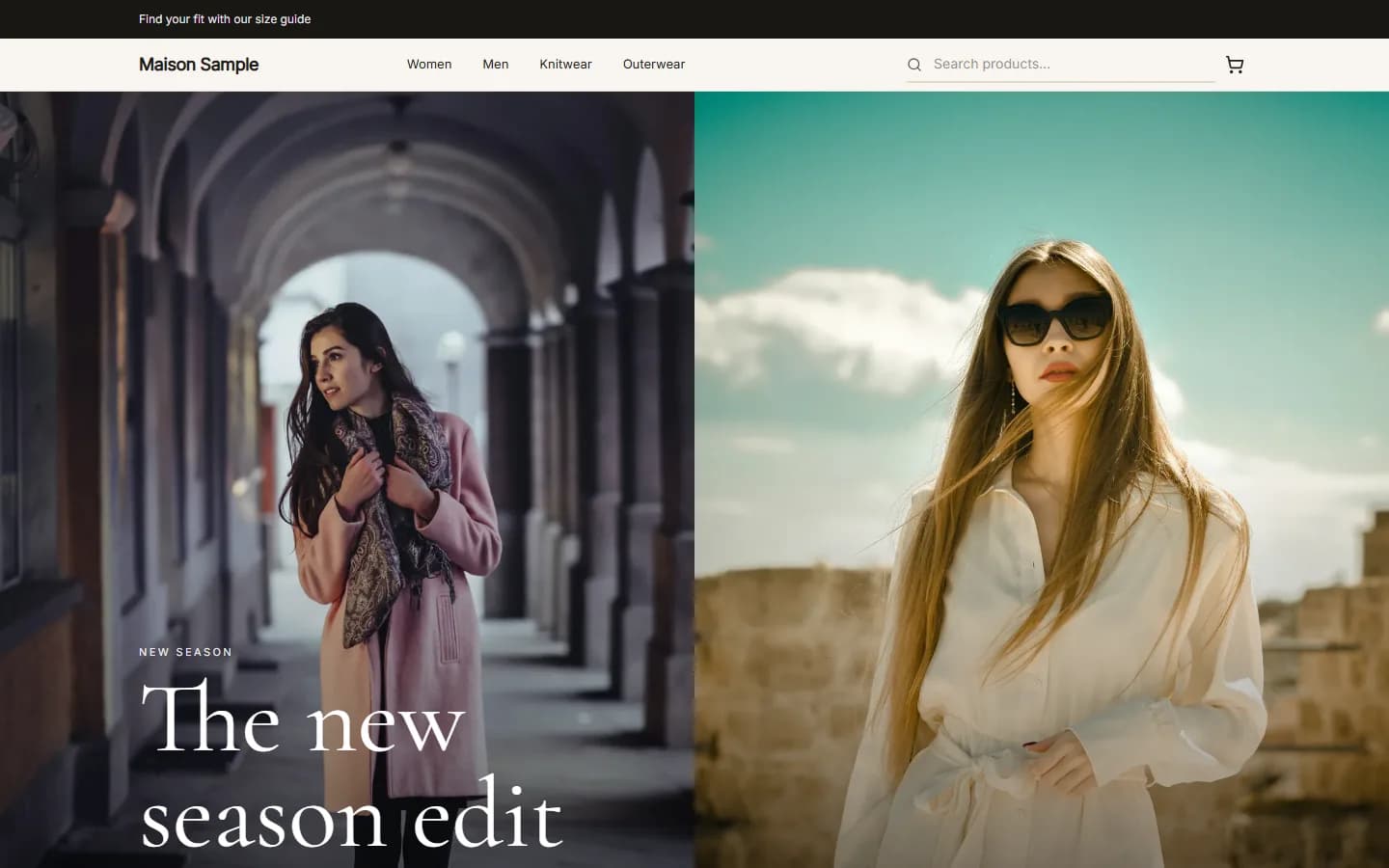
MaisonFashionUse this
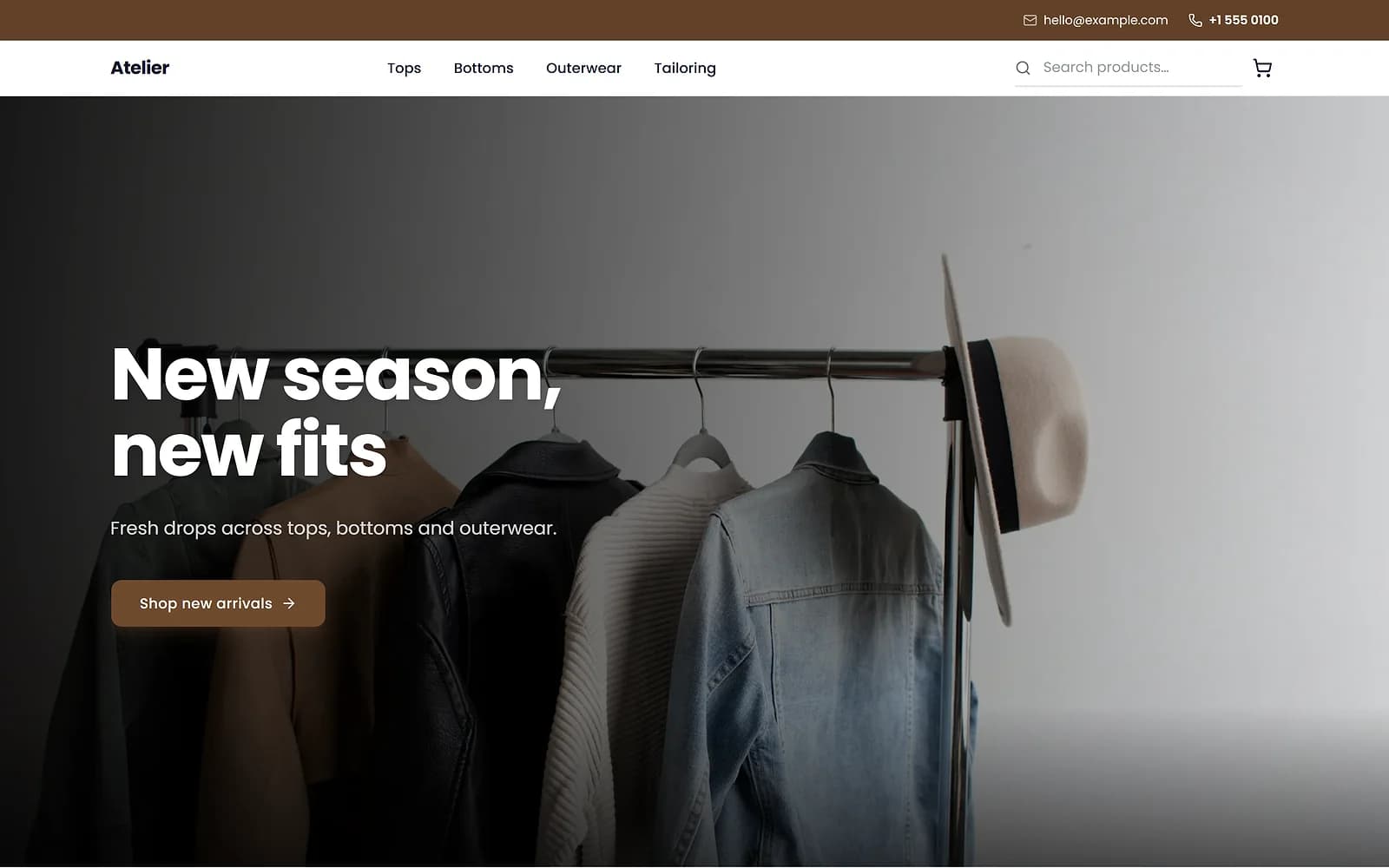
AtelierClothingUse this
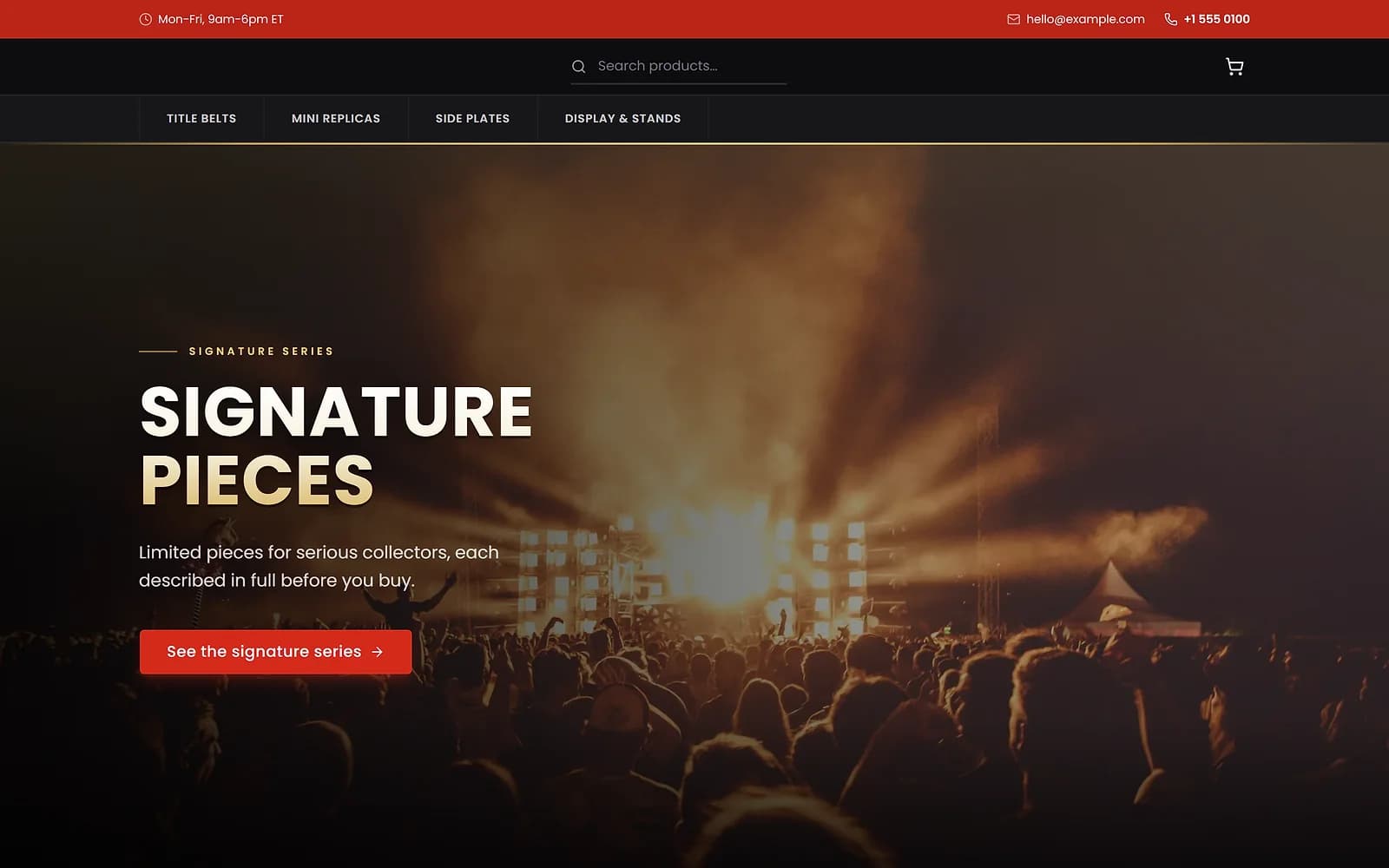
ArenaCollectiblesUse this
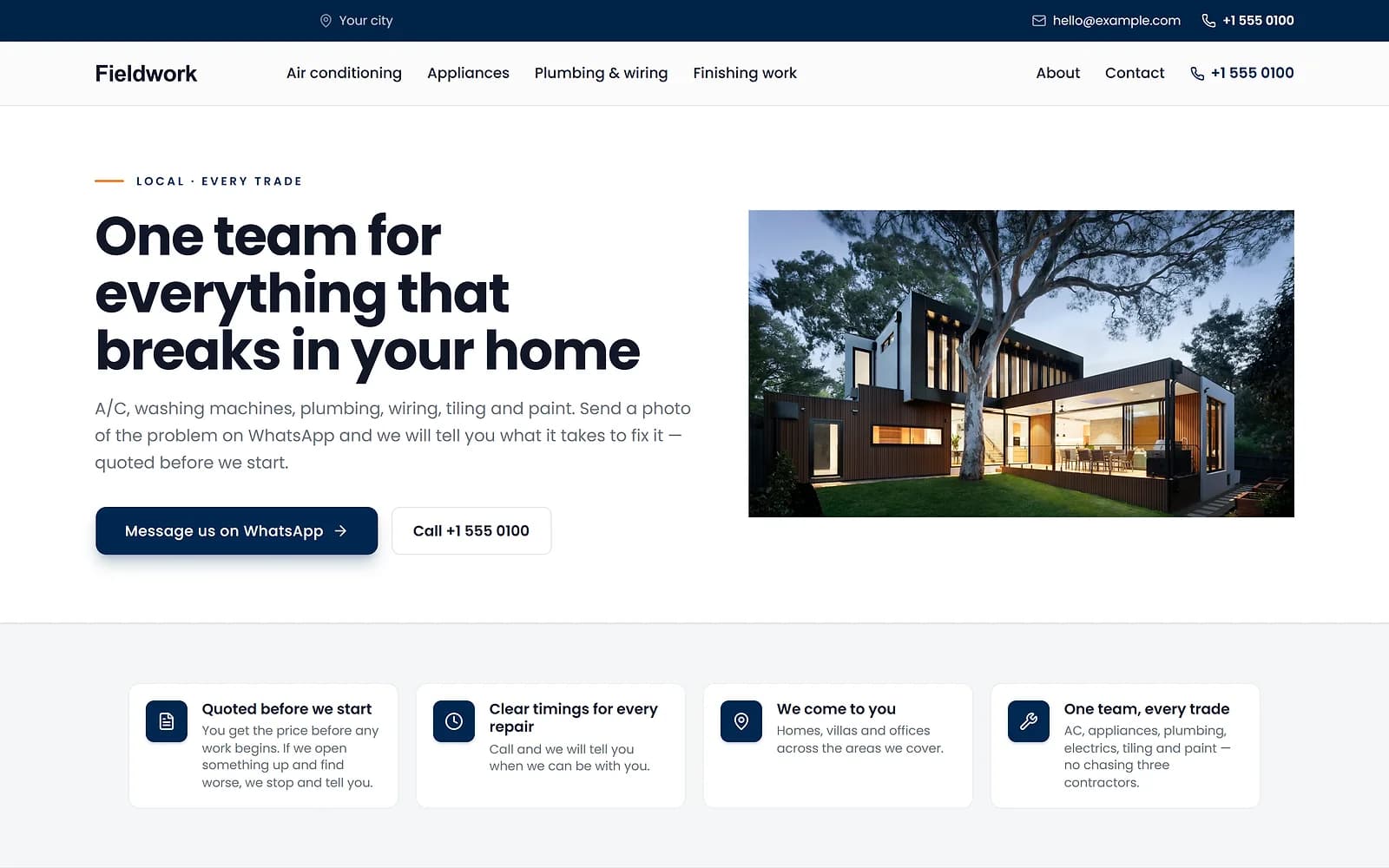
FieldworkHome servicesUse this
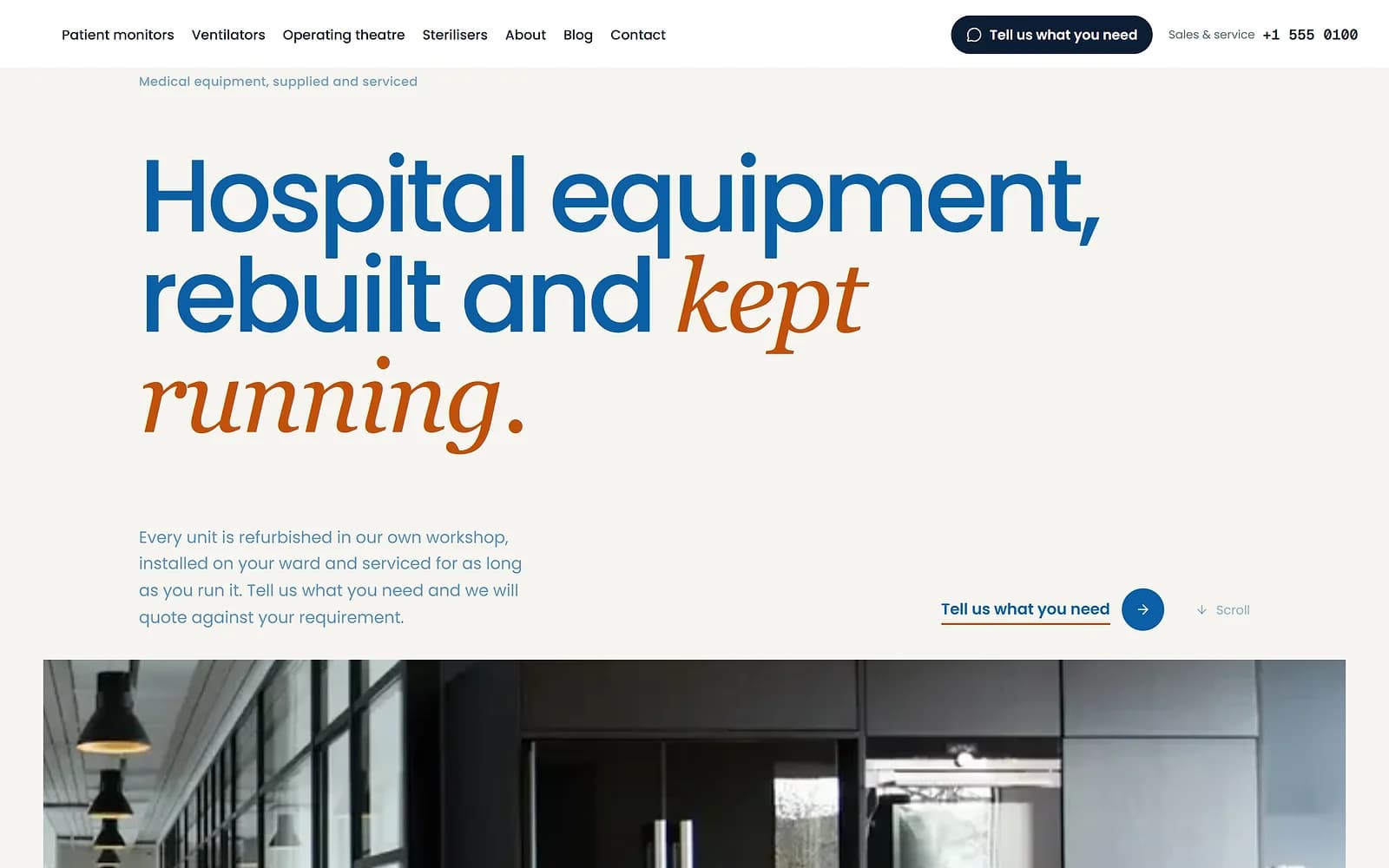
MeridianMedical supplyUse this
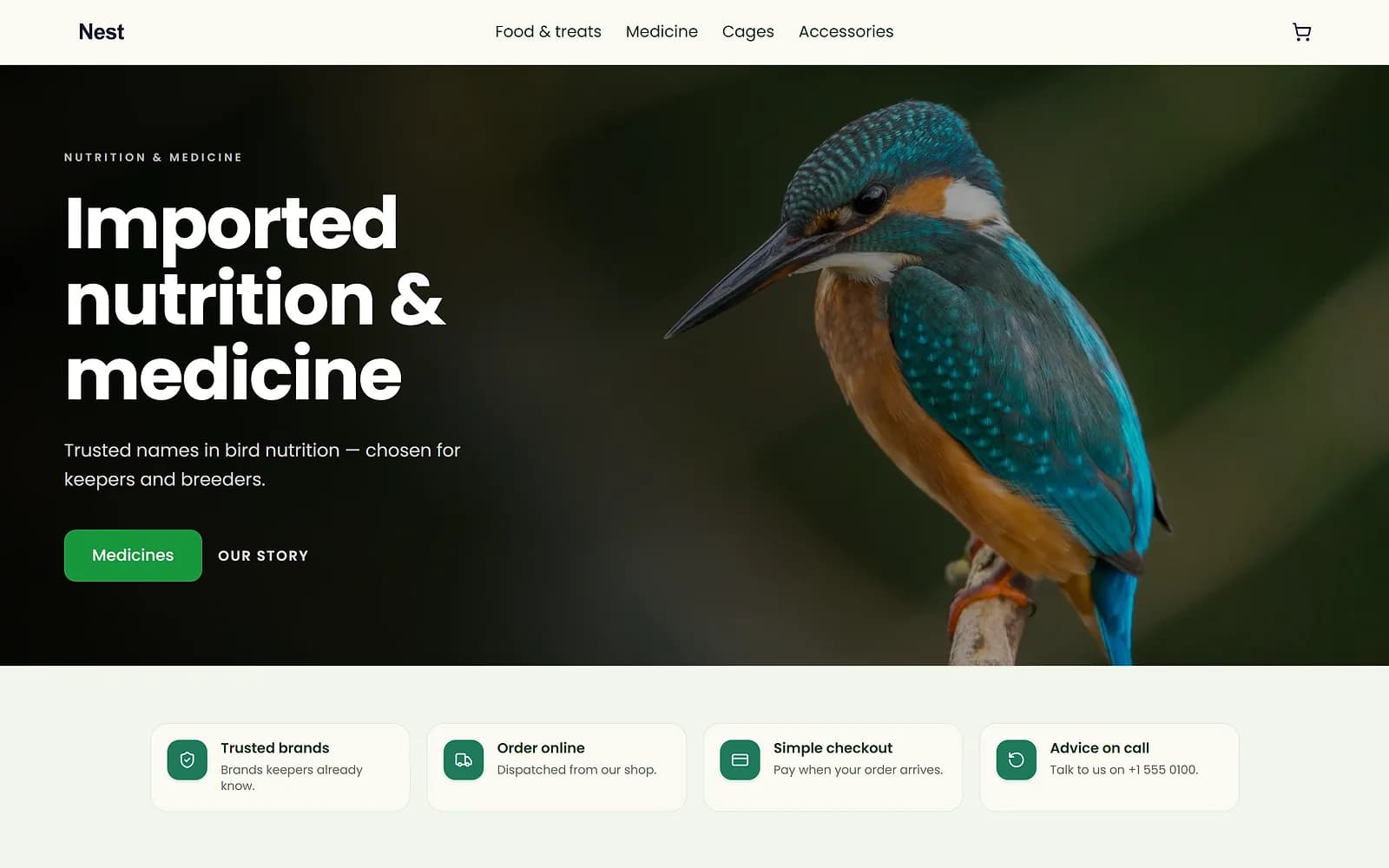
NestPet shopUse this
A new theme is chosen and applied. The products, orders and pages stay as they are.
Your words, your terms
The pages start empty on purpose. Your policies depend on what you sell, where you deliver and what you are willing to refund, so they must be written for your business.
Works with
Questions
Does Biizay write my policies?
No. The pages are ready for you to fill in with your own terms.
Can I add other legal pages?
Use a normal page for anything beyond the four policies.
Can I see older versions?
Yes. Legal pages keep a version history.
Try it on your own store.
14-day Pro trial, no card. Everything is in the same account.