

Video editor with Urdu and English captions
Make a ready-to-post video from your own clips
Beta
Edit shop videos in your media library: trim, cut, join, text, end card, speed and auto captions in Urdu or English.
What it does
- Trim the start and end, or cut out parts from the middle
- Join several clips, add text on screen and an end card with your logo
- Speed up, slow down, crop, turn, mute and fix the light
- Make captions from speech in Urdu or English, edit them, then burn them in
How it works
- Upload a videoAdd an MP4, MOV or WebM file to your media library, up to 200 MB.
- Edit itOpen it and use the tabs: Cut, Join, Text, End card, Speed, Light, Cover, Sound and more.
- Save a new videoSave, and Biizay makes the finished video as a new file. The original stays.
A new look, and nothing else moves.
A new theme is chosen and applied. The products, orders and pages stay as they are.
Choose a theme
- 1. Theme
- 2. Colours
- 3. Fonts
- 4. Review
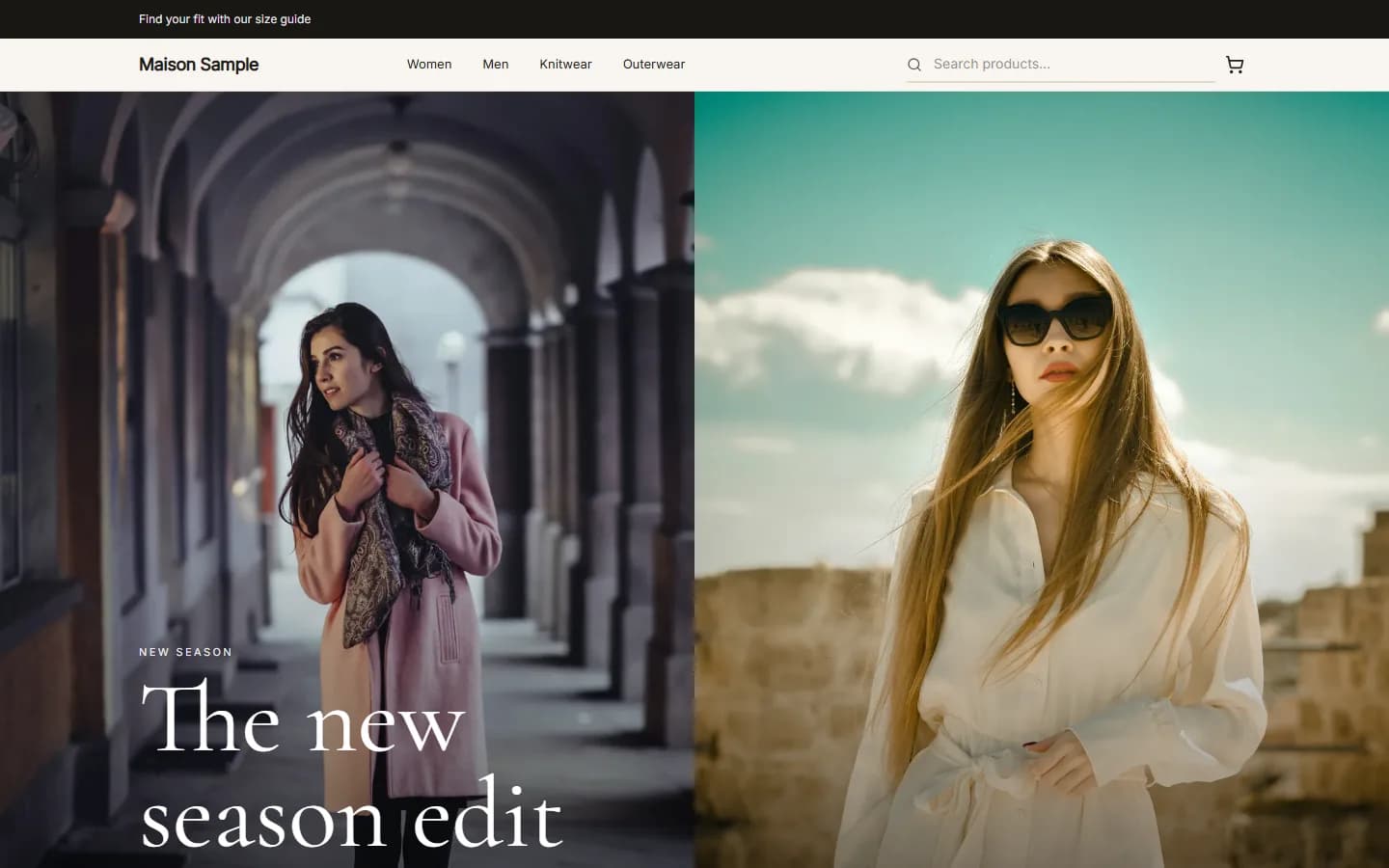
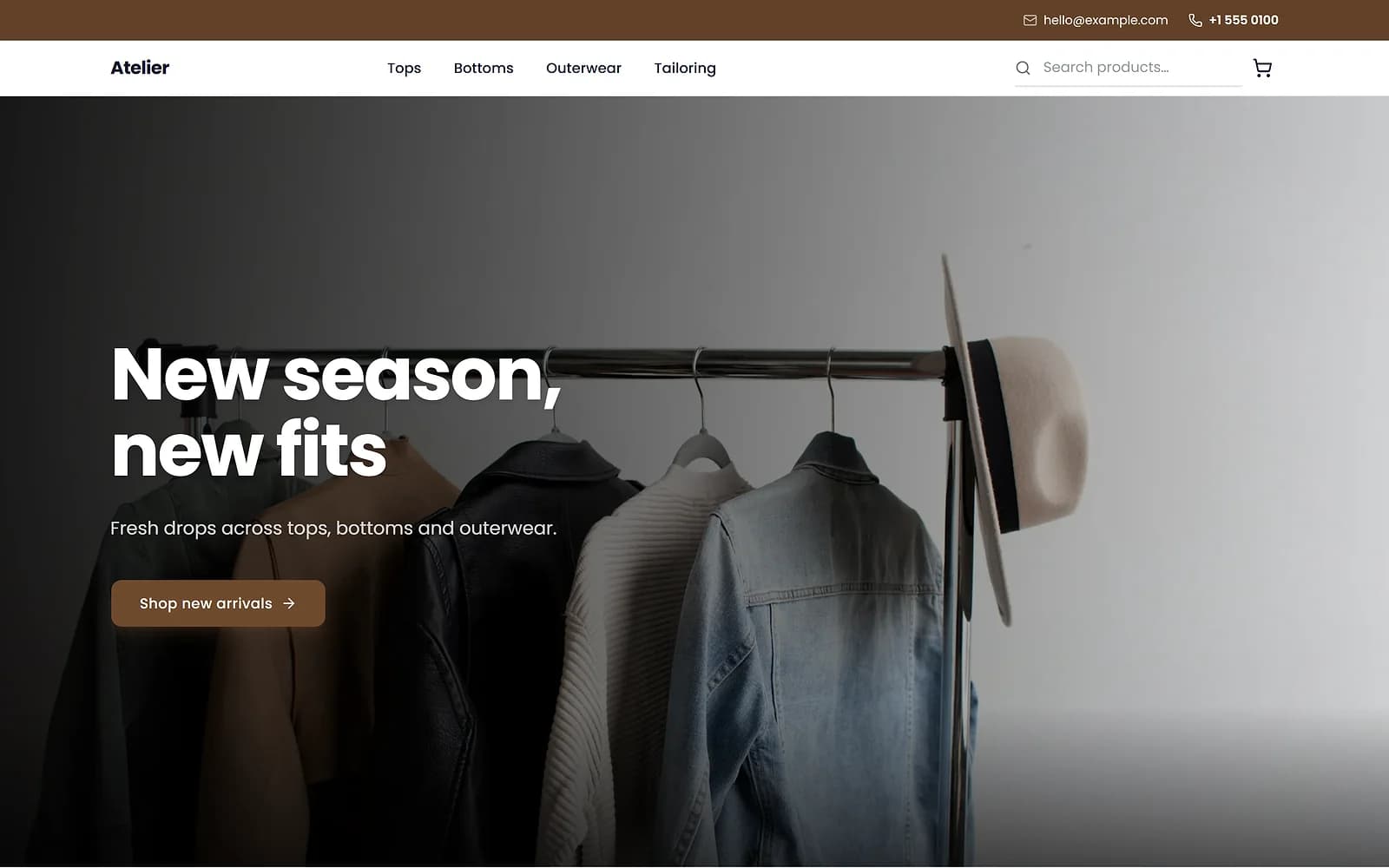
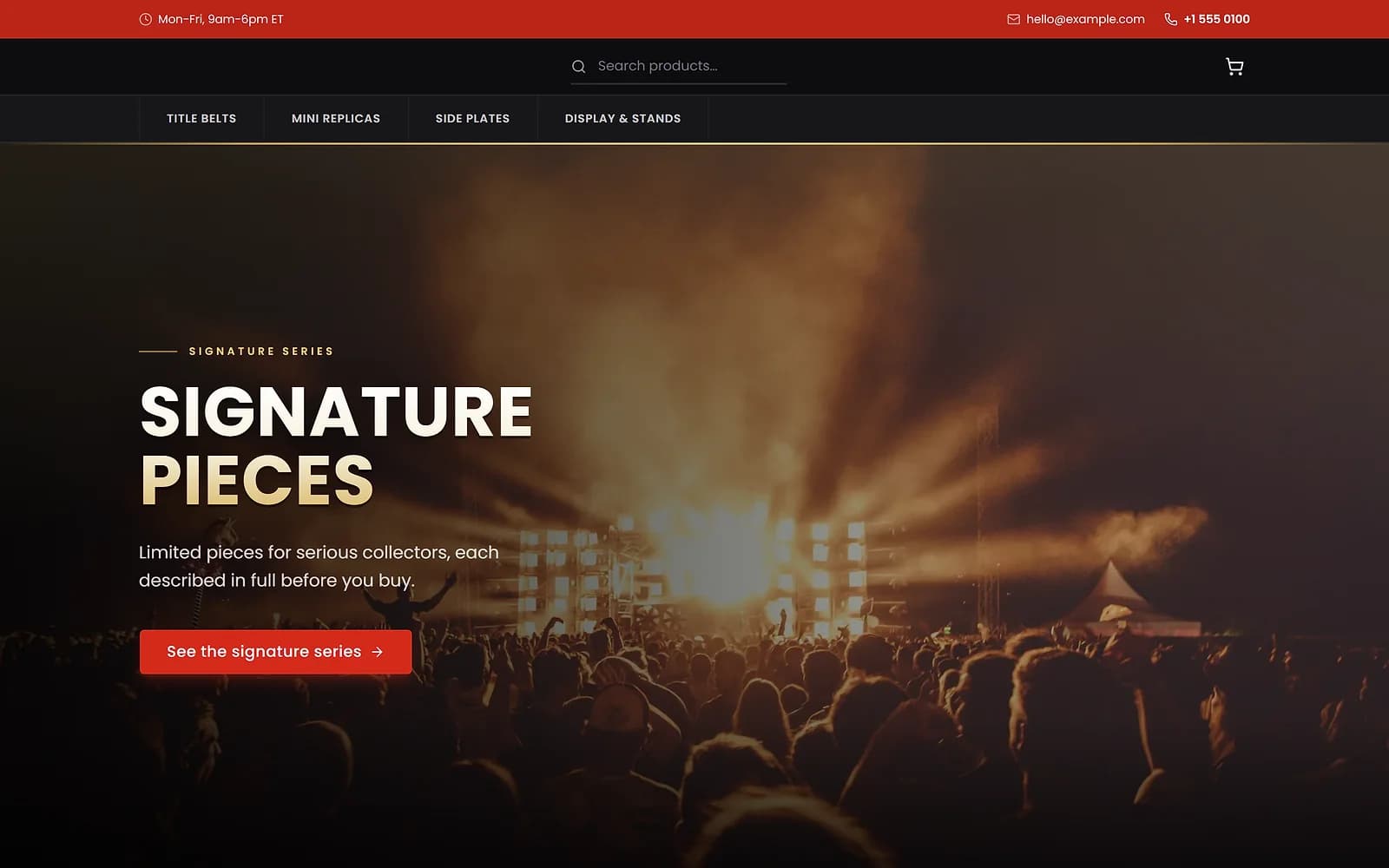
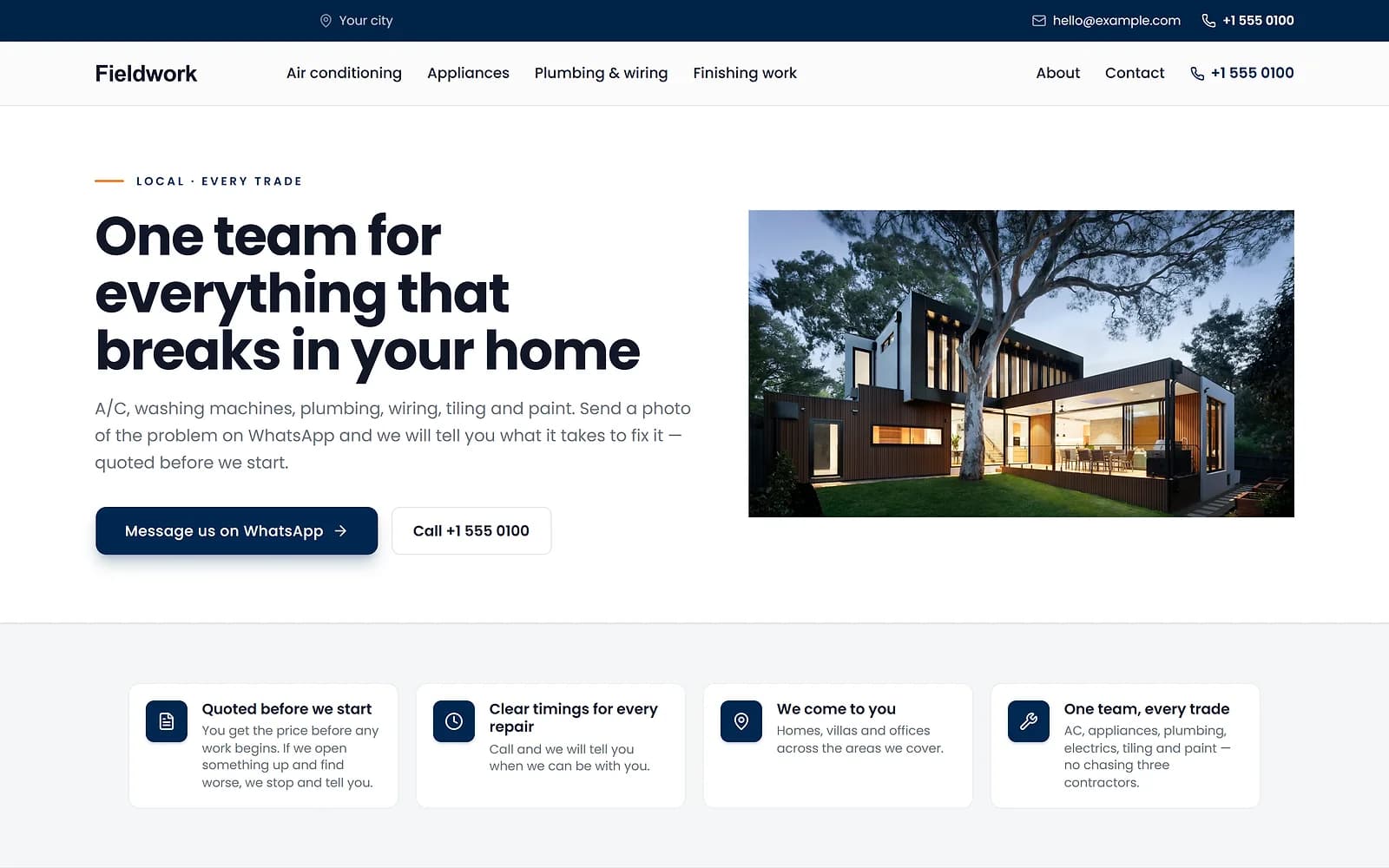
A new theme is chosen and applied. The products, orders and pages stay as they are.
Add Urdu captions to a video
Make captions turns the speech in your video into caption lines, with the timing of each word. Urdu is drawn with proper joined Nastaliq letters, right to left, and lines that mix Urdu and English work too. Read the lines through and correct any word before you burn them into the video.
You can also download the captions as an SRT or VTT file for another app.
Trim, cut and join clips
Keep only the part you want, cut out a pause in the middle, or join several clips into one video. Clips of different shapes are cropped to fill or padded with a colour you choose.
Text and an end card with your logo
Put text on screen at the moments you choose and finish on an end card with your logo, a line of text and your shop's colours.
Works with
- Remove background from product photos online | BiizayA photo editor in your media library: crop, light, background removal with refine, erase and upscale.
- Schedule Facebook and Instagram posts for your shop | BiizayPost and schedule to your Facebook Page and Instagram from Biizay, with templates, designed images and reels.
- Media library for your shop's images and files | BiizayEvery image you upload, in one place, reusable across products, pages and posts.
- Social app: Facebook and Instagram posting | BiizayPost and schedule to Facebook and Instagram, with a planner, templates and post figures.
- Website and counter sales for cafés and restaurants | BiizayA menu website, delivery orders and counter sales in one list, for a café or small restaurant.
- Online store for clothing and retail shops | BiizayOne stock, one portal for a clothing or retail shop selling online, on social media and at the counter.
Questions
How do I add Urdu subtitles to a video?
Open the video in your media library, choose Captions and make captions. Check the lines, correct any word, then burn them into a new copy of the video.
Can I get the captions as an SRT file?
Yes. Captions can be downloaded as SRT or VTT.
What video files can I upload?
MP4, MOV and WebM, up to 200 MB. Biizay makes a web-friendly copy where needed.
Does making captions use my allowance?
Making captions counts towards the monthly allowance for heavy media jobs on your plan. Burning existing captions into a video does not.
Try it on your own store.
14-day Pro trial, no card. Everything is in the same account.