

Request a quote button for products and services
Get price enquiries with the item already attached
A one-step Request a quote form on product and service pages that lands in your portal.
What it does
- A Request a quote panel opens on the product or service page with the item already filled in
- Customers can suggest a preferred time for a service
- Requests arrive in Quotations, ready to price
- Times inside a service's notice period, or in the past, are refused
How it works
- A customer asksThey press Request a quote, add their details and send it.
- You see itThe request appears in Quotations with the item and any preferred time.
- You reply with a pricePrice it and send a quotation the customer can accept.
An order comes in. You see it first.
A new website order arrives at the top of the Orders list, the count waiting for you goes up, and the order opens ready to confirm.
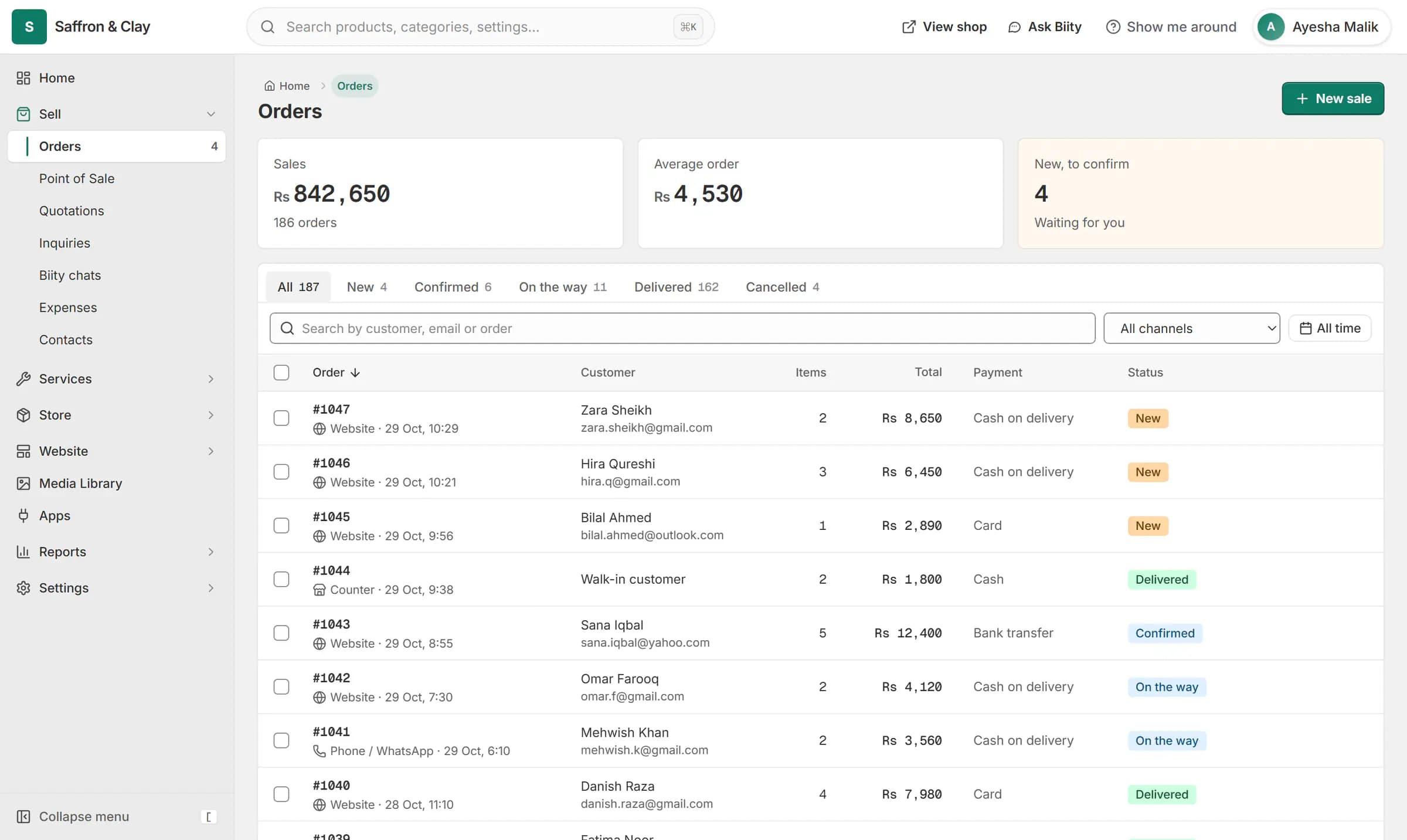
A new website order arrives at the top of the Orders list, the count waiting for you goes up, and the order opens ready to confirm.

No hidden basket
The request is sent in one step from the page the customer is on. There is no quote cart to fill and no long form asking for a company name.
A preferred time is only a preference. Nothing is reserved until you agree a price and the quote is accepted.
Works with
- Send quotations customers accept online | BiizayPriced quotes emailed with an accept link, then turned into orders in one step.
- Price on request: a quote-only B2B catalogue | BiizayList real products without public prices, and take quote requests instead of orders.
- Sell services online: fixed, hourly or quoted | BiizayServices with their own pages, priced fixed, hourly or by quote.
- Quotations app: quote requests and quotes | BiizayQuote requests from your shop and priced quotations, as one tool.
- Booking website for repair and service businesses | BiizayService pages, bookings, quotes and jobs in one place for trades and repair businesses.
- Quote-only catalogue for B2B and medical suppliers | BiizayA searchable catalogue with price on request, for suppliers who quote each buyer.
Questions
Does the customer need an account?
No. They give their name and contact details in the panel.
Is the time they pick booked?
No. It is a preference; the job is scheduled when the quote turns into an order.
Where do I see requests?
In Quotations in your portal.
Try it on your own store.
14-day Pro trial, no card. Everything is in the same account.