

Services and jobs app for bookable work
Add services, jobs and a schedule to your portal
Services & jobs, built by BiizayLive
Bookable services, jobs and the schedule, as one tool you can switch on or off.
What it does
- Adds Services, Jobs and Schedule to your portal
- Lets your shop list services at /services
- Included on every plan
Turning it on
- In your Biizay portal, open Apps and choose Services & jobs.
- Turn it on. You can turn it off the same way at any time.
How it works
- Open AppsFind Services and jobs under Sell.
- Switch it onServices, Jobs and Schedule appear in the menu.
- Create your first serviceAdd a service from Store, then Services.
Services & jobs in your portal.
saffronandclay.pk/portal/services/calendar
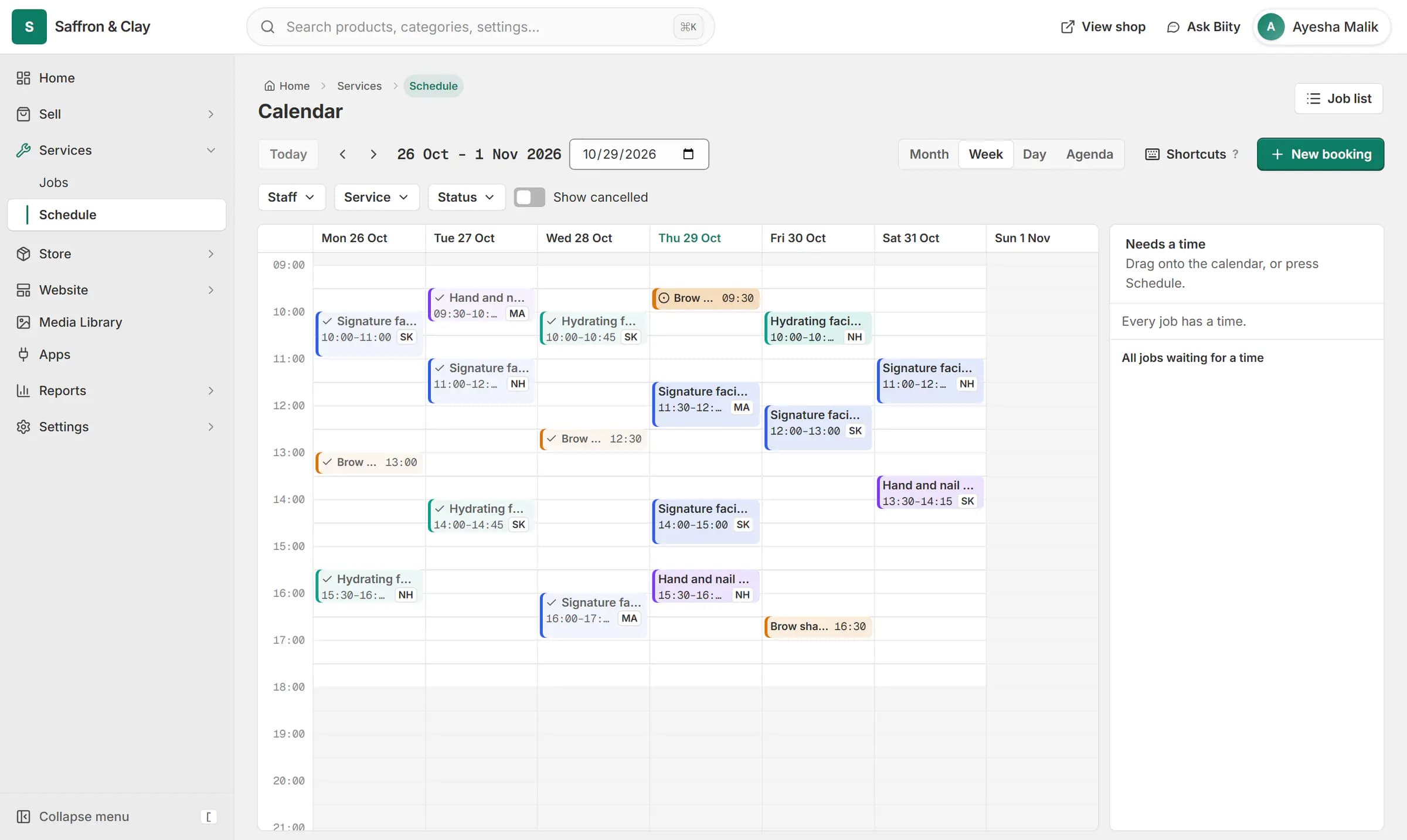
A client books a facial on the website. The booking lands on the team calendar on Thursday at 14:00, with Sara, and on her Google Calendar.

Services and jobs is the tool behind everything bookable on Biizay: service pages, time picking, jobs and the schedule.
Works with
- Sell services online: fixed, hourly or quotedServices with their own pages, priced fixed, hourly or by quote.
- Online booking and appointment schedulingCustomers choose a time when they book, and the work appears on your schedule.
- Job tracking and materials for service businessesJobs for every service sold, with a status, an assignee and the parts used.
- Checkout for service bookings, no delivery stepA shorter checkout for carts that contain only services.
- Booking website for repair and service businessesService pages, bookings, quotes and jobs in one place for trades and repair businesses.
Questions
Is it on every plan?
Yes.
Will switching it off cancel booked jobs?
No. Nothing is changed or deleted; the screens are simply hidden.
Try Services & jobs on your own store.
14-day Pro trial, no card. Everything is in the same account.