

Customer and supplier contacts in one list
Keep everyone you buy from and sell to in one place
One list of customers and suppliers, with firms that are both kept as one record.
What it does
- Contacts can be customers, suppliers or both
- Email addresses are stored in lower case so the same person is not added twice
- Suppliers are picked straight from your contacts on a purchase order
- Export the list to CSV
How it works
- Add contactsOpen Contacts and add customers and suppliers.
- Mark the kindChoose customer, supplier or both.
- Use themPick suppliers on purchase orders and keep customer details in one place.
One count, whoever sells it.
One stock count per product: a counter sale and a website order each take one off, and a delivery adds 24 to the toner that was running low.
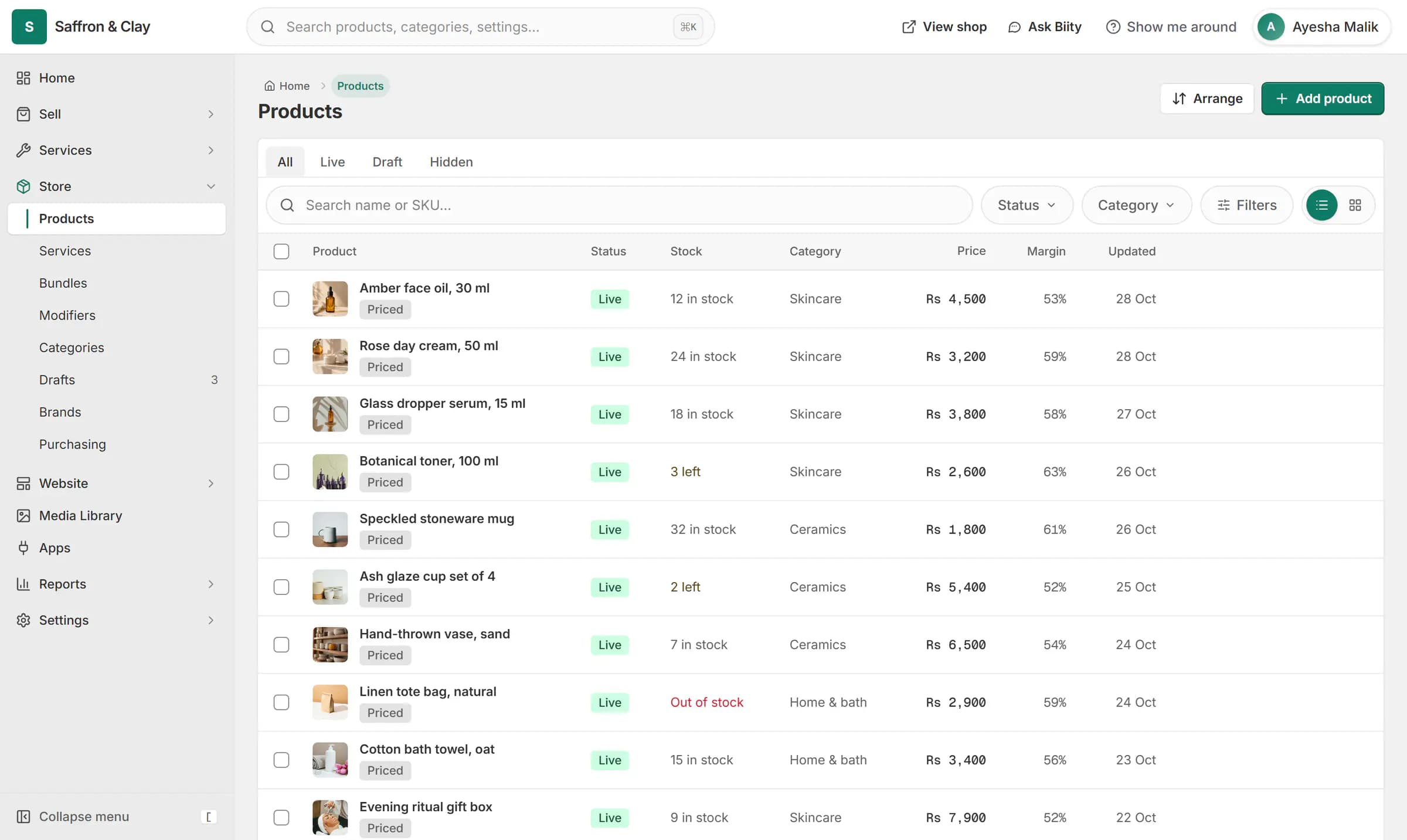
One stock count per product: a counter sale and a website order each take one off, and a delivery adds 24 to the toner that was running low.
One record per firm
Many businesses buy from and sell to the same company. Keeping one record means one address, one phone number and one history, instead of two copies drifting apart.
Works with
- Purchase orders and stock receiving | BiizayPurchase orders to suppliers, with stock and cost updated when goods arrive.
- Sales, inventory and customer reports | BiizaySales, product, customer, inventory and quotation reports for any period.
- Quote-only catalogue for B2B and medical suppliers | BiizayA searchable catalogue with price on request, for suppliers who quote each buyer.
Questions
Can a contact be both a customer and a supplier?
Yes. Mark them as both.
Can I export my contacts?
Yes. Download the list as CSV.
Do online customers appear automatically?
Customers report figures come from orders; add a contact when you want to keep a record of someone.
Try it on your own store.
14-day Pro trial, no card. Everything is in the same account.