
Point of Sale app: turn counter sales on or off
Keep the counter tool only if you need it
Point of Sale, built by BiizayLive
The counter-sales tool, on for every store and yours to switch off.
What it does
- Adds Point of Sale to your portal menu
- Included on every plan
- Can be switched off to keep the menu tidy if you only sell online
Turning it on
- In your Biizay portal, open Apps and choose Point of Sale.
- Turn it on. You can turn it off the same way at any time.
How it works
- Open AppsFind Point of Sale under Sell.
- Keep it or switch it offUse the switch on its tile.
- SellWith it on, open Point of Sale from the menu.
Point of Sale in your portal.
saffronandclay.pk/portal/pos
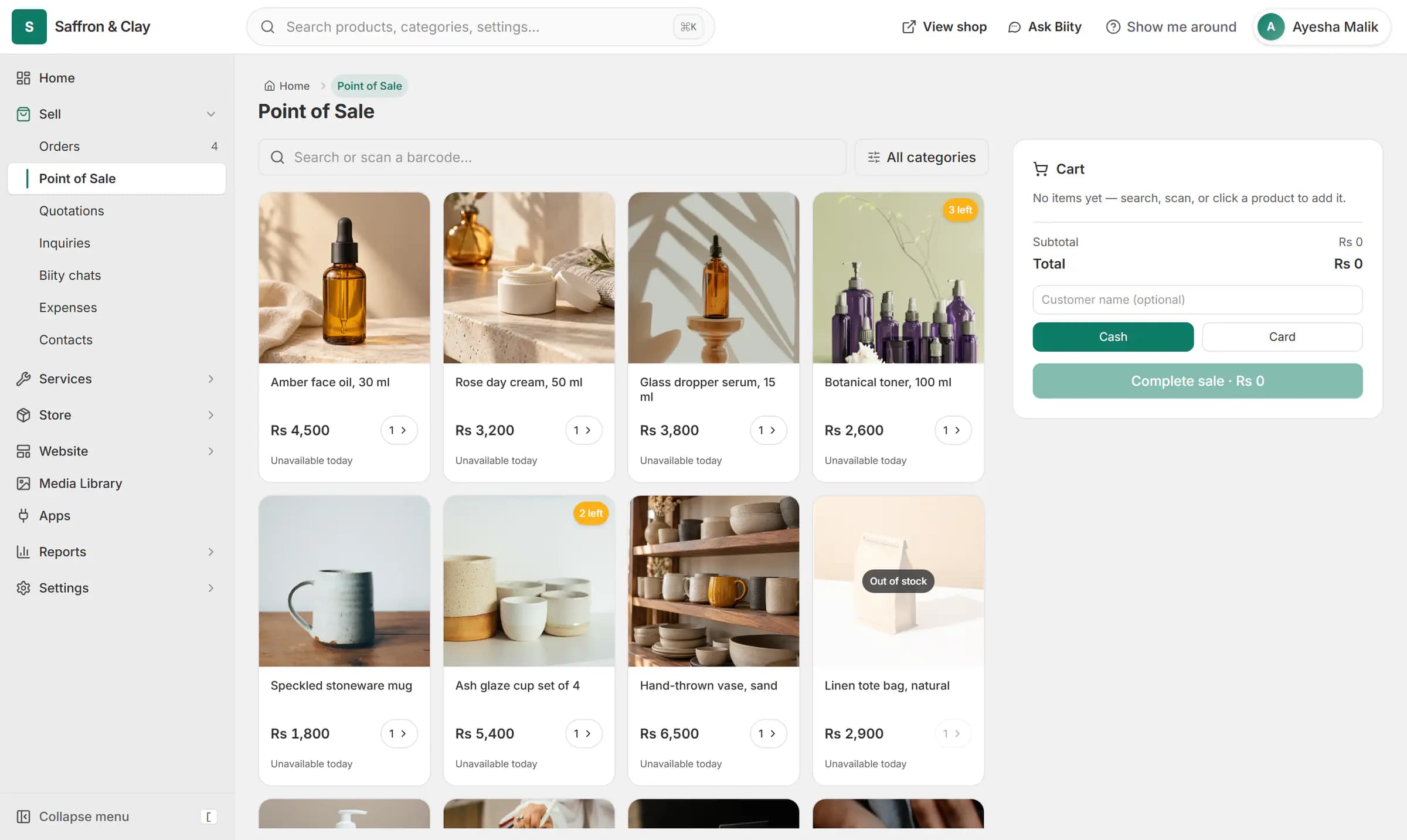
A face oil is rung up at the counter and paid in cash. The stock count on the website drops from 12 to 11.

Point of Sale is one of the tools that ship with every Biizay store. It is a preference, not a plan lock: you decide whether it shows.
Works with
- Point of sale (POS) for small shopsRing up products, bundles and services at the counter from the same stock your shop sells.
- Order management for online and counter salesEvery order from your website, counter and phone in one list you can work through quickly.
- Website and counter sales for cafés and restaurantsA menu website, delivery orders and counter sales in one list, for a café or small restaurant.
Questions
Does it cost extra?
No. It is part of every plan.
What happens to past counter sales if I switch it off?
They stay in your orders and reports.
Try Point of Sale on your own store.
14-day Pro trial, no card. Everything is in the same account.