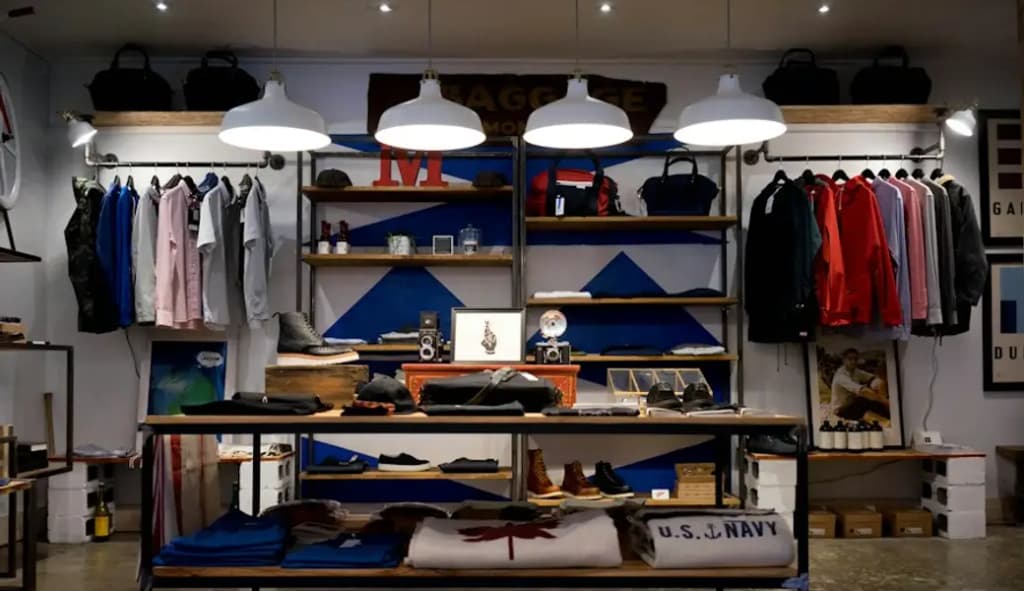
Product photos that sell, taken with your phone
Daylight, a plain background and four angles do more than any expensive camera.
By the Biizay team. Published , 2 min read.
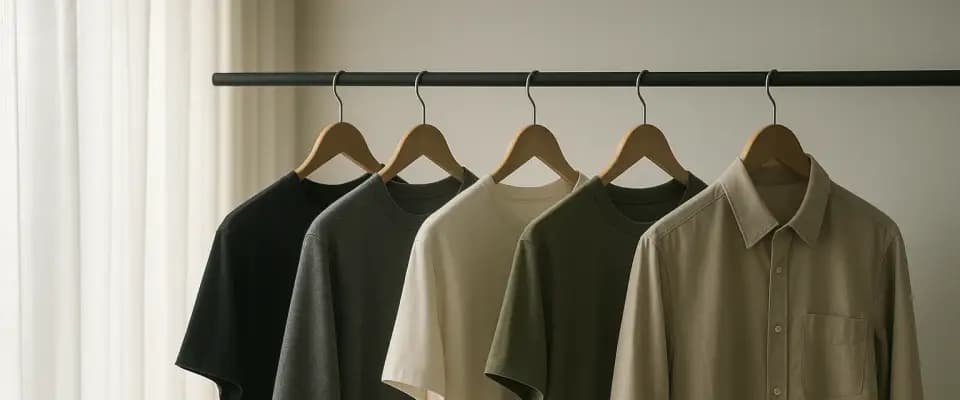
Online, the photo is the product. A customer cannot pick it up, feel the fabric or turn it over, so your photos have to do all of that for them. The good news is that a recent phone is more than enough. What makes the difference is light, background and consistency, and all three are free.
Light: use the window
Soft daylight from a window is the best light you have. Set up beside a large window, out of direct sunlight, which creates hard shadows. Turn off the room lights, because mixing daylight with yellow bulbs makes colours look wrong.
- Shoot in the morning or afternoon, when light is softer.
- If one side is too dark, hold a white sheet or card opposite the window to bounce light back.
- Never use the phone's flash for products; it flattens texture and creates glare.
Background: plain and the same every time
A plain white or light grey background keeps attention on the product. A large sheet of white card curved from the wall onto the table, so there is no visible corner, gives a clean, seamless look. Whatever you choose, use it for every product, so your store looks consistent.
Angles: show it the way you would in the shop
Think about how you would show the product to a customer standing at your counter, and photograph each of those moments.
- 1The front, straight on, as the main photo.
- 2The back or side.
- 3A close-up of the detail that matters: the stitching, the label, the texture.
- 4One photo that shows scale: worn, held, or next to something familiar.
Colour: make it accurate
The most common reason for returns in clothing and home goods is 'it looked different in the photo'. Check your photos against the real product before you publish. Avoid filters, and if you edit, correct only the brightness and white balance until the photo matches what you see.
Keep a steady hand
Blurry photos look careless. Rest your elbows on the table, or use a cheap phone stand. Tap the screen on the product to focus, and take several shots of each angle so you can pick the sharpest.
Edit lightly and the same way
- Crop every main photo to the same shape, so your product grid lines up.
- Straighten anything that looks tilted.
- Brighten slightly if needed; do not change the colour.
Write the description to match
A good photo answers 'what does it look like?'. The description answers the rest: size, material, fit, care and what is in the box. Together they replace the questions a customer would otherwise message you about. Our guide to starting an online store in Pakistan covers what to include.
Put them to work
Upload your photos to your store's media library once and reuse them wherever you need them. On Biizay you can set your own title, description and share image for each product page, so your photos also show up properly when a product is shared on WhatsApp or social media. See everything included, or create your store for free and add your first products today.
Ready to open your store?
Free plan. No card needed.