How to start an online store in Pakistan: a practical guide
From deciding what to sell to your first ten orders, in the order that actually matters.
By the Biizay team. Published , 4 min read.
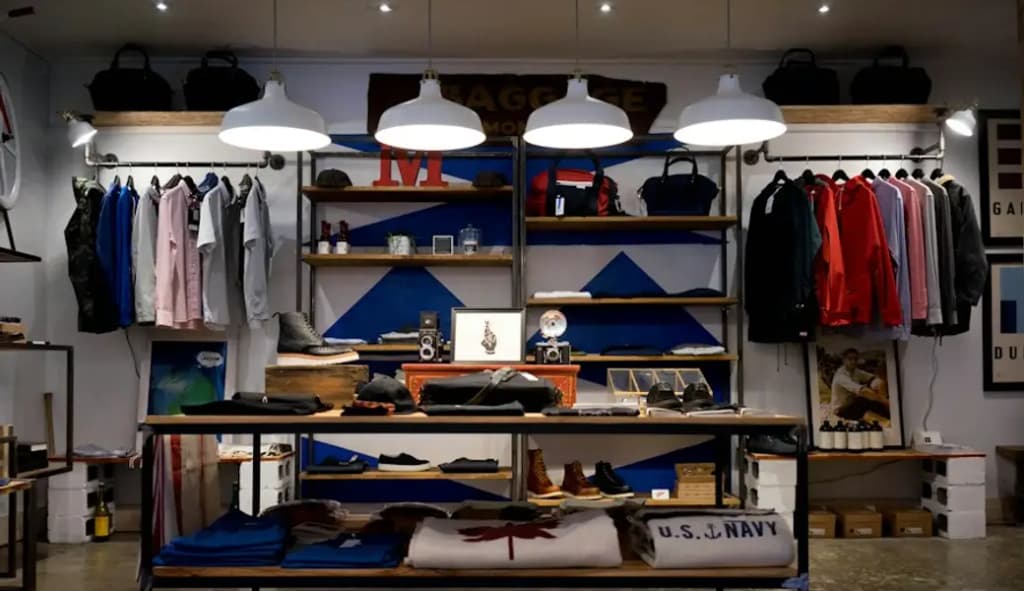
Most people who want to sell online in Pakistan already sell somewhere: from a shop, through WhatsApp, on Instagram, or to friends and family. An online store does not replace any of that. It gives all of it one home: a place where customers can see everything you sell, at today's price, and order without waiting for you to reply.
This guide walks through it in the order that matters, so you spend your first weeks on the things that bring orders, not on decisions you can change later.
1. Decide what you will sell first, not everything
The most common mistake is trying to put the whole shop online on day one. Photographing, describing and pricing 300 products takes weeks, and the store sits empty while you do it. Start with the 15 to 30 products that already sell best, or that people ask about most. You can add the rest once orders are coming in.
- Pick products you can deliver reliably, with stock you actually have.
- Favour products that photograph well and are easy to describe.
- Leave out anything whose price changes daily until you have a way to keep it updated.
2. Choose a name and a web address
Your store's name should be the one customers already use for you. If people know you as 'Noor Textiles', do not rename yourself 'NT Fashion Hub' online. Then pick a web address that matches it as closely as possible.
You can start on a free address such as noortextiles.biizay.com and move to your own domain later. We cover the choice between .pk and .com in our guide to getting your own domain name.
3. Price in rupees, and price properly
Show prices in Pakistani rupees, and make the price on the website the real price. Customers who message to ask 'last price?' are asking because they expect the listed price to be negotiable. A clear, fixed price online, with any offers shown openly, builds trust and saves you hours of back-and-forth.
Before you set a price, know what the product really costs you, including delivery, packaging and returns. Our guide to pricing your products so they make money works through it with an example.
4. Photos and descriptions that answer questions
Every question a customer has to ask you is a sale that might not happen. Good product pages answer the questions before they are asked: size, material, colour accuracy, what is in the box, and how long delivery takes.
- Take photos in daylight, against a plain background, from three or four angles.
- Add one photo that shows scale, such as the product in a hand or next to something familiar.
- Write the description as answers: what it is, what it is made of, the sizes, how to care for it.
You do not need a studio. A recent phone and a window are enough, as our guide to product photos with a phone shows.
5. Sort out delivery before you launch
Decide how orders will reach customers before the first one arrives. Most small sellers in Pakistan use a courier service for intercity orders and their own rider or pickup for local ones. Find out each option's cost per parcel, how long it takes, and how cash on delivery is collected and paid back to you, because that timing affects your cash flow.
Then set your shipping charges on the store to match. On Biizay you can set rates by delivery zone or by parcel weight, so a customer in your own city and one across the country each see the right charge at checkout.
6. Decide how customers will pay
Cash on delivery is still how many customers in Pakistan prefer to pay, especially for a store they have not ordered from before. Bank transfer and mobile wallets are common too. Offer the methods your customers already use, and make it clear on the store which ones you accept. Whatever you choose, keep a record of which orders are paid and which are not; it is the first thing that gets confusing as orders grow.
7. Connect the shop and the store
If you also sell from a physical shop, the hardest problem is stock. Sell the last piece at the counter, forget to update the website, and an online customer orders something you no longer have. The fix is to sell from one stock list. Biizay's point of sale rings up counter sales against the same stock your website sells from, so a sale in either place updates both.
8. Get your first ten orders
A new store has no visitors until you bring them. Your first customers will almost always be people who already know you.
- 1Send the store link to your existing customers on WhatsApp, with two or three of your best products.
- 2Put the link in your Instagram and Facebook profiles and in every post.
- 3Print it on your shop's receipts and bags.
- 4Ask the first customers who are happy for a review or a photo you can share.
What to do next
Once orders are coming in, look at which products sell and which do not, and spend your time accordingly. Add more photos to the products people view but do not buy, and more stock of the ones that sell out. When you are ready, you can create your store on Biizay for free and have it laid out for your kind of business from the first step.
Ready to open your store?
Free plan. No card needed.